Angularfire: Can't find module: @firebase/firestore-types/index
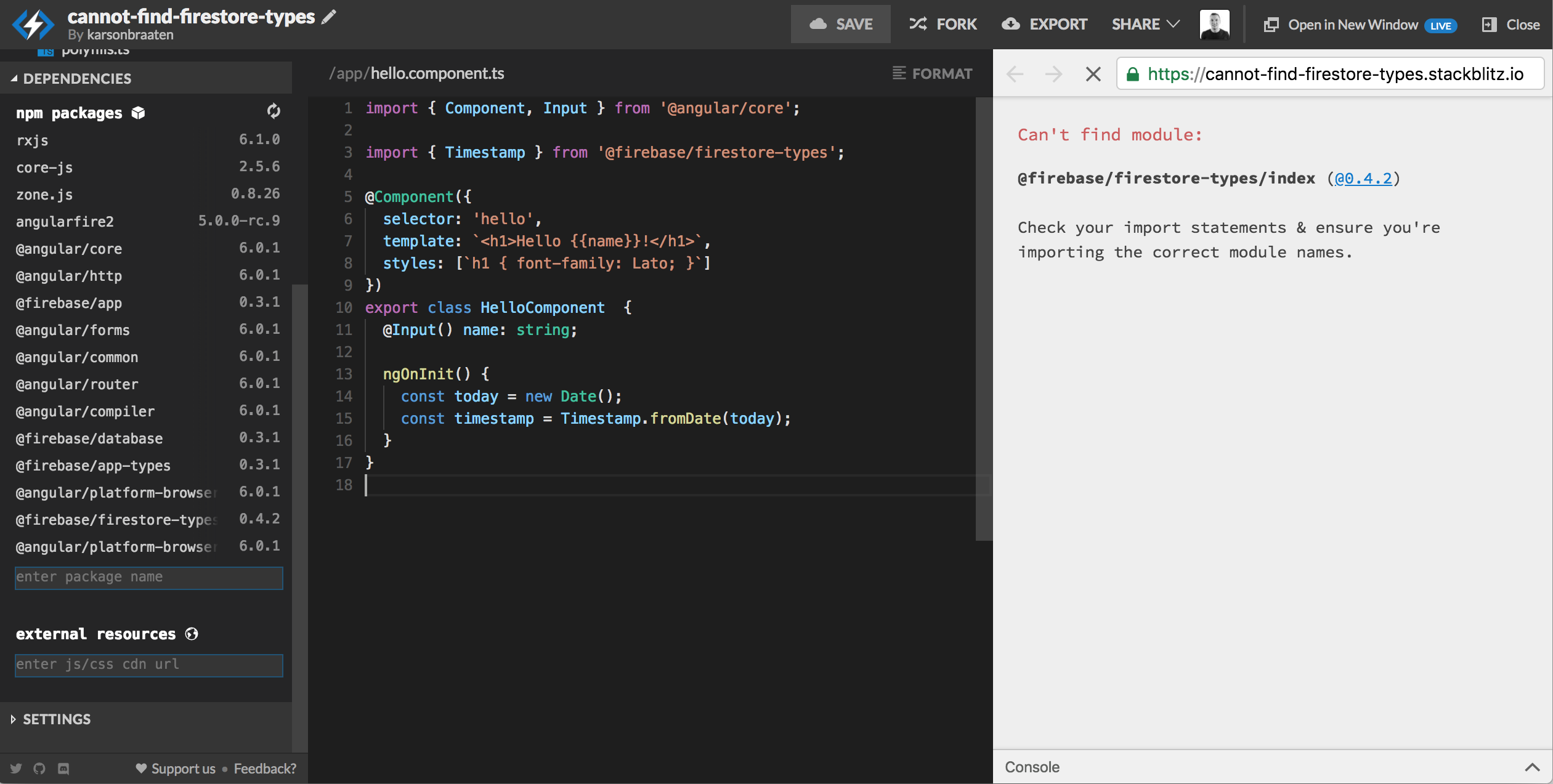
import { Timestamp } from '@firebase/firestore-types'; appears to work in the project (linting, and can click through the import to the definition in VSCode) but it throws an error during compilation. I apologize if this is an issue with firebase and not angularfire but hopefully someone knows how to make this work or what the problem is.
Version info
Angular: 6.0.1
Firebase: 5.0.3
AngularFire: 5.0.0-rc.9
How to reproduce these conditions
https://stackblitz.com/edit/cannot-find-firestore-types
Expected behavior
No errors
Actual behavior
Can't find module:
@firebase/firestore-types/index (@0.4.2)

Check your import statements & ensure you're importing the correct module names.
 karsonbraaten
>All comments
We're only depending on firebase and it's public-types now (RC 10). We'd advise the same, rather than using @firebase/firestore-types, as we've been advised by the JS SDK team that those are only intended for internal use.
import { firestore } from 'firebase/app';
...
firestore.Timestamp
 jamesdaniels
on 22 May 2018
jamesdaniels
on 22 May 2018
👍4
Was this page helpful?
0 / 5 - 0 ratings
Related issues
 isylhdin
·
3Comments
isylhdin
·
3Comments
 adriandurran
·
3Comments
adriandurran
·
3Comments
 fisherds
·
3Comments
fisherds
·
3Comments
 goekaypamuk
·
3Comments
goekaypamuk
·
3Comments
 martinyoussef
·
3Comments
martinyoussef
·
3Comments
Most helpful comment
We're only depending on
firebaseand it's public-types now (RC 10). We'd advise the same, rather than using@firebase/firestore-types, as we've been advised by the JS SDK team that those are only intended for internal use.