AndroidPdfViewer 3.0.0-beta - bug reports & feature improvements
Today version 3.0.0-beta.1 was released, which has support for different page sizes, links and 3 modes of fitting document to screen.
Please report bugs and improvements for added features.
Please do not request new features, as current target is to release stable 3.0.0.
 barteksc
All 51 comments
Could we do away with background color being used as the page border..... i hve to modify the code on every update...
Will load up beta shortly.
 1stmetro
on 12 Nov 2017
1stmetro
on 12 Nov 2017
Pages don't have borders. If you talk about spacing, the spacing is gap, and through the gap you see what is behind the document.
barteksc
on 12 Nov 2017
Yeah the spacing.
I have to mod source to draw the space as sometimes a large pdf will leave a coloured page and also the scroll in from the right pdf shows a coloured page sliding into view etc.
1stmetro
on 12 Nov 2017
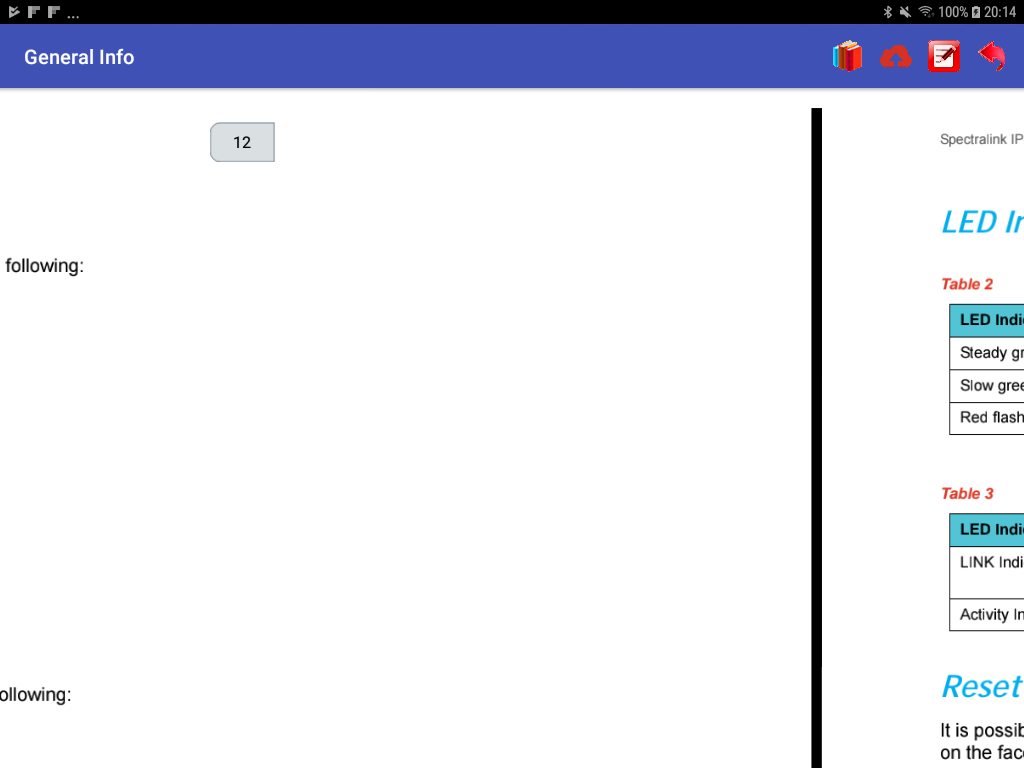
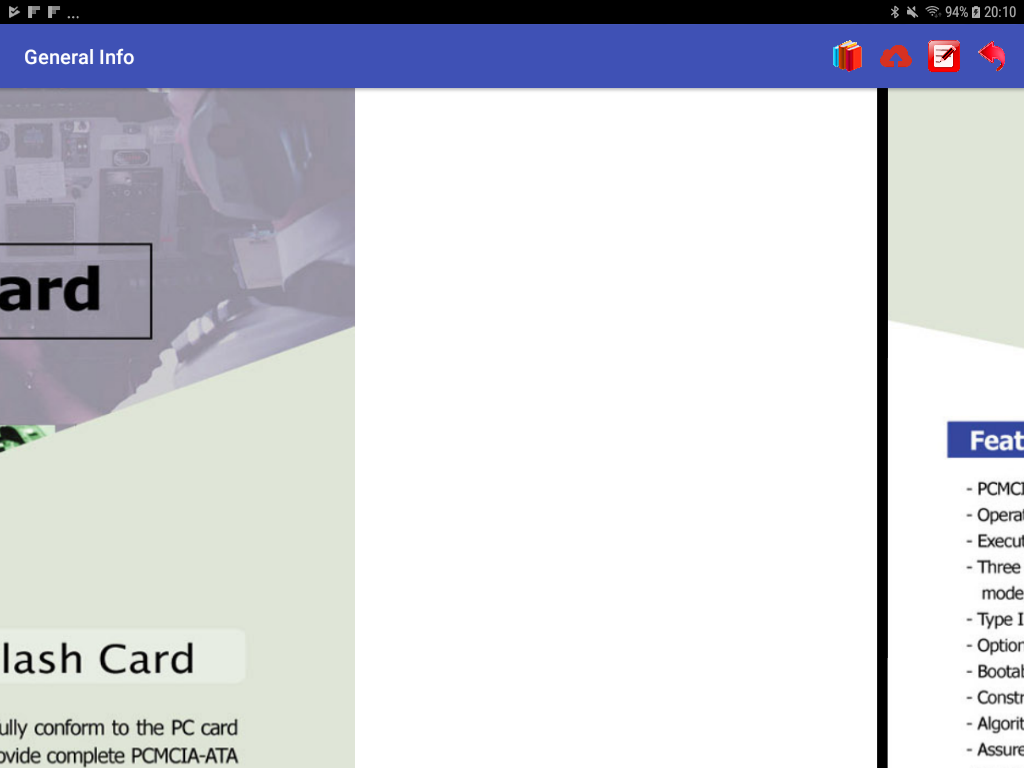
Side swipe in landscape view i have a large white space on the right side, anyone else have the same issue ?
It appears to believe my page size is the width of the device, hence the white gap on the page.
1stmetro
on 12 Nov 2017
@1stmetro Please post your code, screenshot and PDF document if possible.
barteksc
on 13 Nov 2017
Beside page border issue.
Zoom in is not work if I get full zoom. The pdf blurred and never cleared unless I zoom out.
 albakaly
on 13 Nov 2017
albakaly
on 13 Nov 2017
I can confirm the issues with max zoom is correct it does'nt do a final render.
Any pdf i use in this mode gives me the white gap but you can see page 2 coming into view
Also notice the page number object floats down.
1stmetro
on 13 Nov 2017
@1stmetro please post you code
barteksc
on 13 Nov 2017
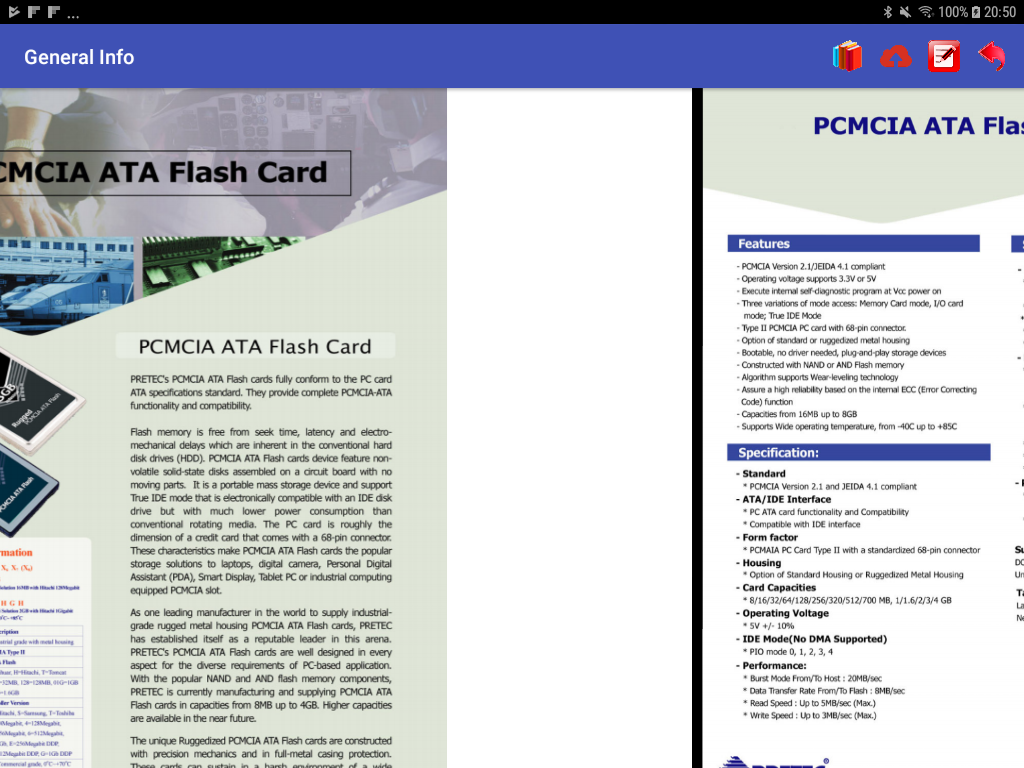
Okay if i change the policy to .pageFitPolicy(FitPolicy.HEIGHT) then i get the following as shown, the screen is in landscape, no code changes just changing the policy when loading a normal pdf.
1stmetro
on 13 Nov 2017
@1stmetro You are using horizontal swipe and scroll handle is in position like in vertical mode?
barteksc
on 13 Nov 2017
Horizontal swipe in portrait or landscape i get the gap in height policy its better but the policy appears to be static as it doesn't change when changing orientation i'm sure you get what i mean now.
Also the maximum zoom does not final render,
1stmetro
on 13 Nov 2017
albakaly if its an activity issue that you cant go back to that would'nt be a pdf view issue.
1stmetro
on 13 Nov 2017
@1stmetro I cannot reproduce this behavior, could you send PDF document?
barteksc
on 13 Nov 2017
I think it is as you said problem with activity shared elements not from the library.
Thanks
albakaly
on 13 Nov 2017
Currently disabled that type of view, it used to work fine but not anymore.
Basically it would resize on height and not width and allow a smaller page view that can be swiped sideways. This view would allow the user to quickly find a page and then return to the view to full width view.
Any pdf's seem to do the same after changing to horizontal swipes using code below,
if (pdfView.isSwipeVertical()) {
pdfView.setSwipeVertical(false);
pdfView.jumpTo(pdfView.getCurrentPage());
pdfView.resetZoom();
        }
        else{
            pdfView.setSwipeVertical(true);
            pdfView.jumpTo(pdfView.getCurrentPage());
            pdfView.resetZoom();
        }
@1stmetro So the problem is that you are changing swipe to horizontal after loading document. I forgot to make setSwipeVertical() private. It requires to much calculations to use this method. Swipe mode must be set using .swipeHorizontal() when loading document.
barteksc
on 13 Nov 2017
Okay so you cannot change the swipe after the document has been loaded?
1stmetro
on 14 Nov 2017
@barteksc have you into the zoom issue?
albakaly
on 14 Nov 2017
@1stmetro You cannot. It shouldn't be possible either in 2.X versions, but it is my mistake.
@albakaly I reproduced this issue, so it will be fixed in next release
barteksc
on 14 Nov 2017
Beta 3.0.0-beta.2 released with zoom fixes.
barteksc
on 15 Nov 2017
just upgraded to beta 2 i see you fixed my loop hole issue....
Now i will have to write a fix to show mini pages....
1stmetro
on 15 Nov 2017
@barteksc Thank you so much.
Zooming is great .
albakaly
on 15 Nov 2017
@1stmetro what is loop hole issue?
barteksc
on 16 Nov 2017
the if (pdfView.isSwipeVertical()) it is now private.
tell how do you get the total width and height of the whole canvas ?
dstRect.right
dstRect.bottom
1stmetro
on 16 Nov 2017
.isSwipeVertical() is public, not private.
PdfFile#getDocLen() gives you current document length (height in vertical mode, width in horizontal) and PdfFile#getMaxPageSize() gives you size of page with maximum width (in vertical mode) or maximum height (in horizontal mode)
barteksc
on 17 Nov 2017
Version 3.0.0-beta.3 released with fixed bug preventing OnErrorListener from being called.
barteksc
on 18 Nov 2017
Getting it now, Thanks ! Works perfect for me!
1stmetro
on 18 Nov 2017
Maybe worth closing this one and reopen a 3.0.0-beta 3
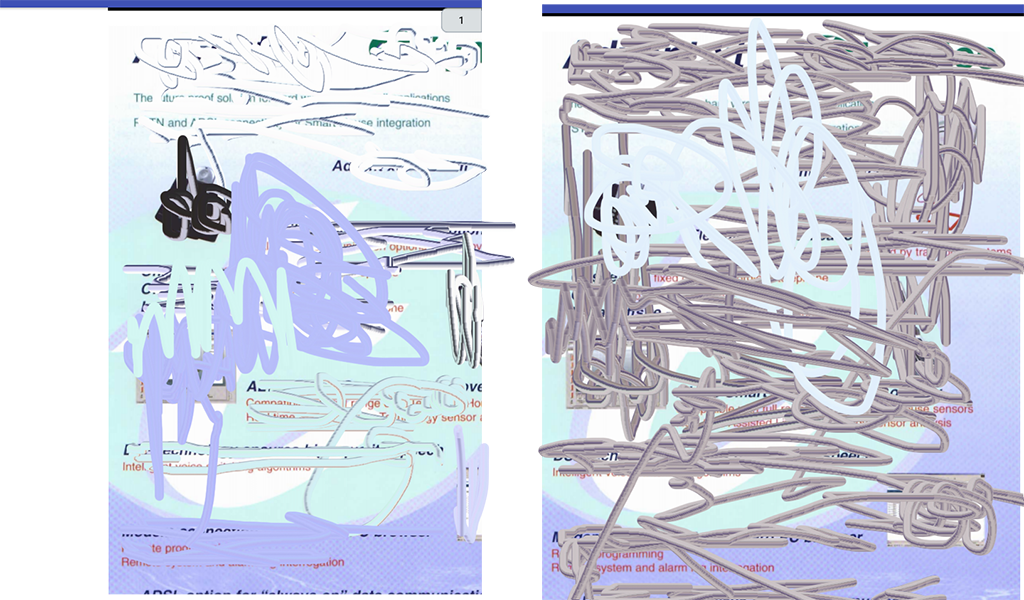
I have an issue with i believe different page sizes, if offsets from the left side so the page is not fitting to width.
This pdf 's contain just about every page size, you will see what i mean by left border.
pagesizes.pdf
1stmetro
on 19 Nov 2017
@1stmetro I've opened both documents and don't understand where is the issue
barteksc
on 19 Nov 2017
maybe not a good example, this image left side pic shows the border i mean but if i drag from right to left i then you see whole page, whole pdf is the same.
1stmetro
on 19 Nov 2017
@1stmetro What does it mean "whole pdf is the same"?
barteksc
on 19 Nov 2017
I will look at the spec of the pdf but for some reason it offsets this pdf and doesn't resize correctly.
1stmetro
on 19 Nov 2017
@1stmetro Currently I don't understand anything from your bug report
barteksc
on 20 Nov 2017
I noticed that when I scroll between pages , something like flashes appears. Example, I have two pages when I scroll from the first page to second , the second page jumps to the screen like flash, like it blurred, however I was reading in the half of the first page .
In brief, scrolling is not soomth between pages, when you scroll to half of the first page the second page jumps to screen like flash or blurred. So when you are reading at the mid of any page , the next page jump to the screen and you just feel like you lost and return to the previous page. It is really tiring.
Sorry if you don't understand my point.
albakaly
on 22 Nov 2017
Is there a setting to show/swipe one page at a time? Centered in the view?
 starnaus
on 28 Nov 2017
starnaus
on 28 Nov 2017
@starnaus no, there is no such possibility
barteksc
on 28 Nov 2017
Thank you for the reply. Is this feature on a roadmap for a future version?
starnaus
on 28 Nov 2017
Download the source @starnaus and modify to how you want it to work that's what others do.
1stmetro
on 28 Nov 2017
Unable to open Hyperlinks within pdf:
I am using version 3.0.0-beta.3 and below is the code to load pdf-
_pdfView.fromFile(new File(filePath))
.defaultPage(0)
.scrollHandle(new DefaultScrollHandle(this))
.pageFitPolicy(FitPolicy.BOTH)
.spacing(10)
.enableAnnotationRendering(true)
.linkHandler(new DefaultLinkHandler(pdfView))
.onError(this)
.load();_
This the same code to load pdf as written in sample app too but its not working for hyperlinks.
Looking for the solution.
Thanks,
 KewalMedic
on 15 Dec 2017
KewalMedic
on 15 Dec 2017
Hi @barteksc
We're using this library and having some major issues while URL link clicks.
No callback was fired when we click over the URL where as Dropbox and other PDF viewers opens the link of same PDF.
Lib Details :
version 3.0.0-beta.3
Same code as mentioned by @KewalMedic is used, please help to resolve this bug.
Below attached is the sample pdf file used for the testing.
Get Started with Dropbox.pdf
Thanks
 Jiten-Medic
on 20 Dec 2017
Jiten-Medic
on 20 Dec 2017
Hi @barteksc
Have you found the reason for links not working, any timeline for the same.
Thanks
Jiten-Medic
on 2 Jan 2018
@Jiten-Medic links should be fixed in 3.0.0-beta.5 version
barteksc
on 6 Jan 2018
Thanks @barteksc now got beta 5 and working fine,
1stmetro
on 6 Jan 2018
Hi @barteksc
Thanks for your update, it's working fine for hyperlinks.
But when the URL is written like text as https://google.com it doesn't takes the click and not open them.
Please look over this as well.
Regards
Jiten-Medic
on 8 Jan 2018
@Jiten-Medic only links are clickable, there is no mechanism for detecting plaintext URLs
barteksc
on 11 Jan 2018
I have a pdf thats 106 MB and has got 100 pages....The PDF is viewed only for the first 5 or 6 pages and then it ends @barteksc Please help
 devi2911
on 26 Mar 2018
devi2911
on 26 Mar 2018
Can you post the pdf so I can check it?
1stmetro
on 26 Mar 2018
@1stmetro sorry to have bothered you....It's working fine...silly mistake in code...cheers
devi2911
on 26 Mar 2018
No probs...
1stmetro
on 26 Mar 2018
@barteksc Hyperlinks are not working in 3.1.0-beta.1
Below is my code,
pdfView.fromFile(file)
.enableAnnotationRendering(true)
.onLoad(this)
.scrollHandle(new DefaultScrollHandle(this))
.spacing(10) // in dp
.onPageError(this)
.linkHandler(new DefaultLinkHandler(pdfView)) // It's a default handler of library
.load();
 chiragc-wal
on 2 Jul 2018
chiragc-wal
on 2 Jul 2018
@barteksc As I wrote in https://github.com/barteksc/AndroidPdfViewer/issues/674, there's still an error in jumpTo (I don't know if you get updates on closed issue.. )
I guess that if the first page has an Offset != 0, then the next ones won't be displayed correctly. I attached a sample file.
Maybe the best solution would be to set offset to 0 when loading pdf, to not have strange behaviour later in PDF management.
offsetgreater0.pdf
(this PDF was created by musescore.org App
 kuerm
on 20 Dec 2020
kuerm
on 20 Dec 2020
Related issues
 kingDanonymous
·
4Comments
kingDanonymous
·
4Comments
 SagarKhurana
·
7Comments
SagarKhurana
·
7Comments
 WBlackstorm
·
6Comments
WBlackstorm
·
6Comments
 amin9565
·
5Comments
amin9565
·
5Comments
 sapq
·
10Comments
sapq
·
10Comments
Most helpful comment
@barteksc Hyperlinks are not working in 3.1.0-beta.1
Below is my code,
pdfView.fromFile(file)
.enableAnnotationRendering(true)
.onLoad(this)
.scrollHandle(new DefaultScrollHandle(this))
.spacing(10) // in dp
.onPageError(this)
.linkHandler(new DefaultLinkHandler(pdfView)) // It's a default handler of library
.load();