Android: Android app using website layout
Steps to reproduce
- Install app from Play Store on tablet
- Open app
Expected behaviour
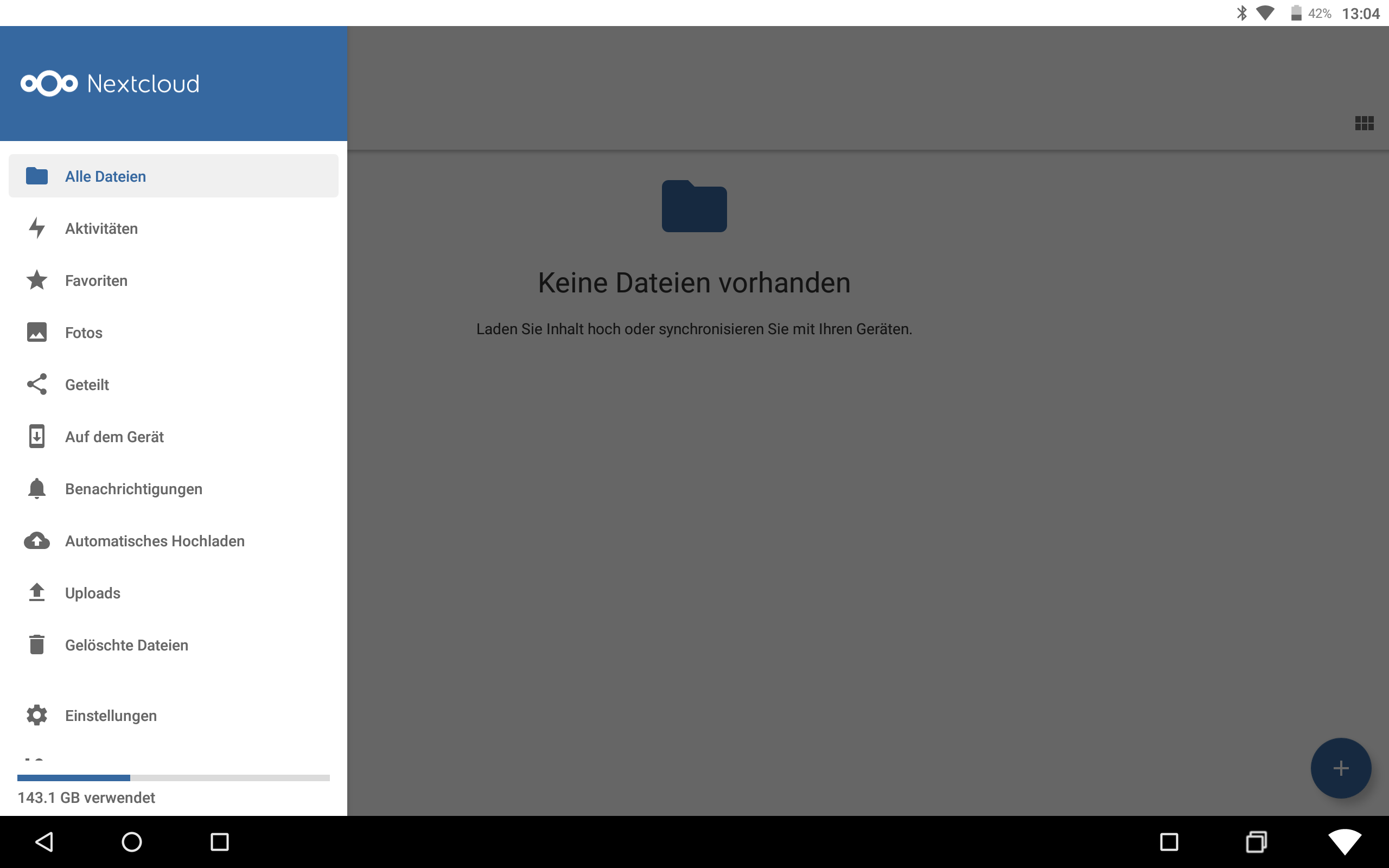
- Android app layout with sliding menu / sync options / ...
Actual behaviour
- Website layout without sliding menu / sync options / ...
Environment data
Android version: 7.1.2
Device model: Asus Transformer Pad (TF701T)
Stock or customized system: KatKiss ROM - Android 7.1
Nextcloud app version: 3.13.1
Nextcloud server version: 19.0.3
Thanks for your help!
 Acipenser
All 3 comments
Can you provide us a screenshot?
I do not fully understand the issue.
 tobiasKaminsky
on 18 Sep 2020
tobiasKaminsky
on 18 Sep 2020
Sure, here's the mentioned website layout that I get:
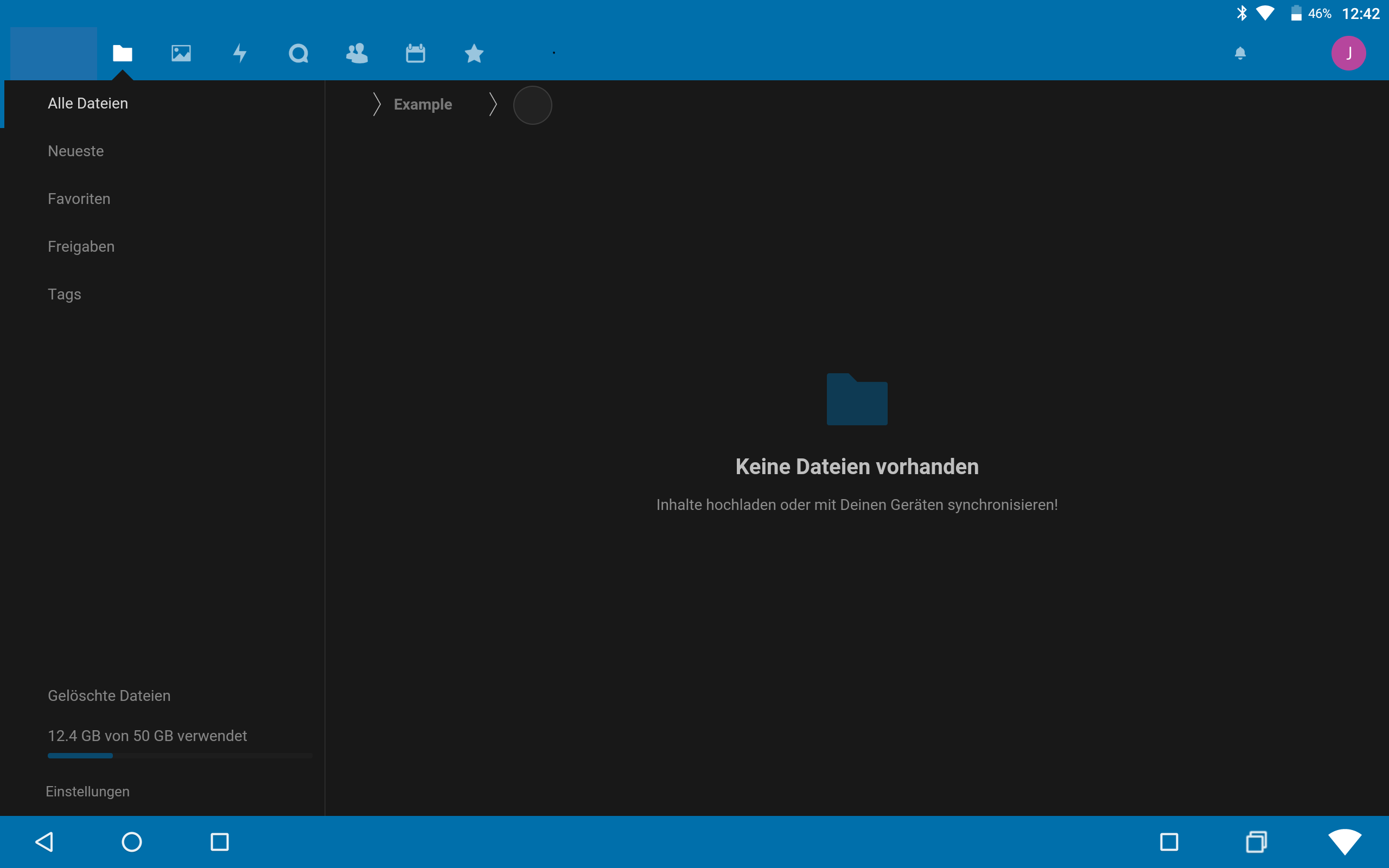
Furthermore I was able to reproduce this behaviour on another tablet coming with the manufacturer's Android (7.0).
I found out that it must have something to do with the enabled Two-Factor TOTP Provider. I was able to login to another Nextcloud instance that is not using TOTP and see the correct Android app layout:
Unfortunately, disabling TOTP in the user security settings leads to a hanging login page (On PC the login in the Firefox browser works, in Brave only after refreshing the page):
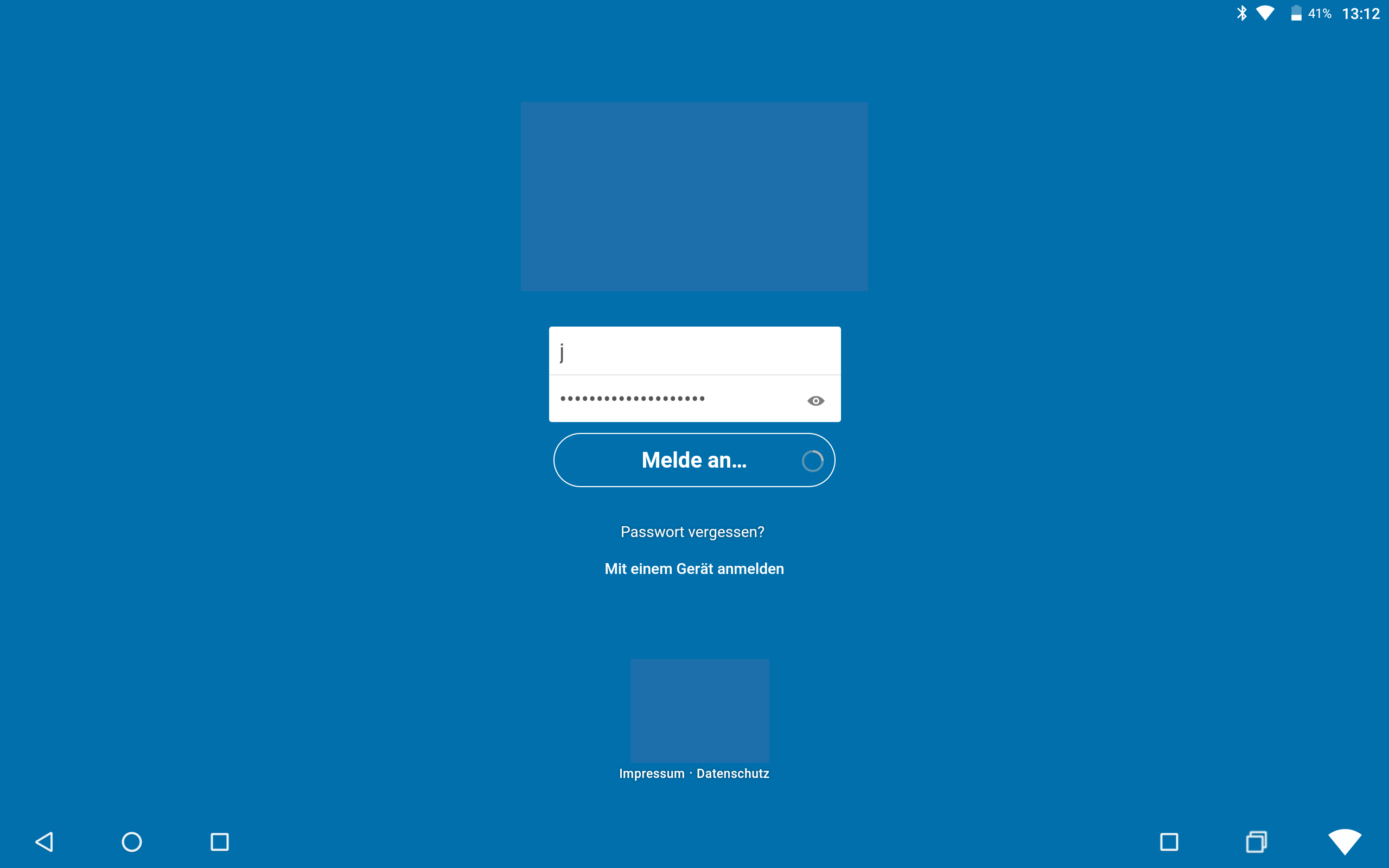
(For privacy reasons I removed my Nextcloud logo and parts of my account name.)
Acipenser
on 18 Sep 2020
Hi again, I was able to solve the issue by myself. It was related to a server misconfiguration.
After adding 'overwritehost' => 'XXXX.de', 'overwriteprotocol' => 'https', to config.php as mentioned here, the hanging login problem with Brave was gone, but also the wrong layout with TOTP enabled disappeared!
Acipenser
on 19 Sep 2020
Related issues
 Bugsbane
·
3Comments
tobiasKaminsky
·
3Comments
Bugsbane
·
3Comments
tobiasKaminsky
·
3Comments
 JSoko
·
3Comments
JSoko
·
3Comments
 Tie-fighter
·
3Comments
tobiasKaminsky
·
3Comments
Tie-fighter
·
3Comments
tobiasKaminsky
·
3Comments
Most helpful comment
Hi again, I was able to solve the issue by myself. It was related to a server misconfiguration.
After adding
'overwritehost' => 'XXXX.de', 'overwriteprotocol' => 'https',to config.php as mentioned here, the hanging login problem with Brave was gone, but also the wrong layout with TOTP enabled disappeared!