Android: "Ghost" copies of (picture) files after upload
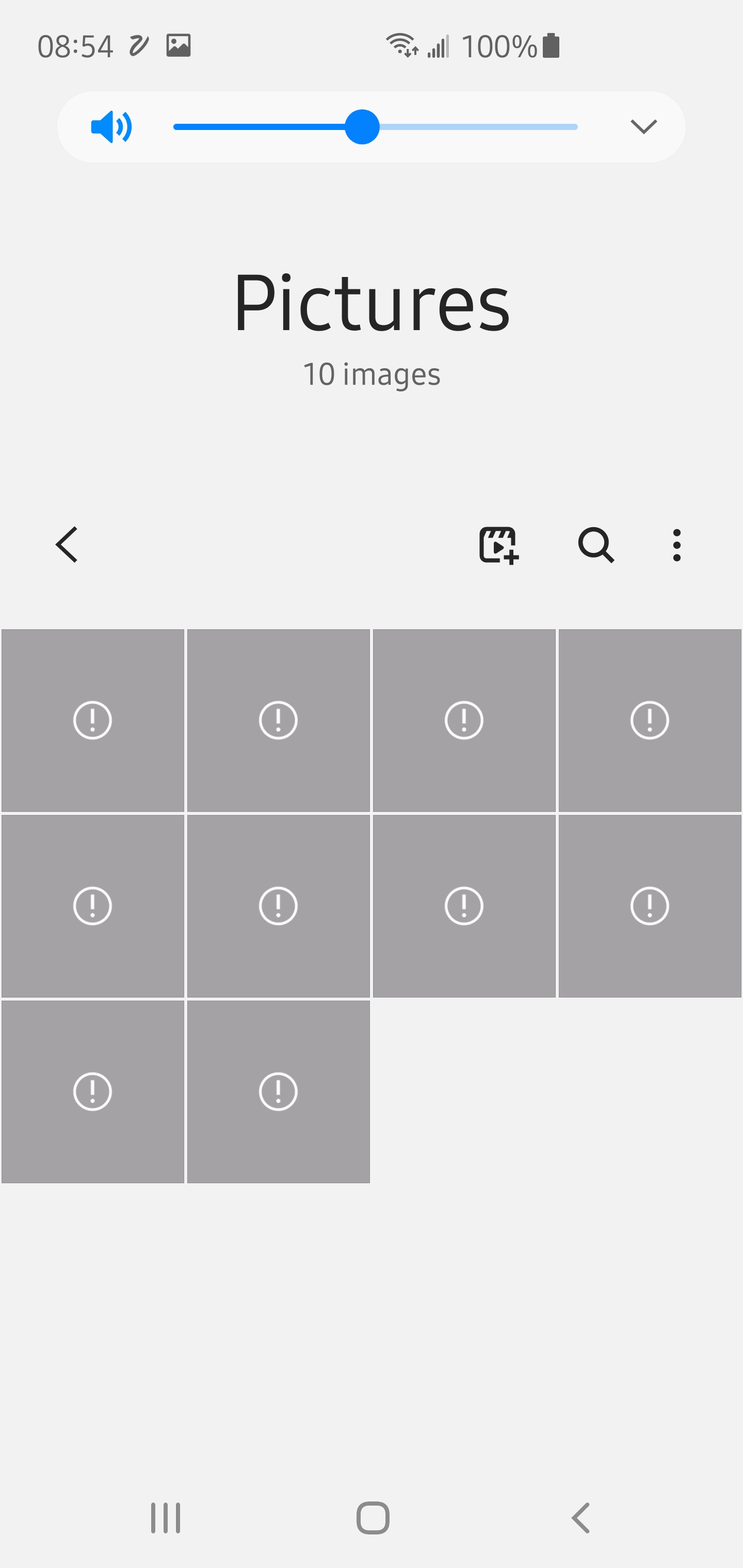
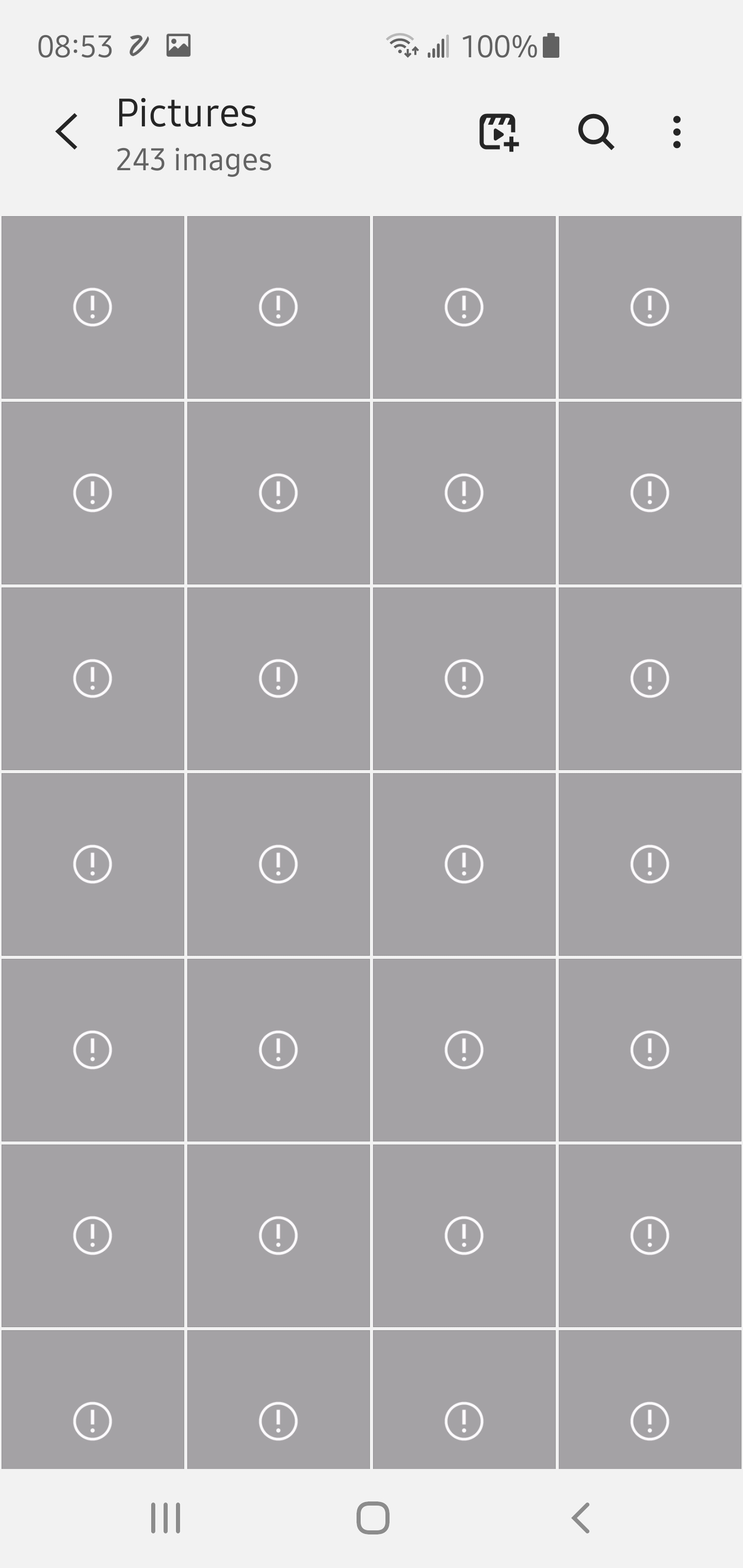
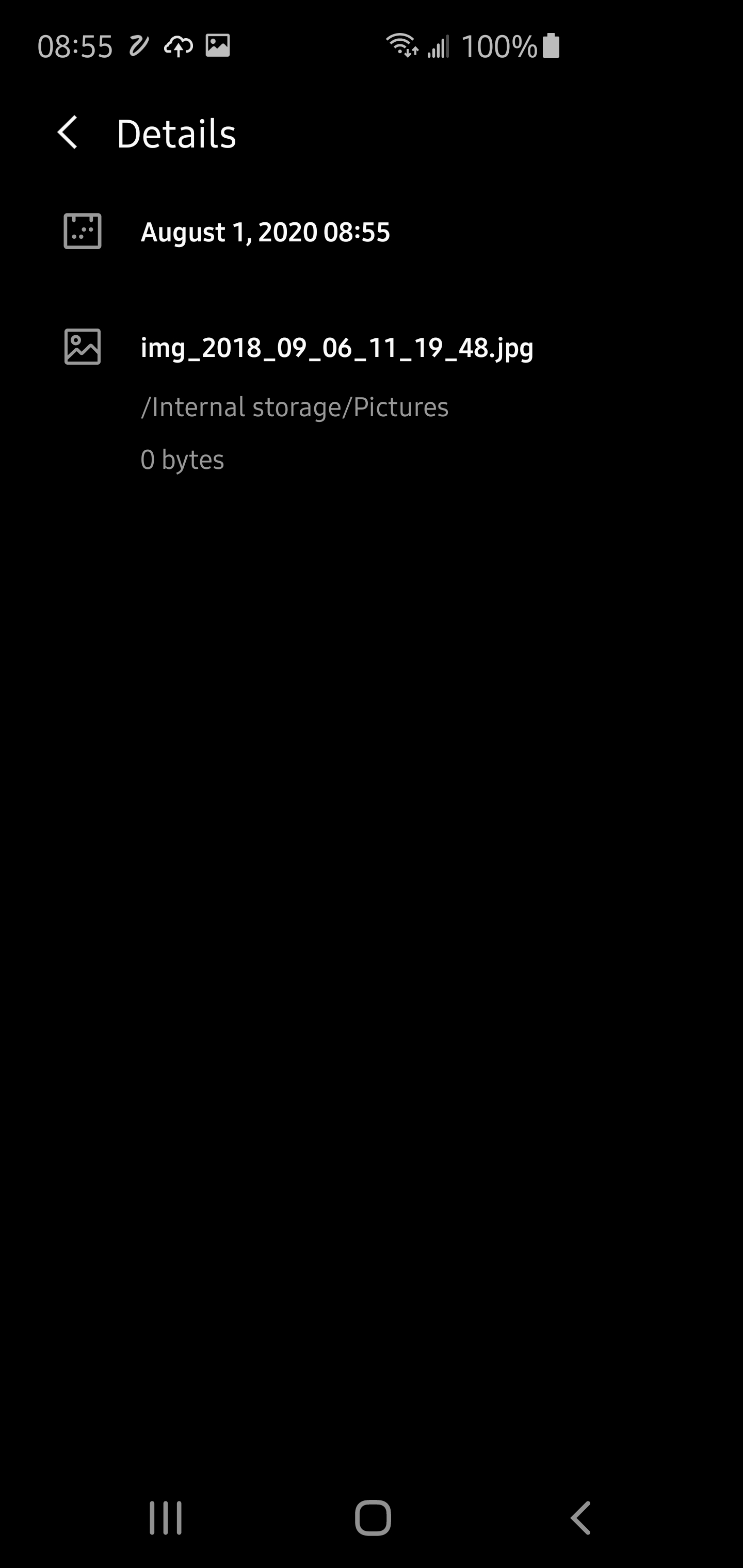
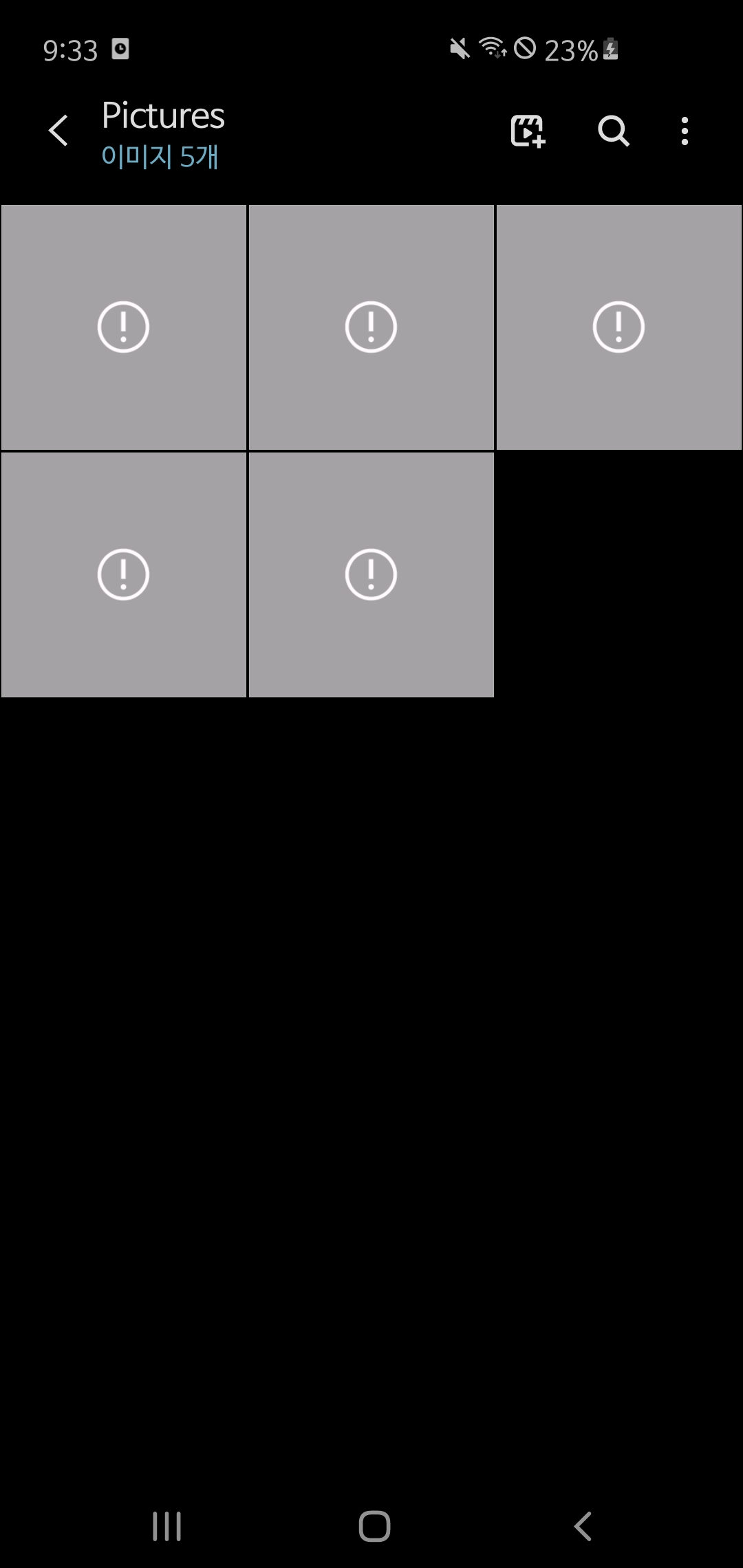
When uploading a picture, a ghostfile in /storage/emulated/0/Pictures appears, shown in gallery apps, having the same name as the uploaded file. Apps show no preview and can't open the file. File explorer shows that there is actually no file with that name there. Deleting the file in the gallery apps somehow works (ghostfile no longer shown).
Might be connected to #6150 (media scanner in Android 10)?
Steps to reproduce
- Take picture
- Check picture in Google Gallery or Gallery Go App
- Upload picture to nextcoud (auto-upload or manually)
- Check pictures in Google Gallery or Gallery Go App
- New picture and "ghost" picture appear in Gallery App
Expected behaviour
- No "ghost" files should appear
Actual behaviour
- "Ghost" files appear
Environment data
Android version: 10
Device model: Pixel 4
Stock or customized system: Stock
Nextcloud app version: 3.12.1
Nextcloud server version: 19
 masteralarm
All 13 comments
I have been experiencing this as well.
 invario
on 29 Jul 2020
invario
on 29 Jul 2020
Doing as massive autoupload op right now and these files keep popping in and out of existence.
invario
on 1 Aug 2020
3\. Upload picture to nextcoud (auto-upload or manually)
Do you move the file? Or is it only copied while uploading?
 tobiasKaminsky
on 5 Aug 2020
tobiasKaminsky
on 5 Aug 2020
3\. Upload picture to nextcoud (auto-upload or manually)Do you move the file? Or is it only copied while uploading?
I do not move the file. And it seems it is only copied while uploading.
I also tried to look into the _Pictures_ folder while the upload is running, but file explorer does not show the new file there (neither while uploading nor afterwards)
masteralarm
on 5 Aug 2020
3\. Upload picture to nextcoud (auto-upload or manually)Do you move the file? Or is it only copied while uploading?
I do not move the file. And it seems it is only copied while uploading.
I also tried to look into the _Pictures_ folder while the upload is running, but file explorer does not show the new file there (neither while uploading nor afterwards)
Yes, I noticed this too. But try this in the file explorer or manager: search for one of the ghost files by the filename. You will find a zero byte file in the Pictures folder. Very strange.
invario
on 7 Aug 2020
Strange, now the 0-byte files are actually shown even in die Files-App, creation date seems to be set to start of Unix epoch.
masteralarm
on 8 Aug 2020
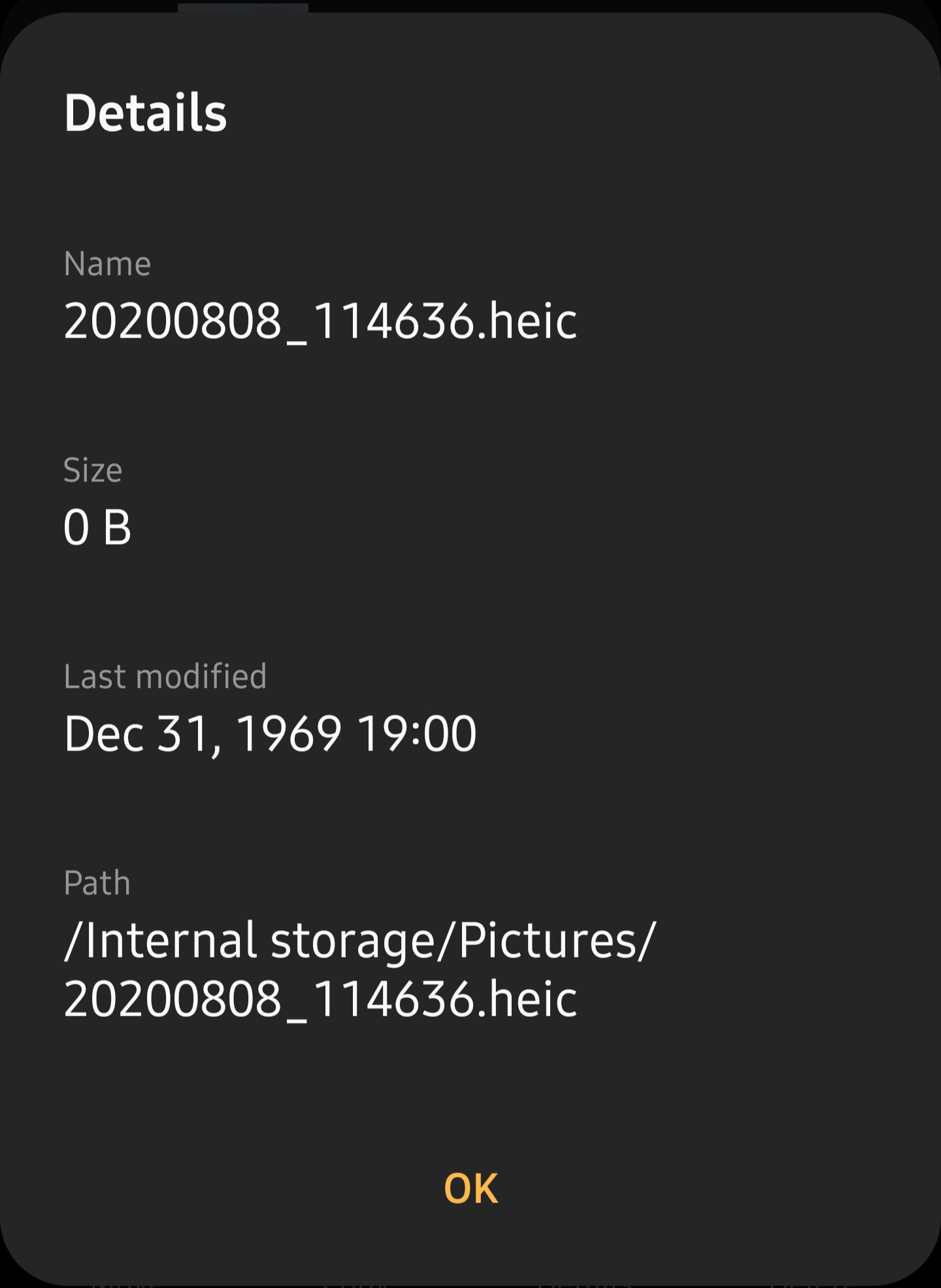
Here's mine just now. The files seem to randomly delete themselves eventually.
invario
on 9 Aug 2020
So the original file seems to remain.
When we move original file to NC folder, we do a regular move on file system, so I do not understand why the 0 byte remains…
tobiasKaminsky
on 27 Aug 2020
These files don't actually exist in filesystem, but only in android media storage or whatever it is called. It also happens when I have setup autoupload to keep file in original path.
And as I said in another issue, galleries always show /storage/emulated/0/Pictures/(correct name) path even if I uploaded from for example /storage/emulated/0/Download
 Natalcia
on 27 Aug 2020
Natalcia
on 27 Aug 2020
Yes, exactly. It doesn't matter where the photo is originally. The ghost 0 byte file is ALWAYS created in the Pictures folder shown above.
invario
on 31 Aug 2020
I've uploaded few files today for test and looks like ghost files aren't appearing now on latest build? Can someone else confirm?
Natalcia
on 20 Oct 2020
I still have this issue with a Huawei Mate 20 Pro running Android 10 with Nextcloud app 3.13.1.
 antoinevth
on 12 Nov 2020
antoinevth
on 12 Nov 2020
The same error continues to appear for me.
- Device Model : SamSung Galaxy S9
- Android version : Android 10
- Nextcloud app version : NextCloud App 3.13.1
 aqaqsubin
on 12 Nov 2020
aqaqsubin
on 12 Nov 2020
Related issues
 AndyScherzinger
·
3Comments
AndyScherzinger
·
3Comments
 Shagequi
·
3Comments
tobiasKaminsky
·
3Comments
Shagequi
·
3Comments
tobiasKaminsky
·
3Comments
 ezaquarii
·
3Comments
ezaquarii
·
3Comments
 Tie-fighter
·
3Comments
Tie-fighter
·
3Comments
Most helpful comment
These files don't actually exist in filesystem, but only in android media storage or whatever it is called. It also happens when I have setup autoupload to keep file in original path.
And as I said in another issue, galleries always show /storage/emulated/0/Pictures/(correct name) path even if I uploaded from for example /storage/emulated/0/Download