Android: Editing Onlyoffice documents not possible
Steps to reproduce
- Create new document file in app
- Try to edit the new file 3.
Expected behaviour
Onlyoffice should edit the content of the file
Actual behaviour
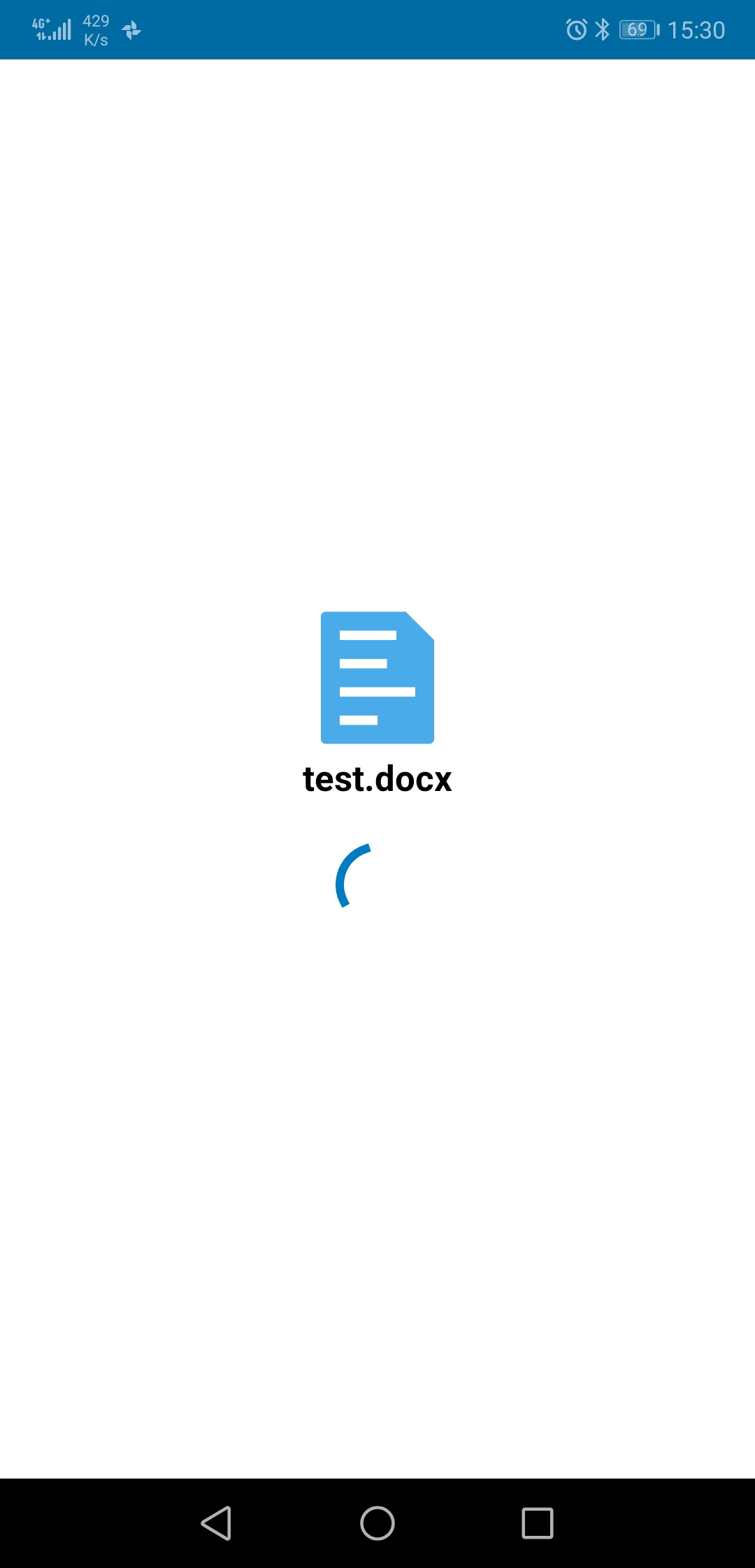
File does not open. It stays in infinite loop.
Environment data
Android version: 9
Device model: Huawei P20
Stock or customized system: Stock
Nextcloud app version: 3.10.0
Nextcloud server version: 18.0.0
Onlyoffice integration app version: 4.1.2
Logs
Nextcloud log (data/nextcloud.log)
{"reqId":"o54hv7gxgmaWBLduBqIK","level":1,"time":"2020-01-27T15:30:32+01:00","remoteAddr":"127.0.0.1","user":"matthias","app":"no app in context","method":"PROPFIND","url":"/remote.php/webdav/test.docx","message":"Deprecated event type for {\"[object] (OCP\\SabrePluginEvent)\":{\"*statusCode\":200,\"*message\":\"\",\"*server\":{\"[object] (OCA\\DAV\\Connector\\Sabre\\Server)\":{\"tree\":\"[object] (OCA\\DAV\\Connector\\Sabre\\ObjectTree)\",\"*baseUri\":\"/remote.php/webdav/\",\"httpResponse\":\"[object] (Sabre\\HTTP\\Response)\",\"httpRequest\":\"[object] (Sabre\\HTTP\\Request)\",\"sapi\":\"[object] (Sabre\\HTTP\\Sapi)\",\"*plugins\":[],\"transactionType\":null,\"protectedProperties\":{\"...\":\"Over 20 items, aborting normalization\"},\"debugExceptions\":false,\"resourceTypeMapping\":[],\"enablePropfindDepthInfinity\":true,\"xml\":\"[object] (Sabre\\DAV\\Xml\\Service)\",\"*listeners\":{\"...\":\"Over 20 items, aborting normalization\"},\"*logger\":null}},\"Symfony\\Contracts\\EventDispatcher\\EventpropagationStopped\":false}}: null","userAgent":"Mozilla/5.0 (Android) Nextcloud-android/3.10.0","version":"18.0.0.10","id":"5e2ef44c1c235"}
I am running an onlyoffice documentserver which is working fine in the webbrowser.
According to Onlyoffice I should be able to edit documents in the Nextcloud app.
This is not working for me. Neither with existing files (which do open in the webbrowser) nor with newly created files.
 joekerna
All 9 comments
There's been some discussion already on Twitter:
https://twitter.com/only_office/status/1220669536162275328?s=19
joekerna
on 27 Jan 2020
cc @tobiasKaminsky
 AndyScherzinger
on 27 Jan 2020
AndyScherzinger
on 27 Jan 2020
I just want to mention that editing was possible before the latest update of the ONLYOFFICE app (4.1.2) and the Community server (0.1.3).
 elpraga
on 28 Jan 2020
elpraga
on 28 Jan 2020
Hi @joekerna
will be fixed https://github.com/ONLYOFFICE/onlyoffice-nextcloud/issues/228#ref-commit-1765e17
 LinneyS
on 28 Jan 2020
LinneyS
on 28 Jan 2020
The issue is almost fixed with the Onlyoffice Integration app 4.1.2.
I can create new documents/spreadsheets within the app and edit those.
I can also edit pre existing documents.
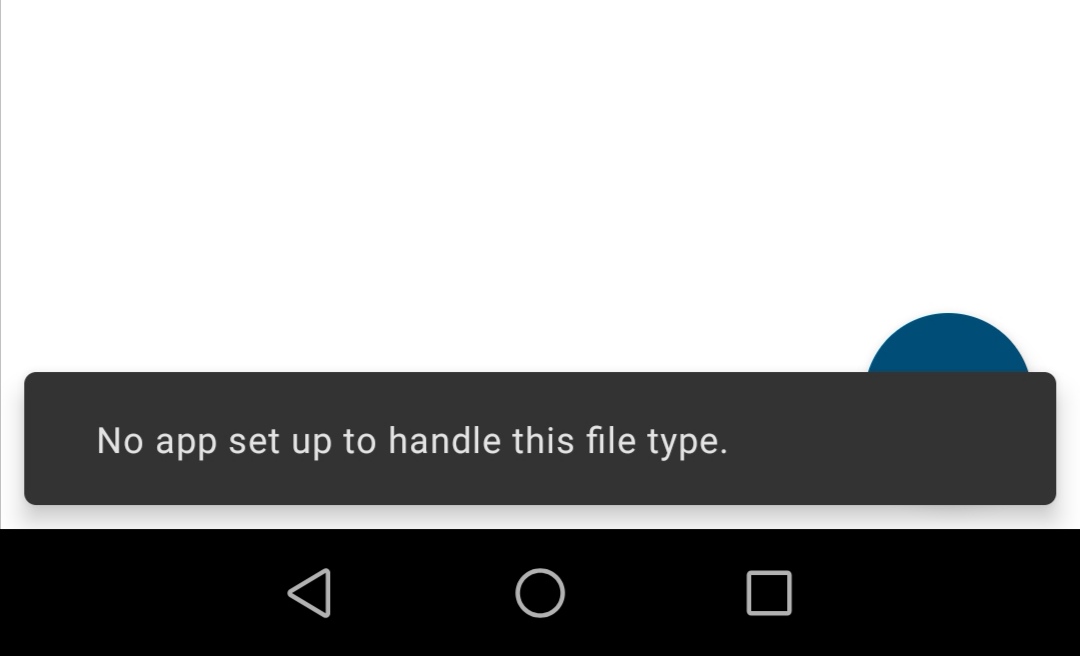
However I have at least two existing spreadsheets (*.xlsx) that still won't open in the app (but do in the browser):
joekerna
on 28 Jan 2020
The reason why it won't open is that the folder these files are in is synchronized.
If I delete the local copy it opens just fine. If I then resynchronize the folder it won't open again.
Should I create a new issue for this?
joekerna
on 28 Jan 2020
Editing using the android app works again after updating the ONLYOFFICE app to version 4.1.4
elpraga
on 28 Jan 2020
Should I create a new issue for this?
if the issue still persists after updating ONLYOFFICE to 4.1.4 as stated by @elpraga, yes please :)
AndyScherzinger
on 28 Jan 2020
Follow up issue is created.
Thanks for fixing
joekerna
on 28 Jan 2020
Related issues
 JSoko
·
3Comments
JSoko
·
3Comments
 tobiasKaminsky
·
3Comments
tobiasKaminsky
·
3Comments
 Bugsbane
·
3Comments
tobiasKaminsky
·
3Comments
AndyScherzinger
·
3Comments
Bugsbane
·
3Comments
tobiasKaminsky
·
3Comments
AndyScherzinger
·
3Comments
Most helpful comment
Follow up issue is created.
Thanks for fixing