Android: Whitespace of rich workspaces section is off
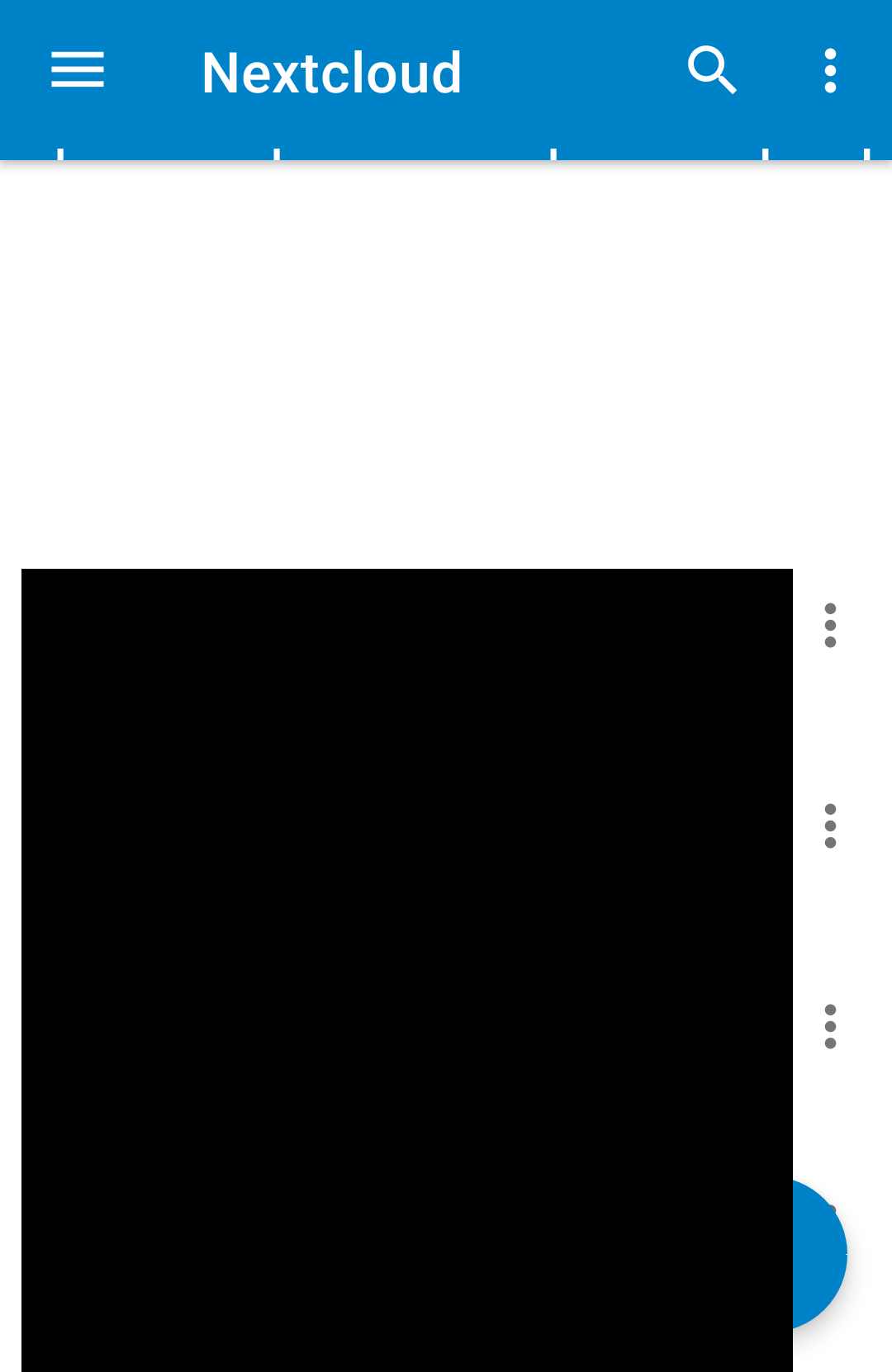
In the root folder there is a big white space on top, no placeholder for the rich workspaces which lets me know I can add text or so, like on the web:
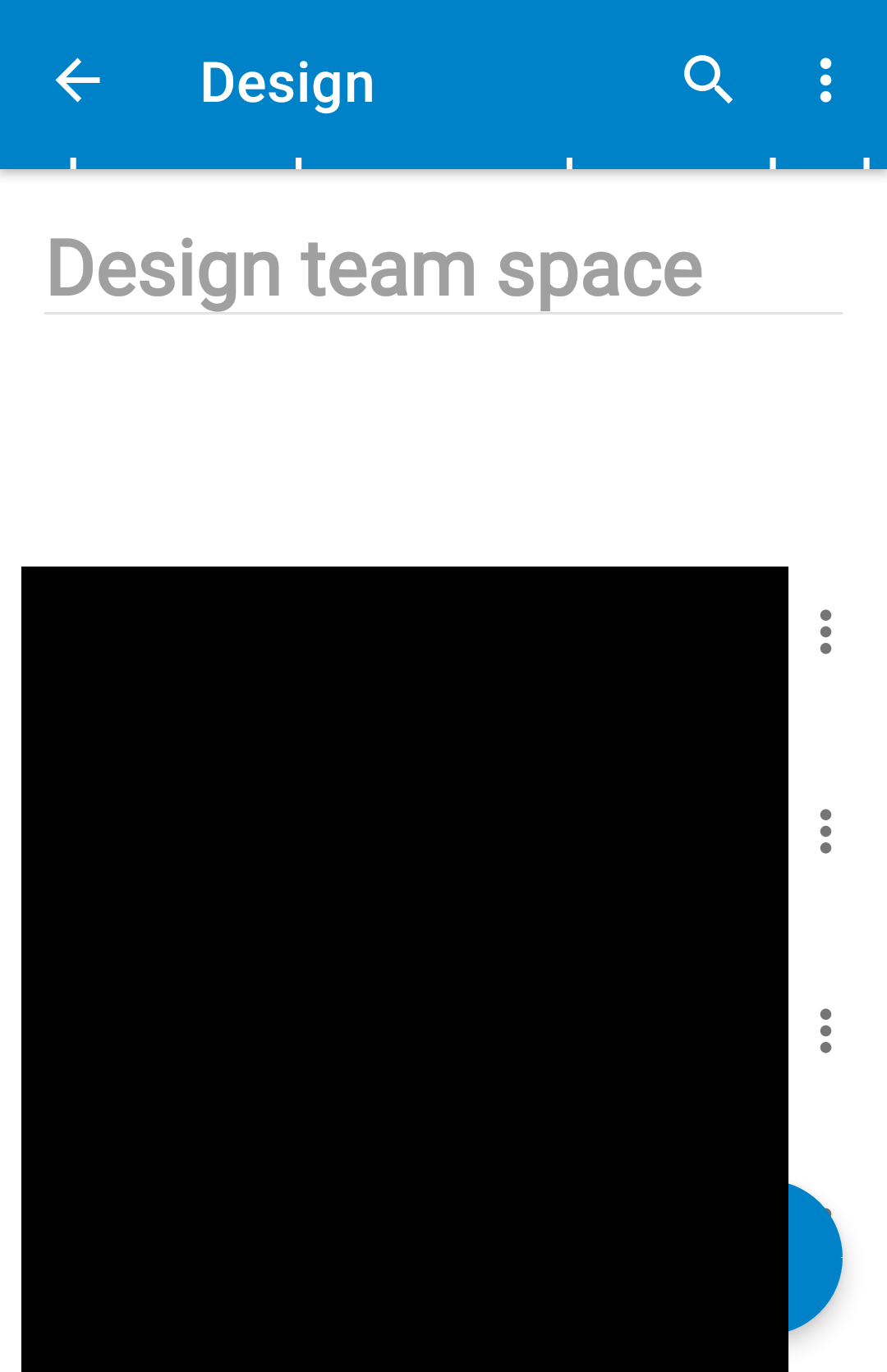
Also in folders with rich workspace content there's only one heading line shown and then whitespace, bit more preview text would be good, like on web:
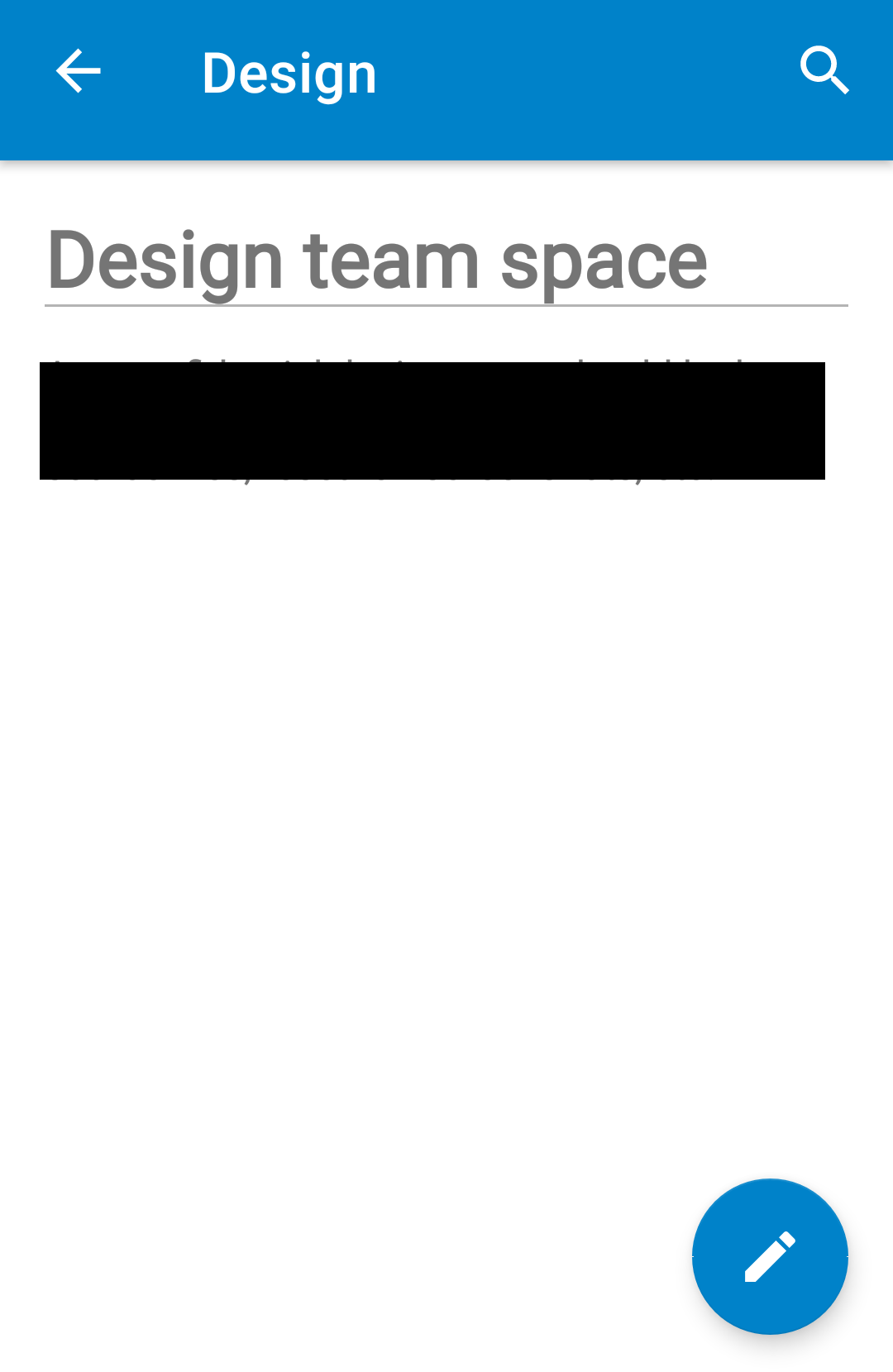
Especially when there’s only a bit more text in there it would be good to simply show that:
cc @tobiasKaminsky @juliushaertl
(Also btw, what is that line below the heading?)
 jancborchardt
All 18 comments
In the root folder there is a big white space on top, no placeholder for the rich workspaces which lets me know I can add text or so, like on the web:
Do you have a readme.md in your root folder? which is empty?
 tobiasKaminsky
on 7 Jan 2020
tobiasKaminsky
on 7 Jan 2020
Also in folders with rich workspace content there's only one heading line shown and then whitespace, bit more preview text would be good, like on web:
This is how your file is…if headline is too big, or too much whitespace you do not see much.
tobiasKaminsky
on 7 Jan 2020
Especially when there’s only a bit more text in there it would be good to simply show that:
we use 30%, this is hardcoded, we will/can not analyze the text to distinguish how much we want to show.
tobiasKaminsky
on 7 Jan 2020
(Also btw, what is that line below the heading?)
This is how a headline is separated by markdown.
Isn't this the normal view for it?
https://github.com/adam-p/markdown-here/wiki/Markdown-Cheatsheet#h1
tobiasKaminsky
on 7 Jan 2020
we use 30%, this is hardcoded, we will/can not analyze the text to distinguish how much we want to show.
Since you are loading the file anyway, we could at least make sure that if the size is 0 or if no readme is found, we show a nice placeholder like on the web.
This is how a headline is separated by markdown.
Isn't this the normal view for it?
adam-p/markdown-here/wiki/Markdown-Cheatsheet#h1
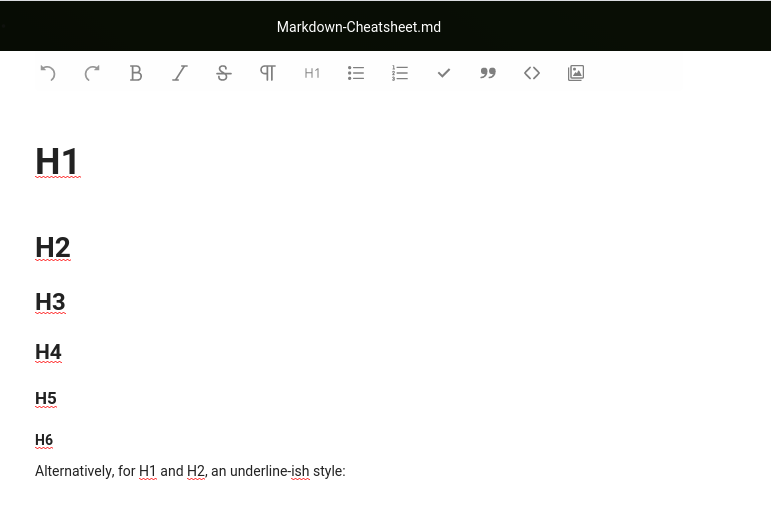
We should make sure the markdown preview is at least similar to what it looks like in text:
 juliushaertl
on 7 Jan 2020
juliushaertl
on 7 Jan 2020
Since you are loading the file anyway, we could at least make sure that if the size is 0 or if no readme is found, we show a nice placeholder like on the web.
We do not load the file, but it get via dav from server. And I show it only if size is not empty.
Having a placeholder in every folder is a bit too much, or?
tobiasKaminsky
on 7 Jan 2020
We should make sure the markdown preview is at least similar to what it looks like in text:
Not sure how and if this is possible, as we only use the library.
tobiasKaminsky
on 7 Jan 2020
What @juliushaertl said. :)
Having a placeholder in every folder is a bit too much, or?
We should do it the same as on web, where we do show a placeholder in every folder.
On the web we also need a setting "Show rich workspaces" and the same should be available on mobile.
jancborchardt
on 8 Jan 2020
What @juliushaertl said. :)
What does this mean?
On the web we also need a setting "Show rich workspaces" and the same should be available on mobile.
we had this issue open for so long, and now 1,5 before NC18 you come up with such an idea?
(remember that we discussed this together with Julius at last hackweek)
tobiasKaminsky
on 8 Jan 2020
Due to space constraints I propose this:
- show rich workspace only if text is set
- if not, have an option in three dots menu "add folder info"
- this then opens up text editor
In my opinion there is no need to have any setting for this.
tobiasKaminsky
on 8 Jan 2020
@tobiasKaminsky sounds great! :)
Should be the same on iOS @marinofaggiana
jancborchardt
on 8 Jan 2020
if not, have an option in three dots menu "add folder info"
this then opens up text editor
it would be better a button (text) in top "as Server side" with in gray "Add notes" ? ... but I think that this preview is unusable and takes away space from the list of files ... @jancborchardt @tobiasKaminsky ... what's do you think?
 marinofaggiana
on 8 Jan 2020
marinofaggiana
on 8 Jan 2020
Yes, I think this takes too much spaces, and I am not sure how many users really do use this feature.
So I think it is a good trade off to have it in an option menu.
tobiasKaminsky
on 9 Jan 2020
For now I don't insert this section, I want to understand if used and how to make it graphically pleasant.
marinofaggiana
on 9 Jan 2020
If there is content in the Readme.md, a preview should absolutely be shown though – also on mobile. Otherwise this is not visible and findable at all.
jancborchardt
on 11 Jan 2020
This request did not receive an update in the last 4 weeks. Please take a look again and update the issue with new details, otherwise the issue will be automatically closed in 2 weeks. Thank you!
![stale[bot] picture](https://avatars3.githubusercontent.com/in/1724?v=4&s=40) stale[bot]
on 8 Feb 2020
stale[bot]
on 8 Feb 2020
Still open
 AndyScherzinger
on 11 Feb 2020
AndyScherzinger
on 11 Feb 2020
So, we show content of Readme if there is one.
Content is shown as is, we cannot do any logic here.
Otherwise we show "add folder info" in overflow menu.
If something is missing, please re-open.
tobiasKaminsky
on 21 Mar 2020
Related issues
 rainer042
·
3Comments
rainer042
·
3Comments
 eppfel
·
3Comments
AndyScherzinger
·
3Comments
eppfel
·
3Comments
AndyScherzinger
·
3Comments
 ikke-t
·
3Comments
ikke-t
·
3Comments
 JSoko
·
3Comments
JSoko
·
3Comments
Most helpful comment
Due to space constraints I propose this:
In my opinion there is no need to have any setting for this.