Android: Improve handling images (deleting / sharing etc)
My use case:
I upload all pictures made on my smart phone to nextcloud automatically and move them to the app folder locally. This allows me view the pictures in the nextcloud app immediately without downloading them before.
No I like to sort through my pictures when commuting, deleting the unnecessary ones. Using the gallery app on the phone, I would only delete the local pictures, therefor I use the nextcloud app, but deleting (or moving) pictures is quite some taps away.
It works as expected, I do have my pictures deleted on the NC instance and locally, but I would like to have a much faster way of handling this.
First thing would be, instead of the 3-dots on the right top corner, this actions can be placed directly on the bottom of the screen. More or less like the Simple Gallery is doing it (https://github.com/SimpleMobileTools/Simple-Gallery) this would allow me to delete or move or even share pictures (or perhaps other files as well) quite easily.
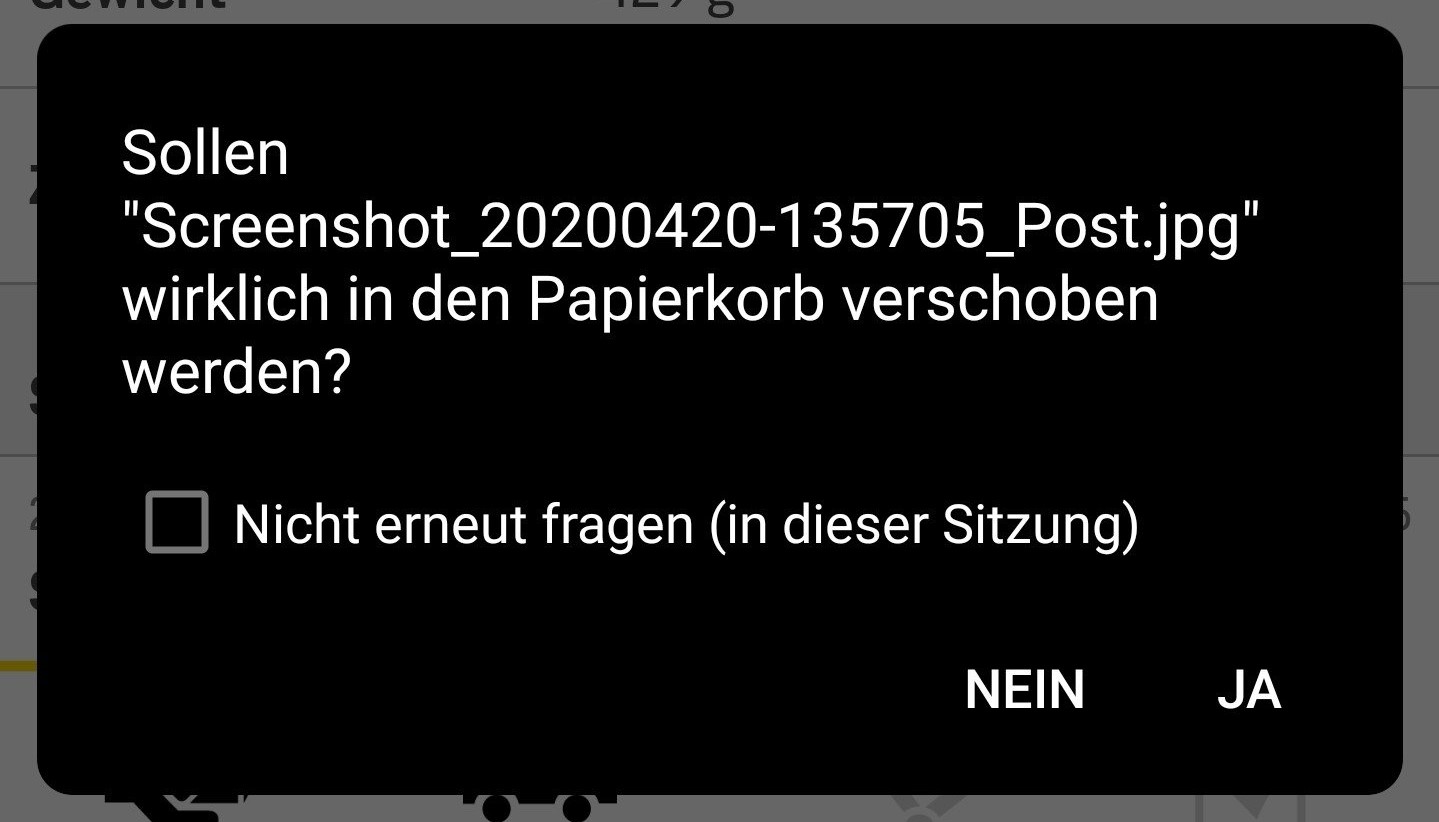
The next thing, which would be great, is to have to skip the "delete confirmation" dialog for this session (once again like simple gallery).
After deleting, move on to the next picture.
Basically this would allow me to have my pictures properly sorted and synced between the device I was shooting it (or synced it to).
I am sure others would benefit from this as well, just thinking about my parents, they delete pictures locally, but this is not reflected on the NC instance right now, but with this process I could tell the, to do so within the nextcloud app quite easily.
 feutl
feutl
All 8 comments
@feutl are you aware of the long-press action which leads to a muli-select mode where you can select multiple files and then hit delete (with the confimration dialog). So you would only have to do the confirmation once.
 AndyScherzinger
on 10 Dec 2019
AndyScherzinger
on 10 Dec 2019
@AndyScherzinger
Yes I know this, but if you sort out pictures, the list view and also the "Rasteransicht" are not very suitable to sort pictures, especially panoramas ;)
But I think this could be easily implemented (even though I am not a programmer) perhaps code sharing with simple tools code could be an option, but this would make the nextcloud client a little more usable for "home users" and I have 5 of them struggling with pictures, which is the main reason they use nextcloud :) (and not google photos)
feutl
on 11 Dec 2019
Hi @feutl,
sorry for coming back that late, by bottom actions do you mean: https://github.com/SimpleMobileTools/Simple-Gallery/blob/master/fastlane/metadata/android/en-US/images/phoneScreenshots/app_3.jpg ❓
AndyScherzinger
on 20 Apr 2020
@AndyScherzinger
don't be sorry, good things do need their time :)
But yes this is what I was referring too. These buttons are very ease to access, the delete buttons also asks if you really want to delete the pictures and you can even disable this prompt on a per session basis. This allows me to go over the pictures quite fast. One after one, delete the ones I don't like and the next one shows up, if I like it I do swipe to the next and so on.
But you could simply install the app by yourself, you gonna love its simplicity :) perhaps a "deeper" integration would make sense ;)
Something like done with DavX or OnlyOffice etc.
feutl
on 20 Apr 2020
@nextcloud/designers @jancborchardt what do you think? As for the "quick actions" in the image preview view, like https://github.com/SimpleMobileTools/Simple-Gallery/blob/master/fastlane/metadata/android/en-US/images/phoneScreenshots/app_3.jpg seems fine to me and would be a good thing.
As for the "don't ask for this session" logic, that might need some more specification how and for which actions this might work, see https://github.com/nextcloud/android/issues/4977#issuecomment-616546850
AndyScherzinger
on 20 Apr 2020
cc @tobiasKaminsky info loop
AndyScherzinger
on 20 Apr 2020
I would go for tiny steps and decide which quick actions we want to have and then implement them…
favorite: yes
edit: not possible
share: yes
delete: yes
 tobiasKaminsky
on 22 Apr 2020
tobiasKaminsky
on 22 Apr 2020
very good feedback from @feutl ; currently the workflow to review photos and delete duplicates / unwanted versions of a given shot, is very tiresome. After deleting each photo the user is taken back to the thumbnail overview which really kills flow. And the delete operation should be able to be accomplished in 1 click (not hidden in a context menu), otherwise it slows the workflow down significantly and unnecessarily
Also after deleting an image and being taken back to the thumbnail overview, the deleted image remains until you refresh the page, which confuses the user who just took the action to delete the photo
 saywebsolutions
on 23 Oct 2020
saywebsolutions
on 23 Oct 2020
Related issues
 JSoko
·
3Comments
JSoko
·
3Comments
 Shagequi
·
3Comments
tobiasKaminsky
·
3Comments
AndyScherzinger
·
3Comments
Shagequi
·
3Comments
tobiasKaminsky
·
3Comments
AndyScherzinger
·
3Comments
 Tie-fighter
·
3Comments
Tie-fighter
·
3Comments