Android: Keeps finding the same folder as "new" and asking for battery whitelisting
Actual behaviour
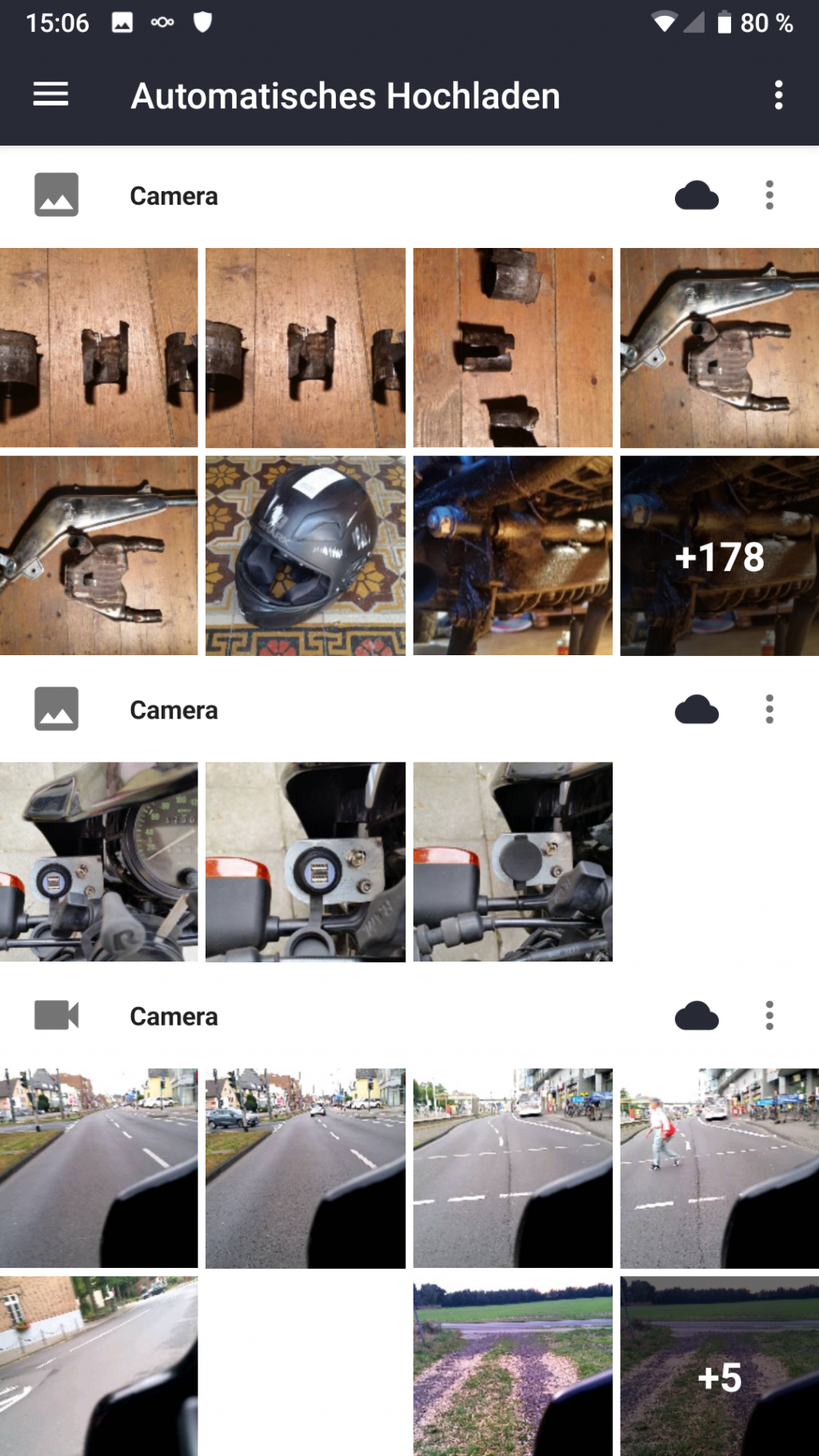
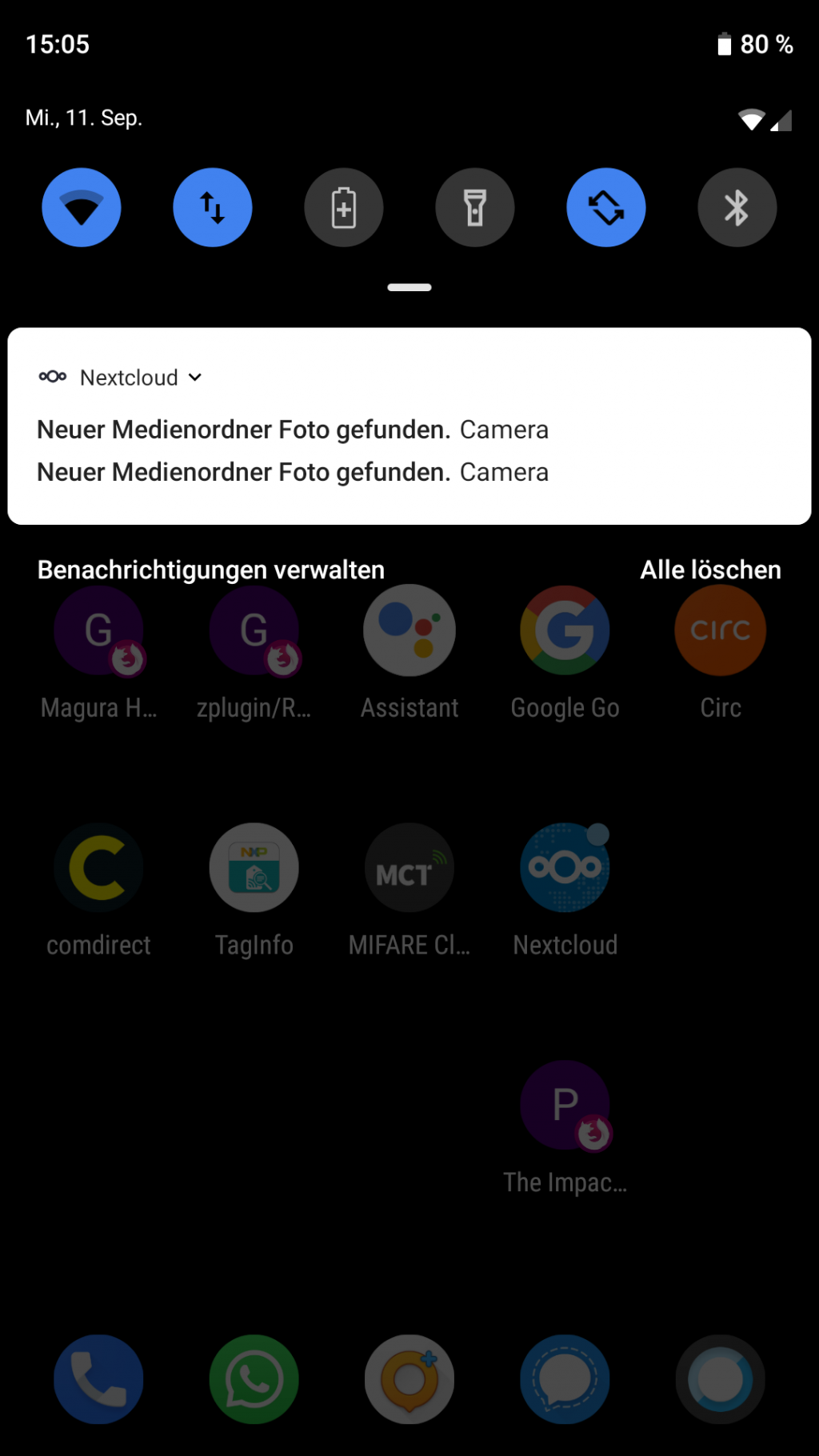
The app keeps "finding" the same folder although it is already configured. I see a popup message, asking me to act on it. If I swipe it away, it will appear again after a while.
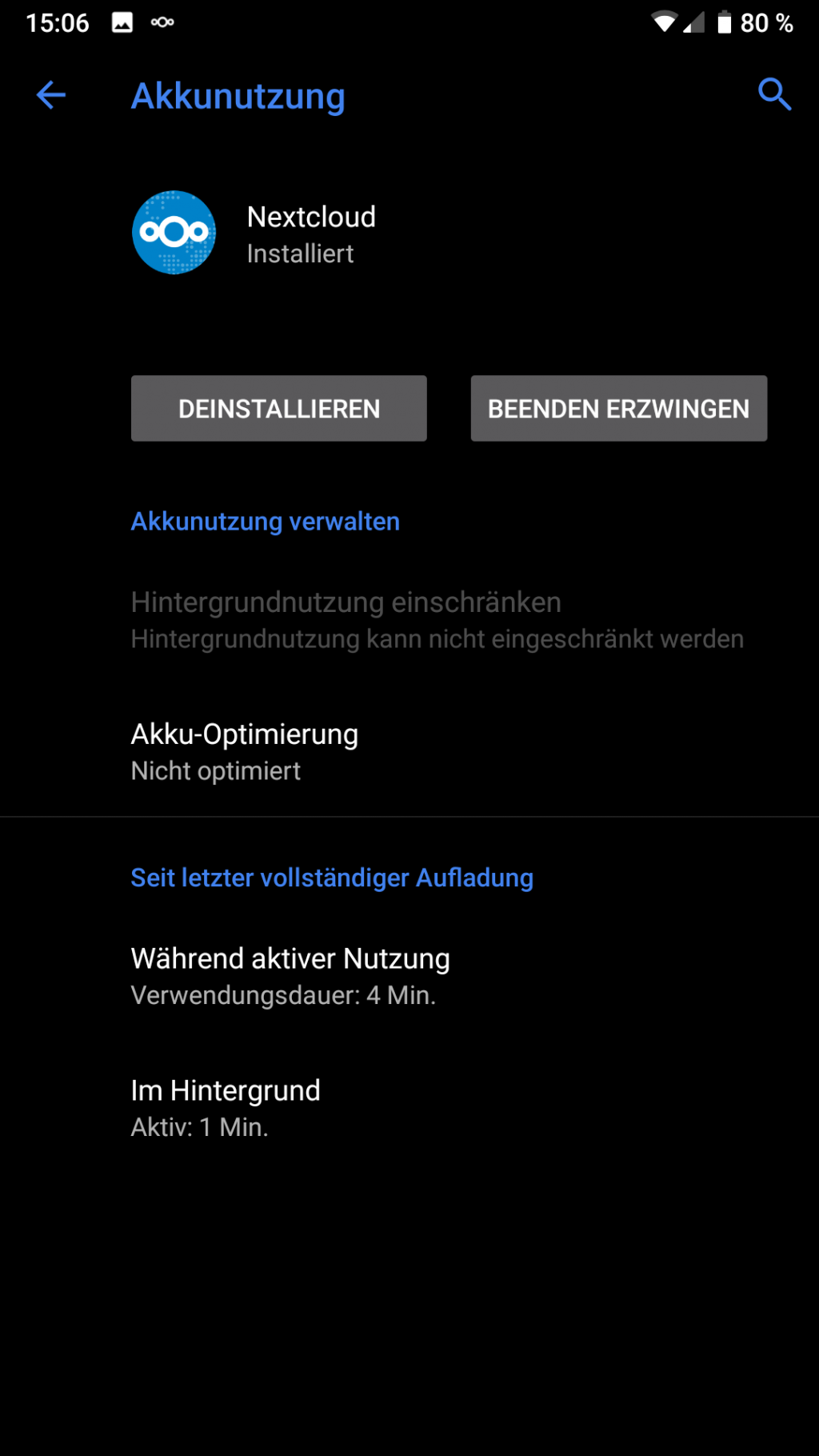
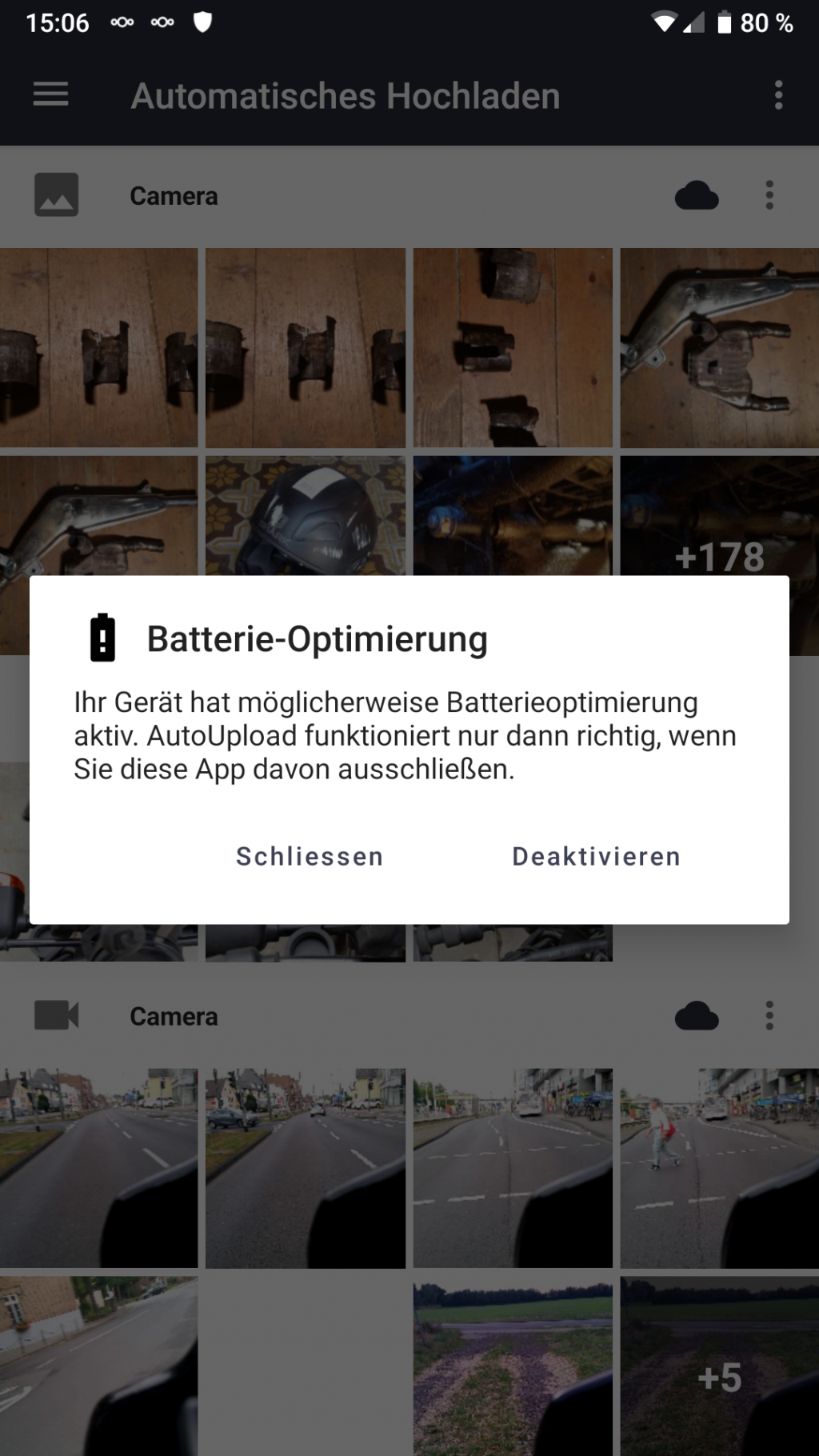
Also: It don't know if this is related or a separate issue, but it also keeps asking me to disable battery optimizations when configuring a folder, even though the app is whitelisted.
I'll add screenshots of everything relevant.
Expected behaviour
Don't ask me to configure already configured folders and recognize that it is whitelisted in the battery optimizations already.
Steps to reproduce
- Install
- Have files in folders
Environment data
Android version: 9 (Lineage OS 16.0)
Device model: Samsung Galaxy S5
Stock or customized system: Custom, Lineage OS
Nextcloud app version: 3.7.2
Nextcloud server version: 16.0.4.1
Let me know if you need more information, I'll try to provide everything I can.
Screenshots:
 pinpox
All 18 comments
+1
 szaimen
on 12 Sep 2019
szaimen
on 12 Sep 2019
+3: Samsung Tab S2 running Android 7, Samsung S8+ running Android 8, Samsung Tab S5e running Android 9 - all have this behaviour.
To reproduce: delete all pictures from the camera folders that you set up for auto upload, then take a picture... the picture will NOT be uploaded, and you have to re-save the autoupload settings and get the "disable battery saving" popup.
 lemmy04
on 22 Sep 2019
lemmy04
on 22 Sep 2019
This bug is making the app nearly unusable for me, is there any other information I can provide to help fix it?
pinpox
on 23 Sep 2019
@tobiasKaminsky any idea why this might be happening?
 AndyScherzinger
on 23 Sep 2019
AndyScherzinger
on 23 Sep 2019
Any news on this?
pinpox
on 4 Oct 2019
No, I have no idea why this is happening :-(
We do store the folder list and only ask for every account for the first time only…
Do you have root? Then you could go to /data/data/com.nextcloud.client/databases/ and have a look at filelist, which is our database.
In it there is a table "arbitrary_data" that contains a global / media_folders value.
Can you post this value? It should contain the folders that are already marked as known.
 tobiasKaminsky
on 8 Oct 2019
tobiasKaminsky
on 8 Oct 2019
Shall we add a browser for the provider in ETM?
 ezaquarii
on 8 Oct 2019
ezaquarii
on 8 Oct 2019
This will help a lot if the problem is also happening with dev version :+1:
tobiasKaminsky
on 8 Oct 2019
from my observations there is a sure way to trigger this: delete all pictures from your device (after all you synced them into your nextcloud...), then take a new one.
bang, "detected a new media folder". it seems that the client basically only remembers folders until they get emptied out.
lemmy04
on 8 Oct 2019
also: marking a "newly found" folder as synced does not actually sync what is in there - only what is new after that... so that one new photo that triggered this is not even synced.
lemmy04
on 8 Oct 2019
it seems that the client basically only remembers folders until they get emptied out.
This is indeed the root cause! Thanks for pointing this out.
I fixed this for folders that were already set up, but not for those that never were set up.
tobiasKaminsky
on 8 Oct 2019
also: marking a "newly found" folder as synced does _not_ actually sync what is in there - only what is new after that... so that one new photo that triggered this is not even synced.
This is a separate issue, which we can only fix reliable once there is a server side file collision detection (based on checksums).
tobiasKaminsky
on 8 Oct 2019
...are you saying this is fixed?? briliant! release? when? /me hops
lemmy04
on 8 Oct 2019
also: marking a "newly found" folder as synced does _not_ actually sync what is in there - only what is new after that... so that one new photo that triggered this is not even synced.
This is a separate issue, which we can only fix reliable once there is a server side file collision detection (based on checksums).
4625 :)
lemmy04
on 8 Oct 2019
This is a separate issue, which we can only fix reliable once there is a server side file collision detection (based on checksums).
Can you point us to an issue/PR where we can track the development of this? :)
szaimen
on 8 Oct 2019
...are you saying this is fixed?? briliant! release? when? /me hops
This will be in next maintenance release.
There is an APK file in PR #4623 , which you can install in parallel to your existing Nextcloud app.
(is available once CI is done)
tobiasKaminsky
on 8 Oct 2019
Here is the APK: https://github.com/nextcloud/android/pull/4623#issuecomment-539452060
tobiasKaminsky
on 8 Oct 2019
Here is the APK: #4623 (comment)
I can confirm this to be fixed with that binary.
lemmy04
on 9 Oct 2019
Related issues
 rainer042
·
3Comments
rainer042
·
3Comments
 JSoko
·
3Comments
JSoko
·
3Comments
 toobie83
·
3Comments
toobie83
·
3Comments
 daywalk3r666
·
3Comments
AndyScherzinger
·
3Comments
daywalk3r666
·
3Comments
AndyScherzinger
·
3Comments