Amplify-console: Add Gitlab branch Next button is grey
Hello,
I have setup an amplify app for my reactjs website. I have deployed master branch of gitlab repository with success.
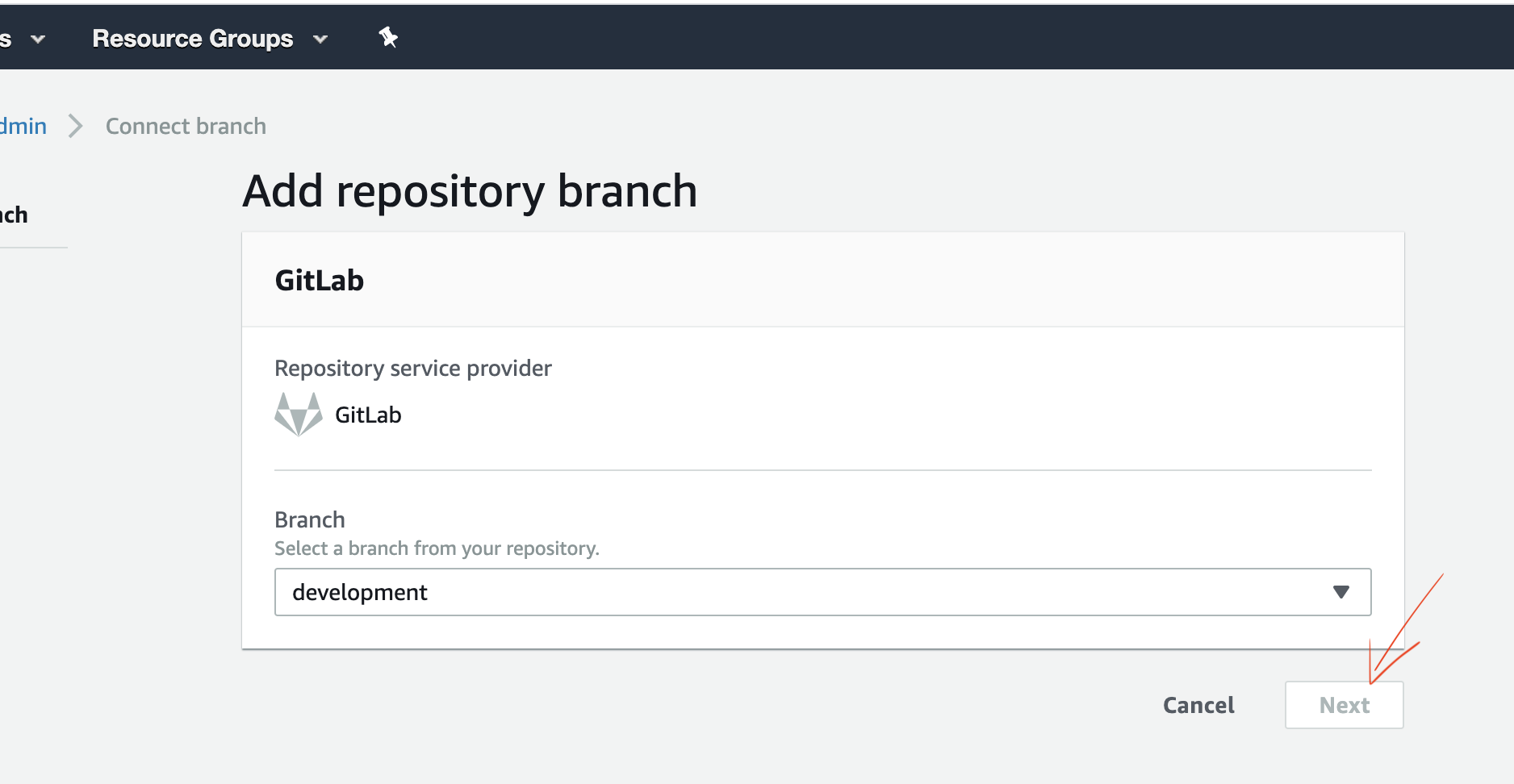
But ... when I try to connet an other branch (development in my example) I can connect to gitlab, I can see my branch list but the "next" button to add my new branch stay disabled even if I wait a very long time
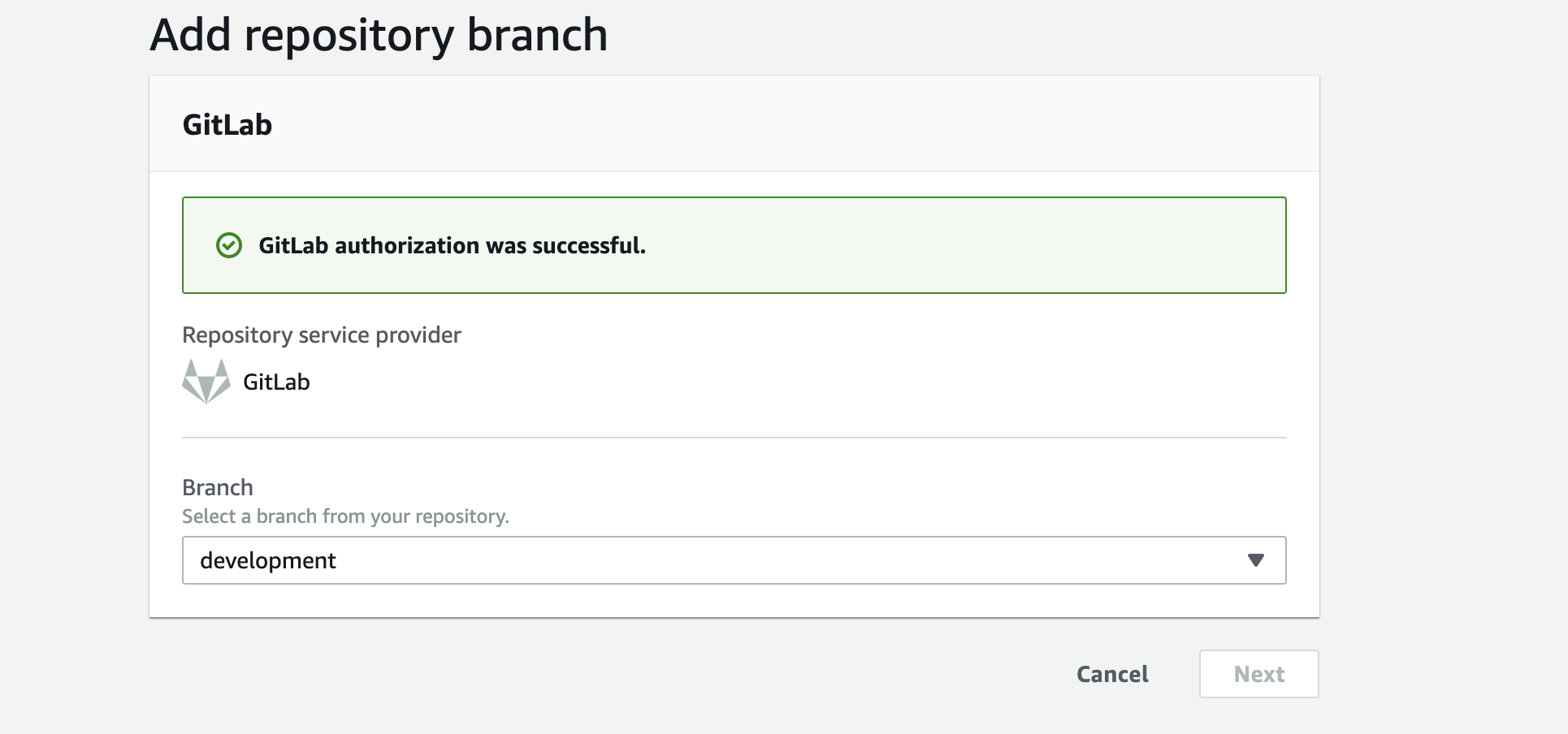
Can anybody help me ?
* Provide additional details*
 hepatus
All 30 comments
Can you provide your:
appId:
region:
 ganipcanot
on 18 Feb 2020
ganipcanot
on 18 Feb 2020
Also - just curious if maybe the branch autodetection feature could help you in this case (https://aws.amazon.com/about-aws/whats-new/2019/07/aws-amplify-console-support-git-based-branch-pattern-detection/):

ganipcanot
on 18 Feb 2020
I tried, unfortunately it doesn't change anything. What is very strange is that one of my colleagues manages to add a branch without any problem.
appId: d3sw3i683rr12o
region : eu-west-1
hepatus
on 20 Feb 2020
@hepatus I just verified this in my test account:
Enable branch autodetection and set the autodetection pattern to "*" meaning "all" or put another way: this will autodetect all your branches automatically with no name restriction!
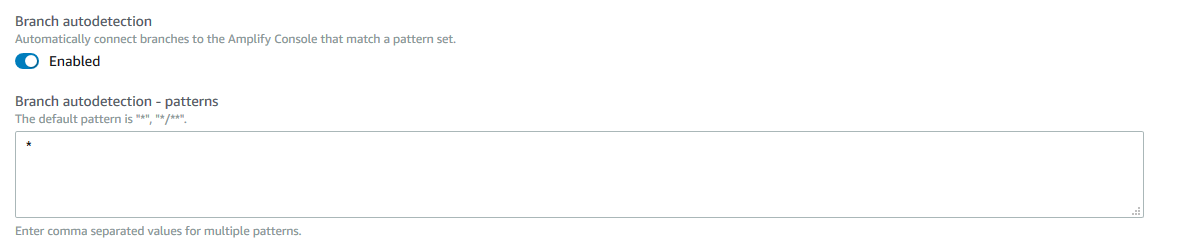
I have observed that once you enable this feature it will not detect new branches automatically (meaning that if you only had an Amplify build for "master" branch but you also had "branch1" and "branch2" it will not pull these branches in automatically).
What you can do though is commit a change to "branch1" or "branch2" and the branch autodetection will detect the branch and build your changes.
Please give it a try and let me know if this works.
ganipcanot
on 20 Feb 2020
thank you @ganipcanot
I tried to setup Branch autodetection and a commit on all branches but it doesn't work anymore.
My new was not added;
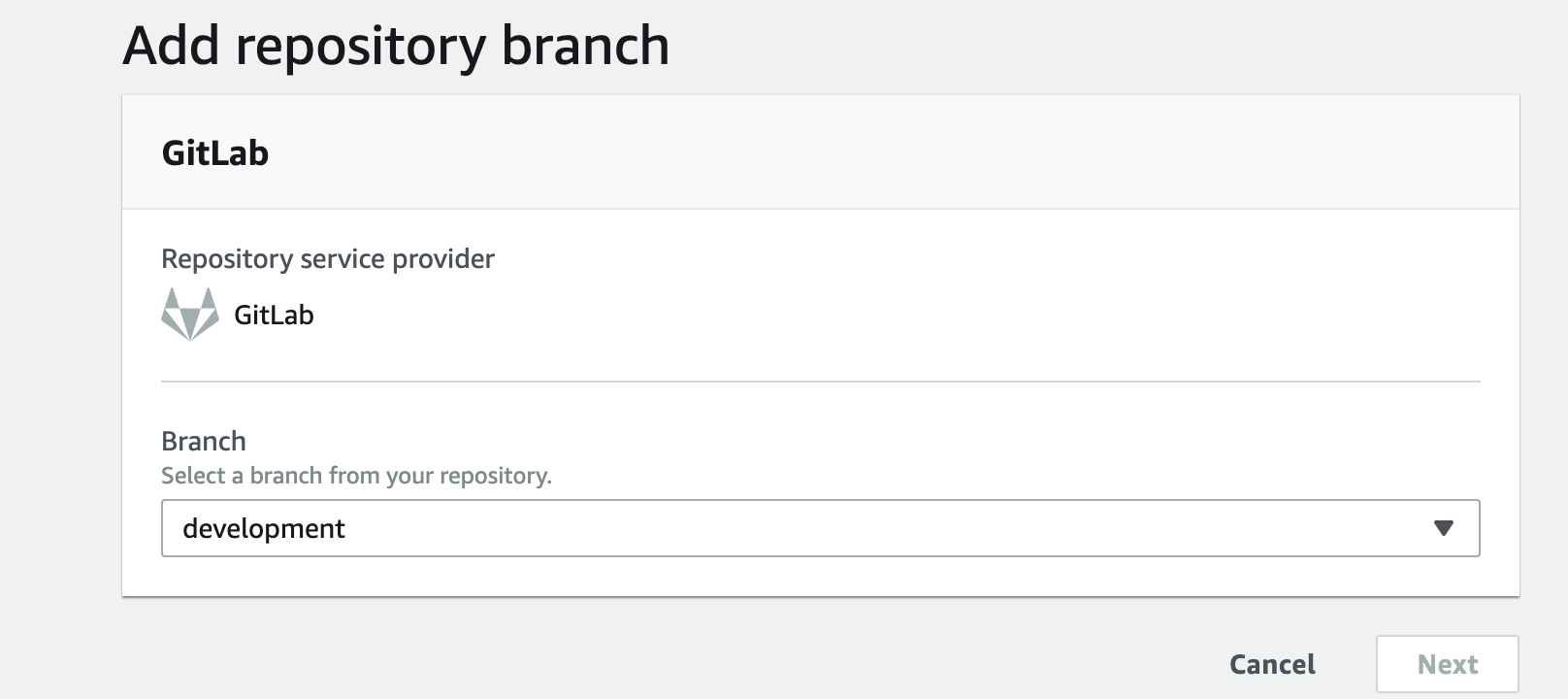
And when I try manually, the next button is always disabled
hepatus
on 21 Feb 2020
@hepatus did you try it in different browser?
 Joycehao19
on 25 Feb 2020
Joycehao19
on 25 Feb 2020
I'm having the same issue when trying to add new Gitlab branches, tried with Firefox, Chrome and Safari.
A spinner starts when the branch list is displayed and then disappear, I have exactly the same behavior as described by @hepatus in his last post.
I have this Javascript error in the Chrome console:
Refused to load the script 'https://phd.aws.amazon.com/phd/auth?state=hashArgs' because it violates the following Content Security Policy directive: "script-src https://d25ir82nywnt3g.cloudfront.net/ https://d1b6ig1vwyrbxe.cloudfront.net/ https://media.amazonwebservices.com/urchin.js https://d2q66yyjeovezo.cloudfront.net/ https://d1ge0kk1l5kms0.cloudfront.net/ https://d18ovsmfaucn3d.cloudfront.net/". Note that 'script-src-elem' was not explicitly set, so 'script-src' is used as a fallback.
And this one in the Firefox one (which seems to be the same):
Content Security Policy: The page’s settings blocked the loading of a resource at https://phd.aws.amazon.com/phd/auth?state=hashArgs (“script-src”).
Don't know if it's related.
 veacks
on 28 Feb 2020
veacks
on 28 Feb 2020
Does anyone have any workaround to quickly add new branches, like eg with the aws CLI the time for the issue to be fixed?
---- [EDIT]
Found a quick and dirty workaround in case of (a bit hacky):
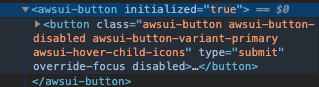
Right-click on the "next" button and select "inspect element", then in the console, remove the "disabled" attribute and the "awsui-button-disabled" class.
Then click on the "next" button and wait until the next page load (take a bit of time).
veacks
on 28 Feb 2020
@veacks Thank you for reporting this issue. We will work on investigation.
Joycehao19
on 28 Feb 2020
@hepatus @veacks This issue has been fixed in the latest release. Let us know if you still see the issue.
 abhi7cr
on 30 Mar 2020
abhi7cr
on 30 Mar 2020
hi @abhi7cr ,
unfortunately it still doesn't work for me. I still can't add a new branch, the next button remains disabled after selecting the branch.
I tried to delete and recreate the whole amplify project but it's not better, I still only have one branch.
I also tried to activate "branch autodection" without success.
hepatus
on 30 Mar 2020
hi @hepatus. I just went to eu-west-1 region, and connected an app (with master) through gitlab, and then connected the develop branch:
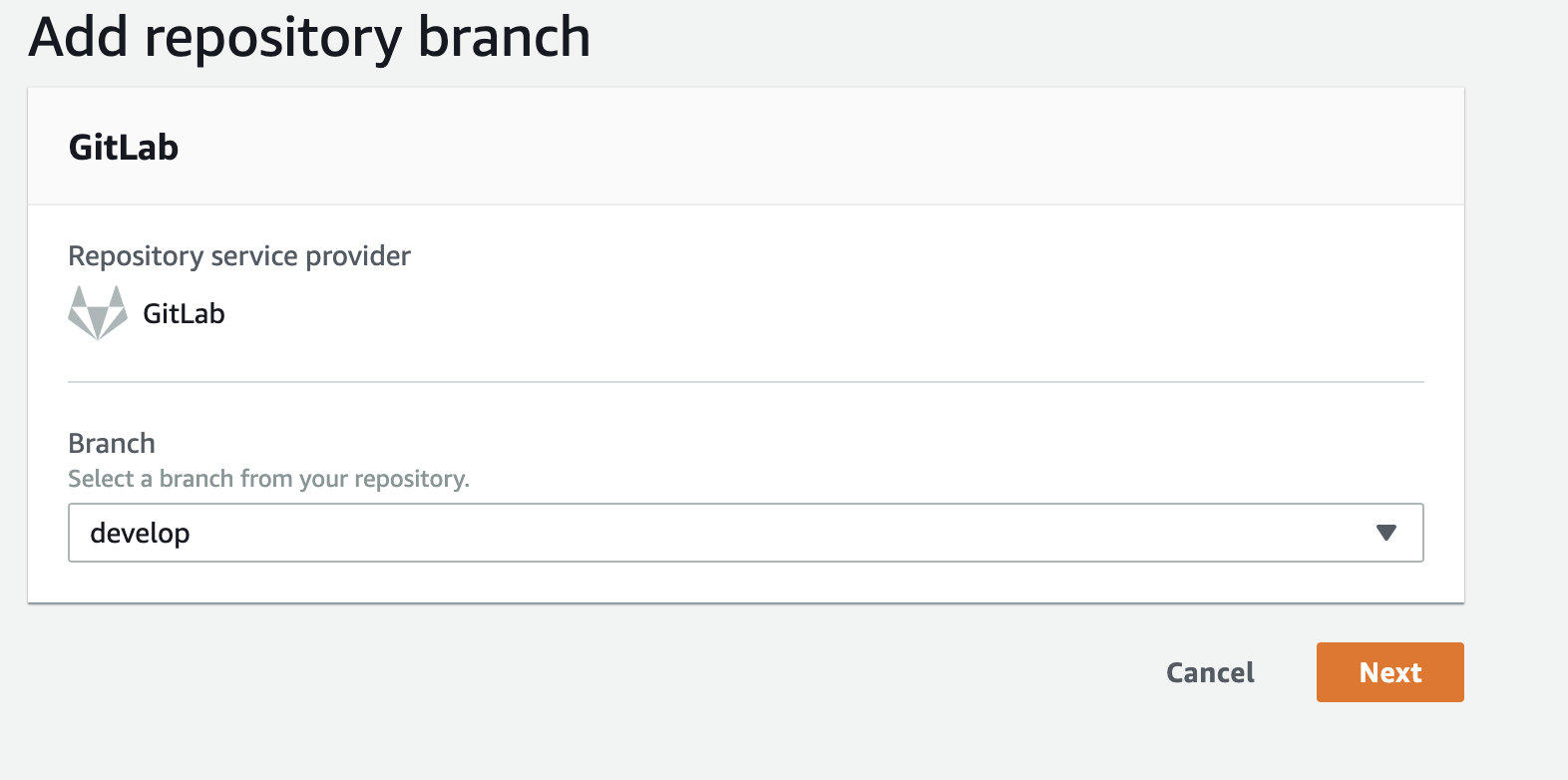
Also in the app settings, there is a 'Reconnect repository button'. Could you try clicking that, and trying again?
abhi7cr
on 30 Mar 2020
no more success :(
hepatus
on 30 Mar 2020
@hepatus Is there any console errors you are seeing in the developer console? Also what's your app id.
abhi7cr
on 30 Mar 2020
@abhi7cr : Nothing in the console. No visible errors in the network traces either. my app id is d1hiceo86kcyrb
hepatus
on 30 Mar 2020
@hepatus Thanks! The only time next button is disabled is when your repository provider (in your case, gitlab) has not been connected yet. Just to rule out the 2 branch scenario, could you create a 3rd branch in gitlab and see if you are able to reproduce? Also, is this happening with/without a refresh in between connecting the master and development branches?
abhi7cr
on 31 Mar 2020
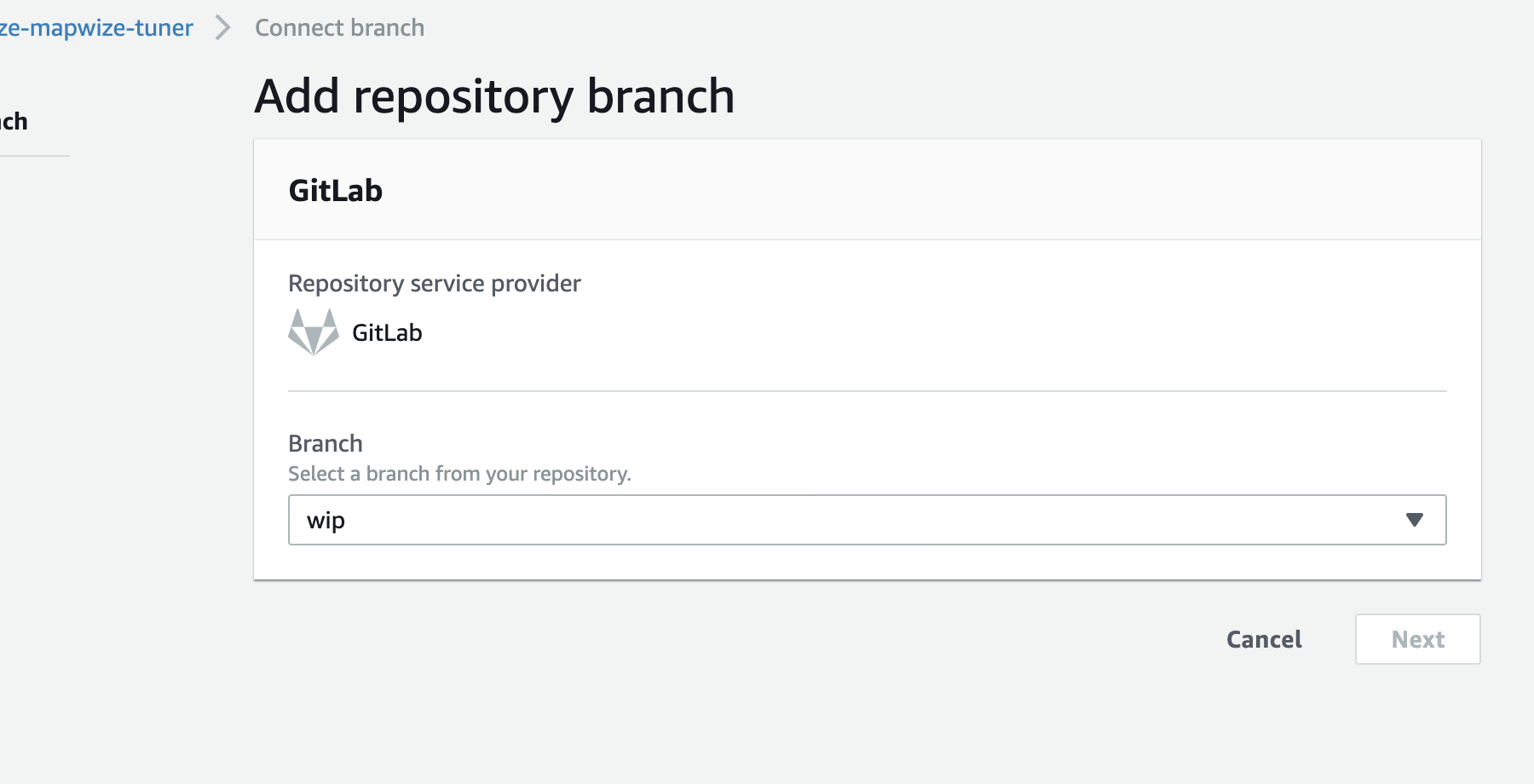
hi @abhi7cr I have added a new branch. next button is also disabled

I tried to refresh master branch and to add development branch just after but it doesn't work.
I have exactly the same problem with an other project : I have deployed master branch successfully but i can't deploy an other branch
hepatus
on 1 Apr 2020
@hepatus Thanks for verifying. So this is happening only with Gitlab or other providers like Git too?
abhi7cr
on 1 Apr 2020
Any update on this issue? It's been ongoing for a while and a major blocker for gitlab users (fortunately I can re-enable the button by editing the html and workaround this...)
 hisham
on 16 Apr 2020
hisham
on 16 Apr 2020
@hisham We had fixed a general issue of the disabled next button occurring between the connection of 2 branches (without refreshing the page). But this seems to be a specific issue with gitlab. We are working on our end to reproduce this issue, and will get back to you with an update. Thanks for your patience.
abhi7cr
on 16 Apr 2020
Any update on this? It's still occurring.
hisham
on 16 May 2020
@hisham Sorry for the late response. Unfortunately, we are still not able to reproduce the gitlab specific next issue in our environments. Can you share your app Id and region? To test it, we performed the following steps:
1) Connected a repo from gitlab in master branch
2) Once the build was running, we then connected the develop branch for the same repo. The next button was not disabled, and we were able to proceed with the build
These were the steps you followed?
abhi7cr
on 1 Jun 2020
Sure app id is d2d6ty1wlg8jch. Region is us-east-1. For me I believe the next button would always be disabled even in step 1. I also did file a support ticket on Feb 28 with video of repro. Support ticket id is 6842412851.
hisham
on 2 Jun 2020
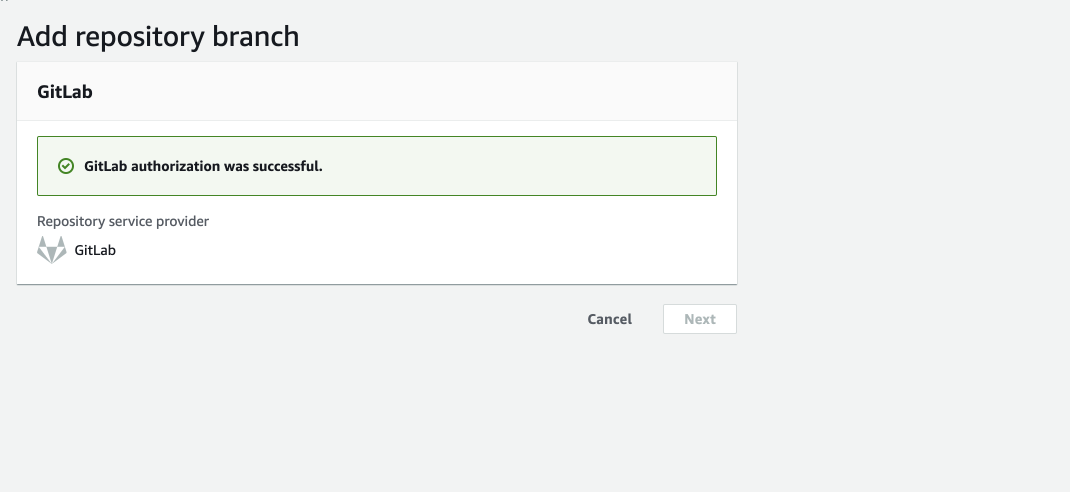
In chrome btw, clicking "Next" in this screen just grays out the Next button. I have to do this in Safari, and even in Safari, in the second screen, Next button goes gray but I re-enable it by editing the html:
hisham
on 2 Jun 2020
Actually for https://github.com/aws-amplify/amplify-console/issues/446#issuecomment-637712379 - it looks like the reason it's happening is because I have EFF Privacy Badger chrome extension installed (https://chrome.google.com/webstore/detail/privacy-badger/pkehgijcmpdhfbdbbnkijodmdjhbjlgp) and it was blocking gitlab cookie.
After running in Chrome Incognito mode everything works fine. So you're free to close this if you want. Looks like my EFF Privacy Badger chrome extension was causing issues.
hisham
on 2 Jun 2020
@hisham Thats great, thanks for looking into this! @hepatus do you have similar extension(s) in your Chrome browser which might be causing the gitlab cookie to be blocked?
abhi7cr
on 2 Jun 2020
hi @abhi7cr , sorry but I tried with chrome and safari, included in incognito mode, without success.
I also tried to disable all my Chrome extensions. next button is still disabled
hepatus
on 3 Jun 2020
Hello, I've ran into the same issue, and what I did was I logout and back using my manager's account, and that account uses an email exactly the same one she registered with gitLab, and all went through well. The connection is disabled again when I changed back to my own account (although authorized with many permissions).
 LostSummer-Anson
on 26 Aug 2020
LostSummer-Anson
on 26 Aug 2020
Here is my hot take on this one.
amplify console opens up the Amplify console. You do a few things, then attempt to wire up a branch. Your session at AWS isn't either fully authenticated or validated, and when you attempt to connect the branch, what happens is that the service just fails to load correctly when you are in this dialog in the AWS Amplify console.
Log out, clear session/delete browser storage/cache etc. Log back in. Click connect branch. Notice the button is already orange, gitlab will connect, load, and proceed to allowing you to select a branch (its selection will be empty) and then a backend, and proceed forward.
This IMO has to do with your session in the browser at AWS.
We should be able to launch these with amplify connect or something from the CLI and not require the Amplify Console @ AWS.
 SourceCode
on 14 Oct 2020
SourceCode
on 14 Oct 2020
I am also seeing the Next button greyed out
 srchulo
on 10 Dec 2020
srchulo
on 10 Dec 2020
Related issues
 patleeman
·
5Comments
patleeman
·
5Comments
 BardiaN
·
4Comments
BardiaN
·
4Comments
 kontrol-debug
·
4Comments
kontrol-debug
·
4Comments
 ayotise
·
4Comments
ayotise
·
4Comments
 helloPiers
·
3Comments
helloPiers
·
3Comments
Most helpful comment
Does anyone have any workaround to quickly add new branches, like eg with the aws CLI the time for the issue to be fixed?
---- [EDIT]
Found a quick and dirty workaround in case of (a bit hacky):
Right-click on the "next" button and select "inspect element", then in the console, remove the "disabled" attribute and the "awsui-button-disabled" class.
Then click on the "next" button and wait until the next page load (take a bit of time).