Amplify-console: Branch Auto-detection - Backend Environment Selection
Hi,
I am attempting to follow the steps for Pattern-based feature branch deployments: https://docs.aws.amazon.com/amplify/latest/userguide/multi-environments.html
I am currently unable to complete step 3 of the instructions as I do not get the option to configure backend environments for each auto-detected branch.
This is what I see in Amplify console:
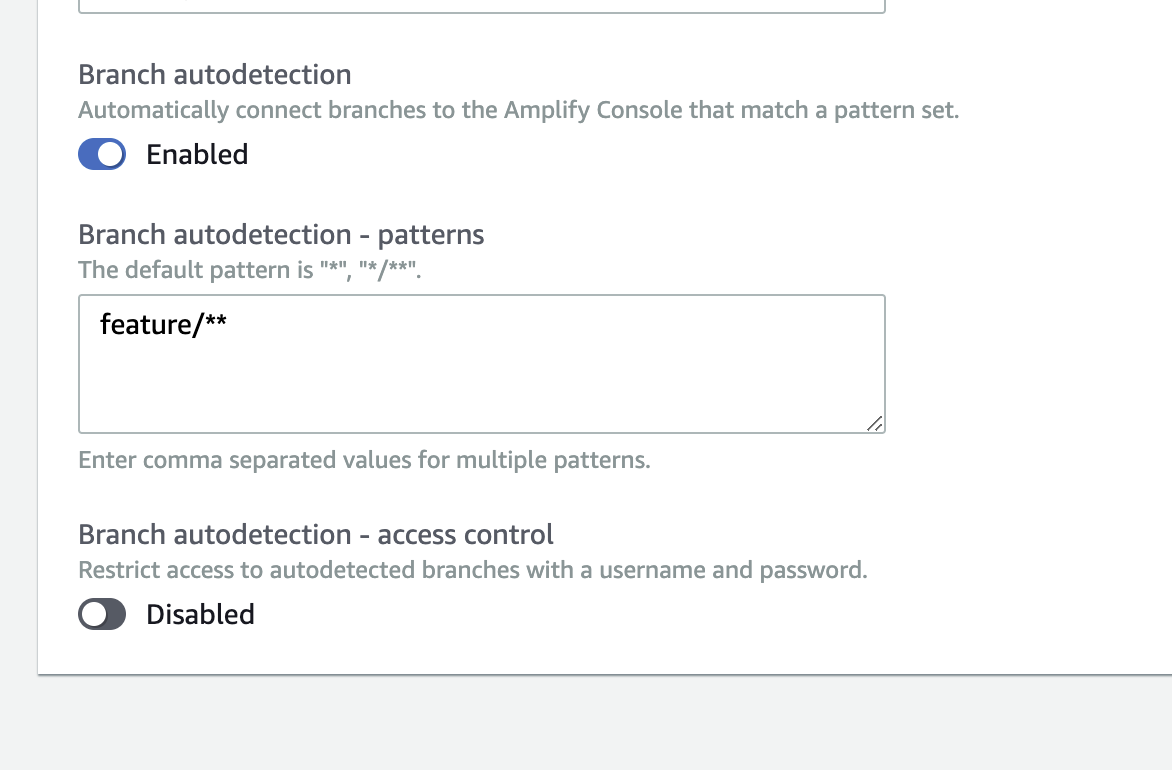
This is what I am expecting:

Additional Info:
If it helps, I previously had the _Create new backend environment for every connected branch_ option selected.
Thanks for any help.
 2ng-james
All 10 comments
Thanks for reporting this, we're rolling out a fix this week.
 kahdojay
on 18 Dec 2019
kahdojay
on 18 Dec 2019
I have the same issue here. These options are not visible for me as well.
 kkuriata
on 23 Dec 2019
kkuriata
on 23 Dec 2019
A fix was rolled out for new apps - if possible, please recreate your app and let us know if you still experience the issue.
kahdojay
on 23 Dec 2019
A fix was rolled out for new apps - if possible, please recreate your app and let us know if you still experience the issue.
This is now working for my app - thanks.
2ng-james
on 3 Jan 2020
@kahdojay hi
I have the same issue, can you help me?
 aleksejkozin
on 23 Feb 2020
aleksejkozin
on 23 Feb 2020
@aleksejkozin I tried it on my console without any issue. Would you mind to try it again? If you still didnt see branch-autodetection - backend-environment, please let us know,
 Joycehao19
on 26 Feb 2020
Joycehao19
on 26 Feb 2020
I'm seeing this now as well. Recreating my app is not an option. @kahdojay
 mikedizon
on 11 May 2020
mikedizon
on 11 May 2020
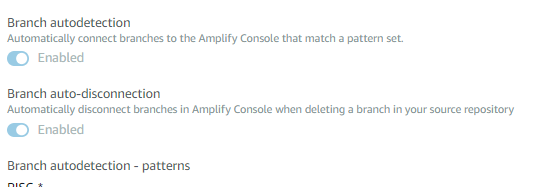
I'm also not seeing this option. We cannot re-create our app, but this feature would be nice to use.
 blazinaj
on 24 Jun 2020
blazinaj
on 24 Jun 2020
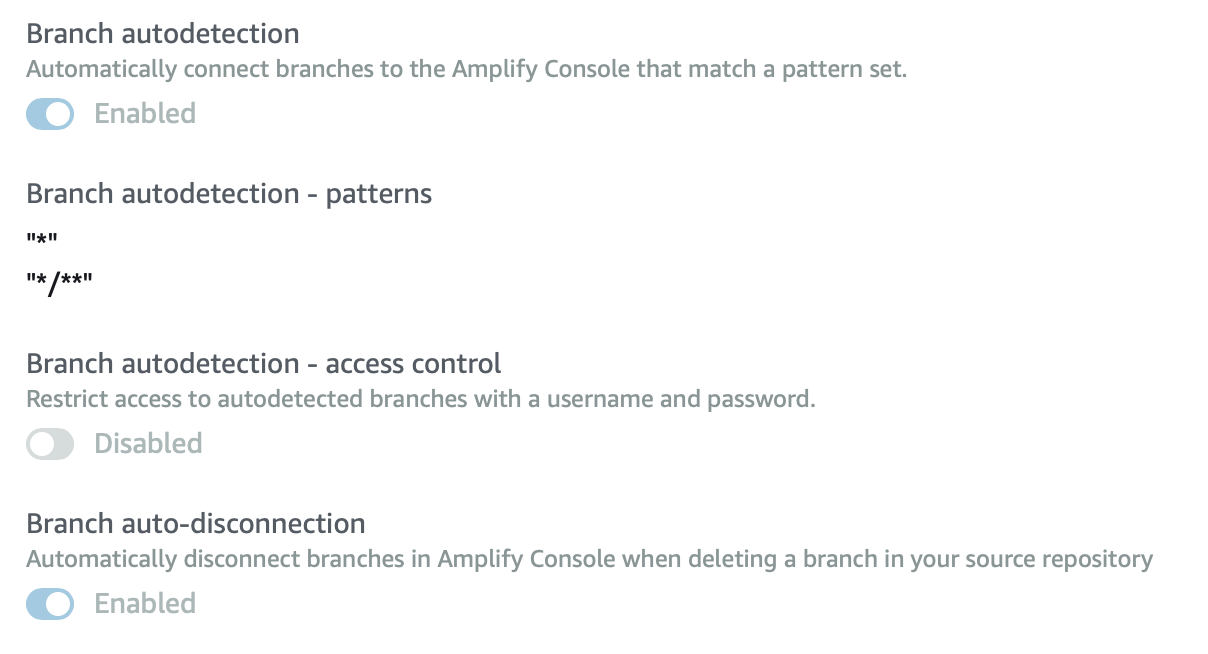
Also not seeing this option, is there a way to get it back without recreating our app? We're in us-west-2 if that might have something to do with it...
 cjmartin
on 3 Sep 2020
cjmartin
on 3 Sep 2020
Option isn't showing up for us either, app was created less than a month ago.
 mansiva
on 24 Sep 2020
mansiva
on 24 Sep 2020
Related issues
 asyschikov
·
5Comments
asyschikov
·
5Comments
 lucaluke88
·
4Comments
lucaluke88
·
4Comments
 helloPiers
·
3Comments
helloPiers
·
3Comments
 JIoJIaJIu
·
5Comments
JIoJIaJIu
·
5Comments
 nhhaidee
·
3Comments
nhhaidee
·
3Comments
Most helpful comment
Thanks for reporting this, we're rolling out a fix this week.