Amplify-cli: amplify codgen keeps changing schema.json even though nothing has changed
Describe the bug
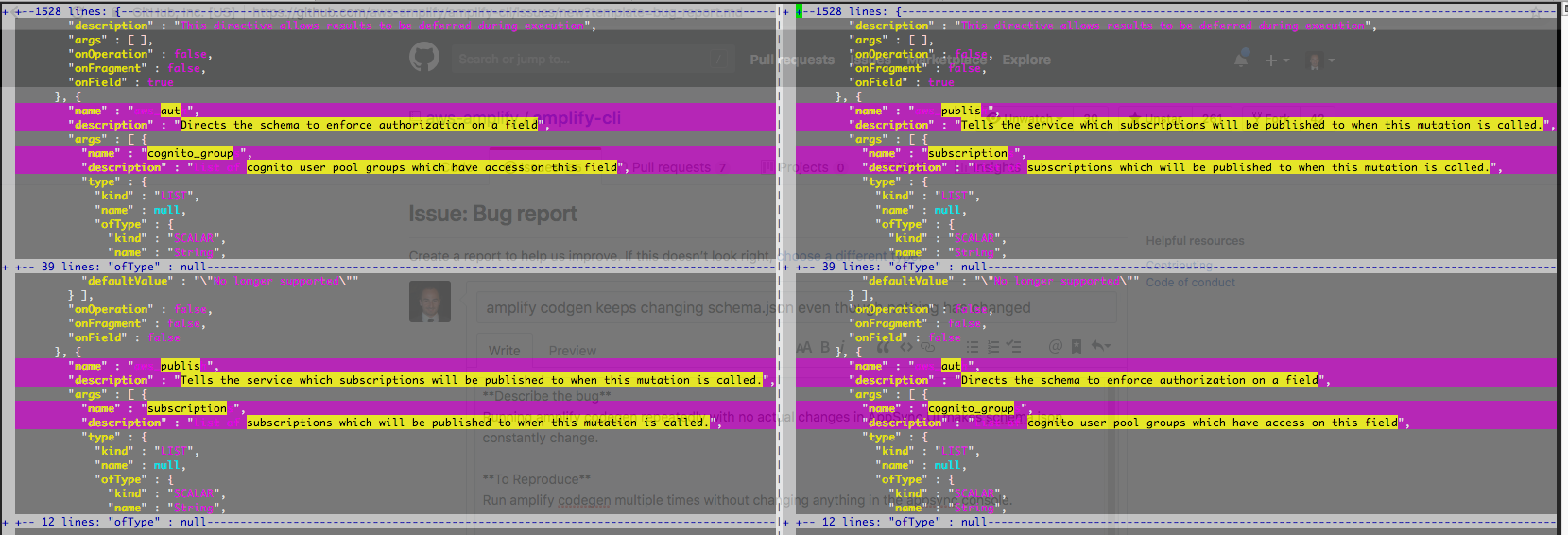
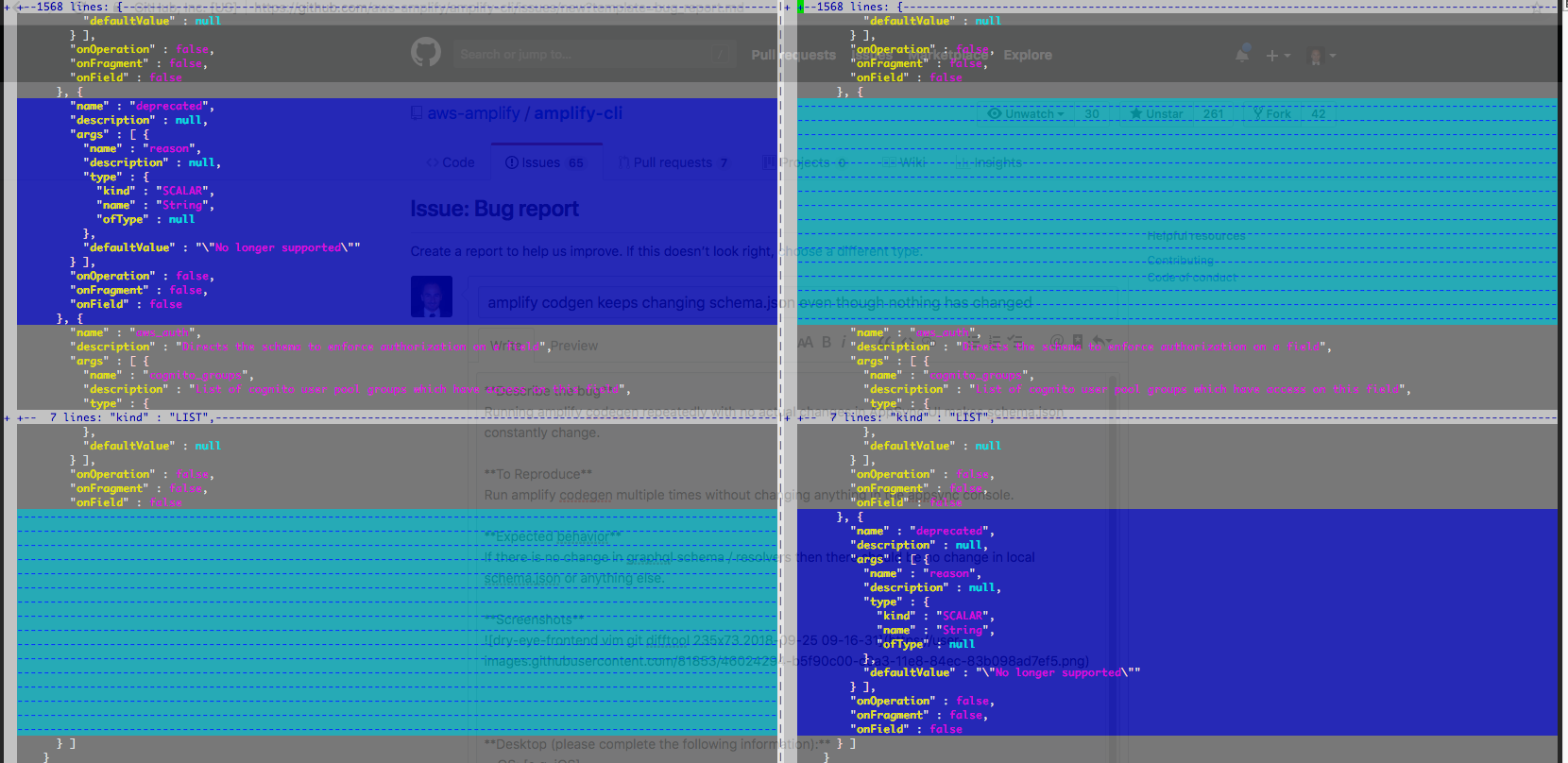
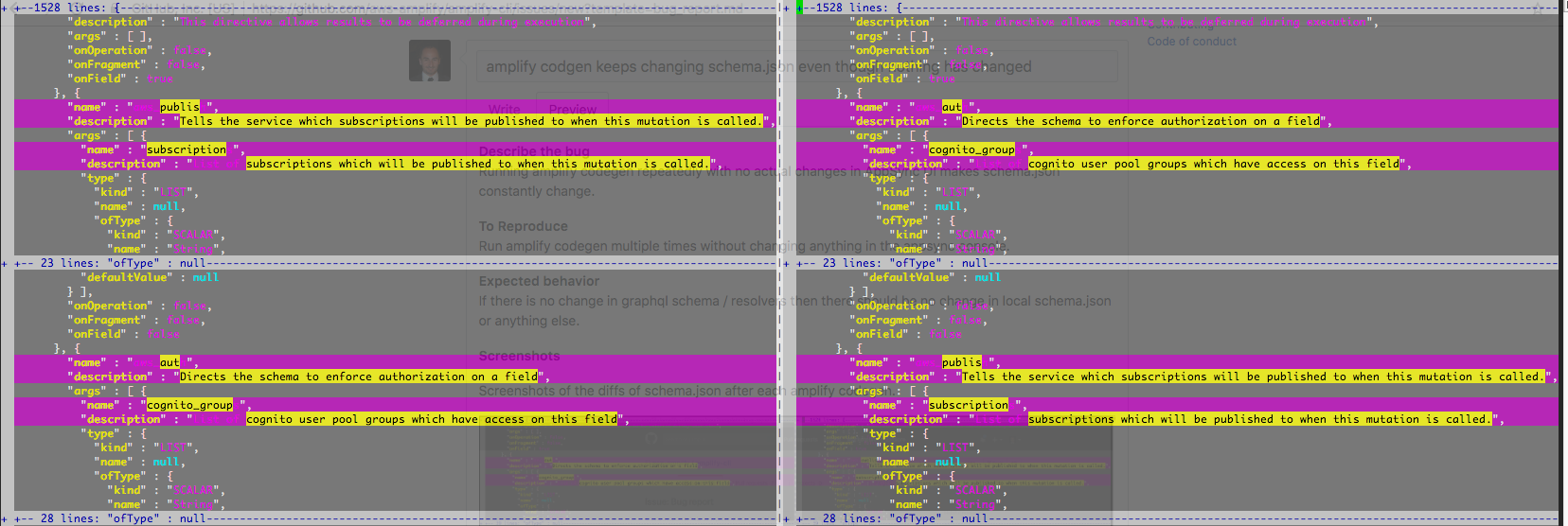
Running amplify codegen repeatedly with no actual changes in AppSync UI makes schema.json constantly change.
To Reproduce
Run amplify codegen multiple times without changing anything in the appsync console.
Expected behavior
If there is no change in graphql schema / resolvers then there should be no change in local schema.json or anything else.
Screenshots
Screenshots of the diffs of schema.json after each amplify codegen.
Desktop (please complete the following information):
- OS: OSX
Additional context
It seems it's just flipping stuff back and forth. If src/graphql/schema.json is expected to be commit in git then this is annoying.
 hisham
All 4 comments
@hisham We download the schema from the AppSync service each time you run the codegen command and since the schema is a JSON object, there isn't a way to order it. What you could do is that you could use the -nodownload flag along with the codegen command which won't download the new schema.json file each time you run a codegen command.
 kaustavghosh06
on 28 Sep 2018
kaustavghosh06
on 28 Sep 2018
I see. Ok thanks for the info. I'll try that.
hisham
on 30 Sep 2018
Internally, there could be a step to sort the JSON keys like https://github.com/substack/json-stable-stringify so that each run would create a consistently ordered schema.
 ryansb
on 2 Oct 2018
ryansb
on 2 Oct 2018
@hisham I beleve this issue if fixed. Please let me know if you still see this.
kaustavghosh06
on 14 Aug 2019
Related issues
 jeanpaulcozzatti
·
3Comments
jeanpaulcozzatti
·
3Comments
 YikSanChan
·
3Comments
YikSanChan
·
3Comments
 MageMasher
·
3Comments
MageMasher
·
3Comments
 ReidWeb
·
3Comments
ReidWeb
·
3Comments
 nicksmithr
·
3Comments
nicksmithr
·
3Comments
Most helpful comment
Internally, there could be a step to sort the JSON keys like https://github.com/substack/json-stable-stringify so that each run would create a consistently ordered schema.