Amp-wp: [AMP Stories] Resizing doesn't properly apply to Story blocks for Title, Author, and Date
I added blocks for the story title, story author, and story date and then tried resizing them to cause the text to be auto-fit like the Text block, but no resizing happened:
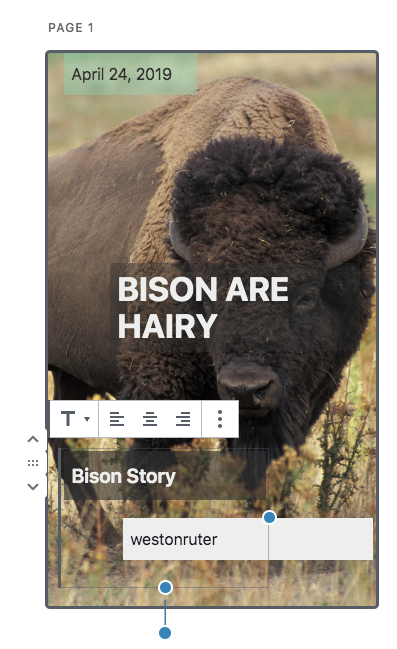
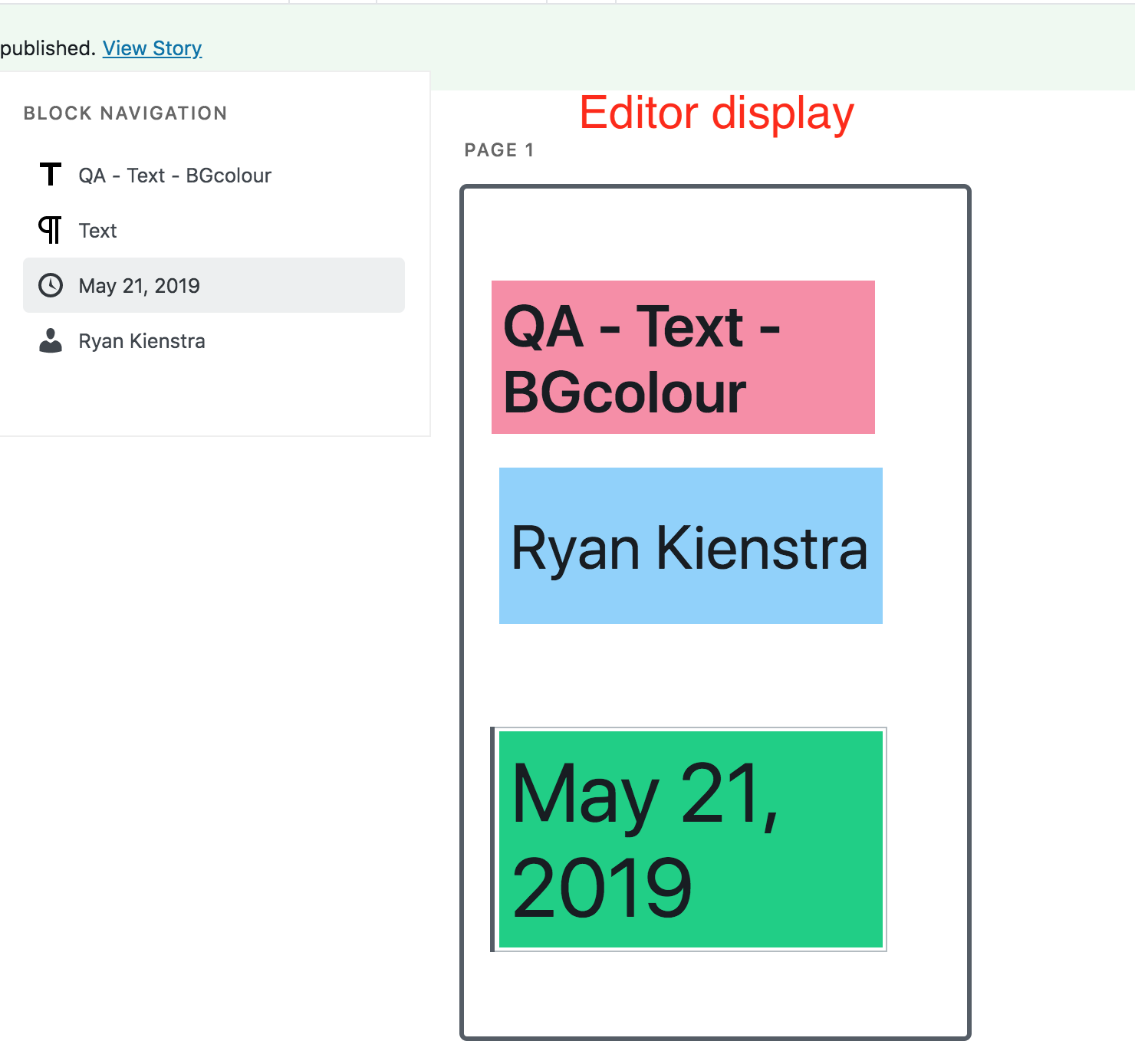
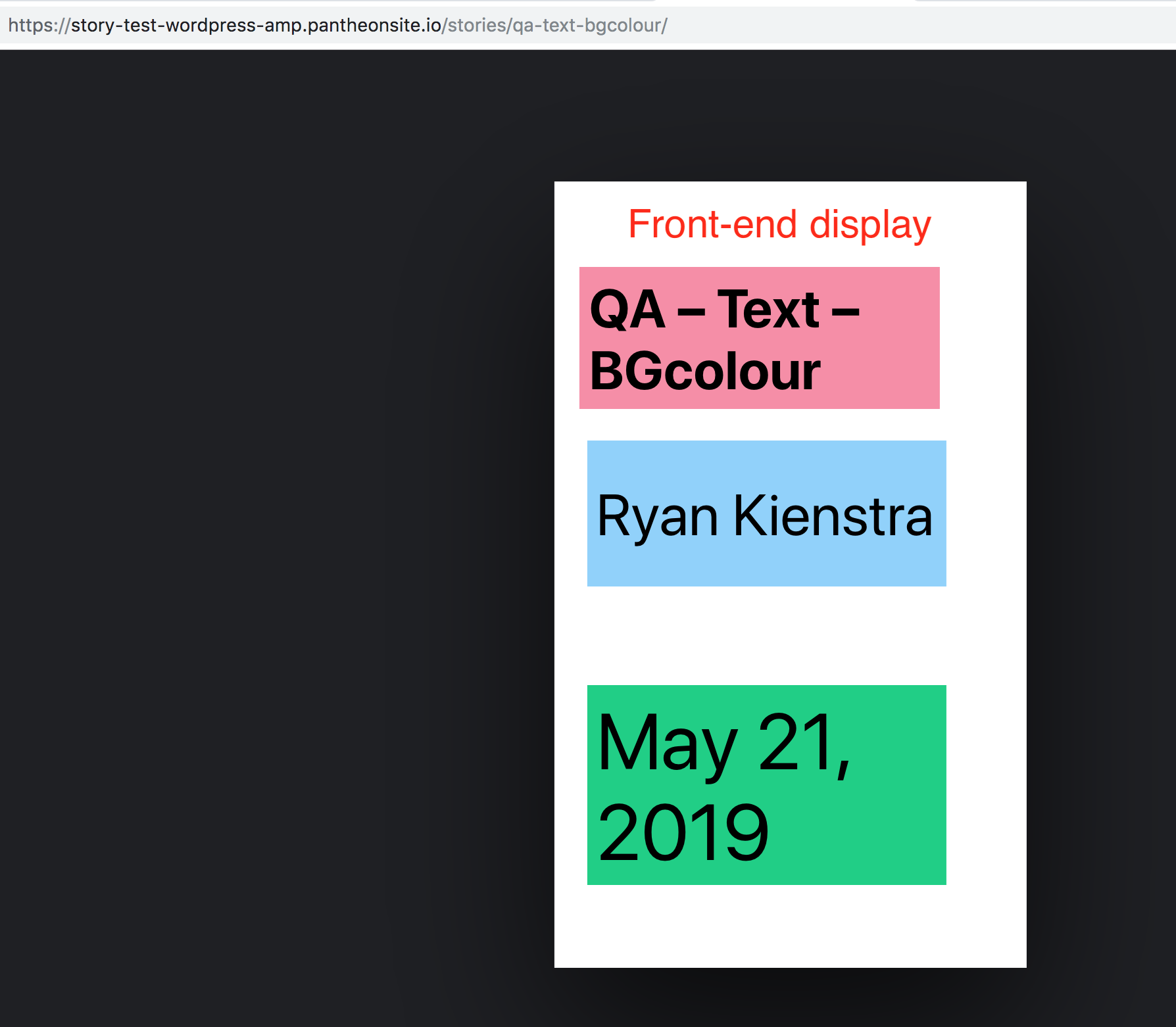
The resized blocks don't change their height in the editor, but nevertheless their heights are changed on the frontend:

So either auto-fit should be applied to these blocks like it does for the Text block, or the hight of the element should be reflected in the editor as it will be on the frontend.
 westonruter
All 15 comments
There's #2282 for adding amp-fit-text to these blocks
 swissspidy
on 15 May 2019
swissspidy
on 15 May 2019
Instructions for testing:
- Add title, author, date blocks.
- Add background color.
- Resize the blocks.
- Make sure that the background color fills in the full area.
- Make sure that the font size changes according to the new resized area if "Automatically fit text to container" setting is set.
- Make sure that the FE and editor view match.
 miina
on 20 May 2019
miina
on 20 May 2019
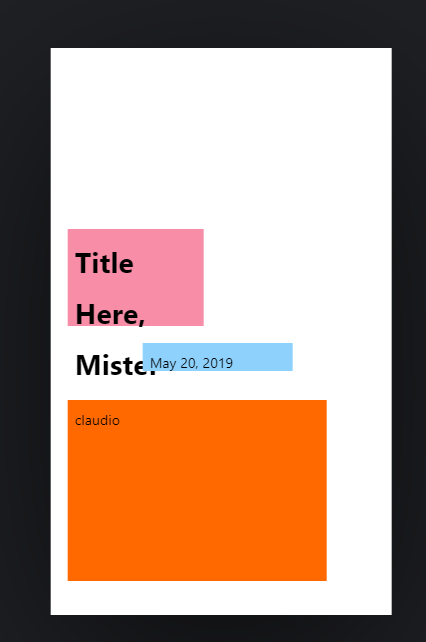
Very different results on front end
Editor:
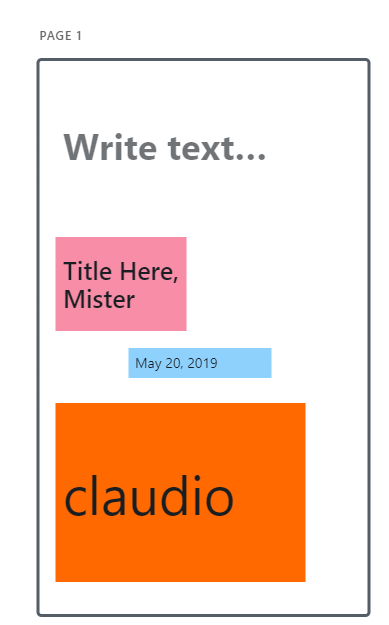
Preview:
 csossi
on 20 May 2019
csossi
on 20 May 2019
@swissspidy This might be related to #2296, assigning this to you, let me know if it seems it's not related.
miina
on 20 May 2019
Closing as ready for re-testing for QA.
miina
on 21 May 2019
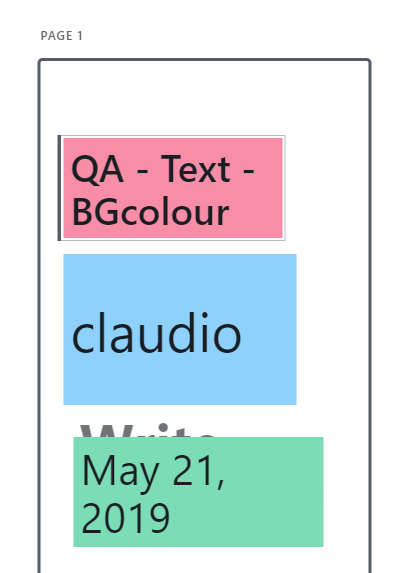
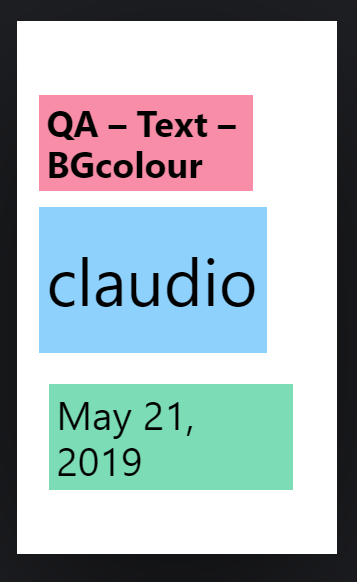
Still seeing a diff between editor and front-end re: font size/style
Editor:
FE:
csossi
on 21 May 2019
@csossi To confirm, those are: text block, author block, date block, in that order? Or is the top one a title block?
swissspidy
on 21 May 2019
Correct - in that order, @swissspidy
csossi
on 21 May 2019
I cannot seem to reproduce the font size difference.
But I noticed that the minimum block height should be improved here, see #2368.
swissspidy
on 21 May 2019
Change deployed
westonruter
on 21 May 2019
Question About Test Story
Hi @csossi,
Thanks for testing this. Would you be able to share a link to the test story with this issue?
I tried to reproduce it with a similar story, and it looked very similar on the front-end. Maybe this was fixed in the meantime.
Editor (link)
Front-end (link)
 kienstra
on 22 May 2019
kienstra
on 22 May 2019
@swissspidy The only difference that I could reproduce is the font size difference caused by maximum font size being 54 in the editor.
For example, adding a short text into a huge Text block causes the font size in the editor to be 54 but in the frontend to be 72 -- that seems to cause a visible difference, e.g. like Claudio has in the author block above on the screenshot. Perhaps we should increase the maximum font size in the editor a little bit and then close the issue? Thoughts?
miina
on 23 May 2019
Makes sense. Let's use the same values as in the actual amp-fit-text component:
swissspidy
on 23 May 2019
@csossi Could you re-test this again?
miina
on 23 May 2019
Verified in QA
csossi
on 30 May 2019
Related issues
 ernee
·
4Comments
miina
·
5Comments
ernee
·
4Comments
miina
·
5Comments
 schlessera
·
5Comments
schlessera
·
5Comments
 alexhaller
·
5Comments
miina
·
4Comments
alexhaller
·
5Comments
miina
·
4Comments