As a new user activating the AMP WordPress plugin for the first time, I need a user experience that helps me easily understand AMP, this plugin's features and what I can (and can't) do with it out of the box. With a streamlined experience, I should be able to activate (and understand) AMP with the least amount of steps necessary and the greatest amount of clarity possible.
- [x] AC1: ~Design a user flow that informs windows, screens, processes and messages they might receive.~ Duplicate #1359.
- [x] AC2: Evaluate this in comparison to the current user flow to see how to best roll out these features.
- [x] AC3: Suggest any new tweaks to existing settings pages, interfaces, etc.
- [x] ~AC4: Suggest what to do with sites who run Classic Mode who can run Paired or Native modes.~ (moved to issue #1536 )
- [x] ~AC5: obtain the validation results for the most recently-published post and make them available to the user even before activating paired or classic modes.~ (suggested here.)(moved to issue #1537 )
_Placeholder ticket to be able to discuss new user experience questions for @postphotos, @jwold and anyone else who'd like to chime in._
Related #1006, #1273, #1254, #1235, #1359.
 postphotos
All 11 comments
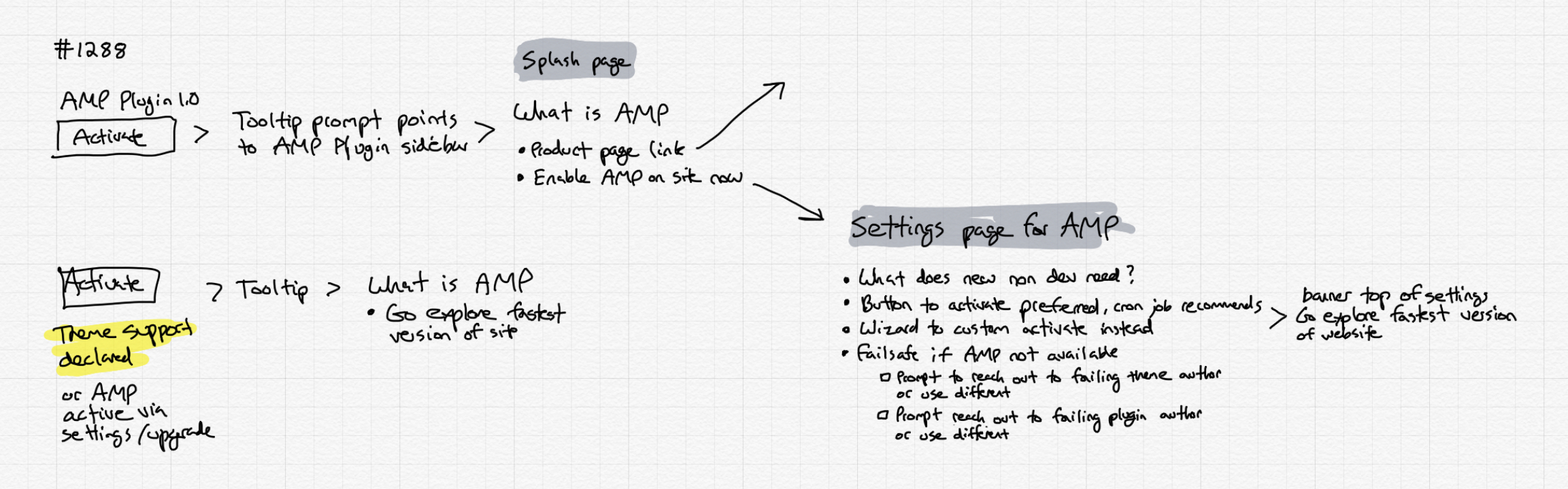
Thoughts from call with Leo and I
 jwold
on 26 Jul 2018
jwold
on 26 Jul 2018
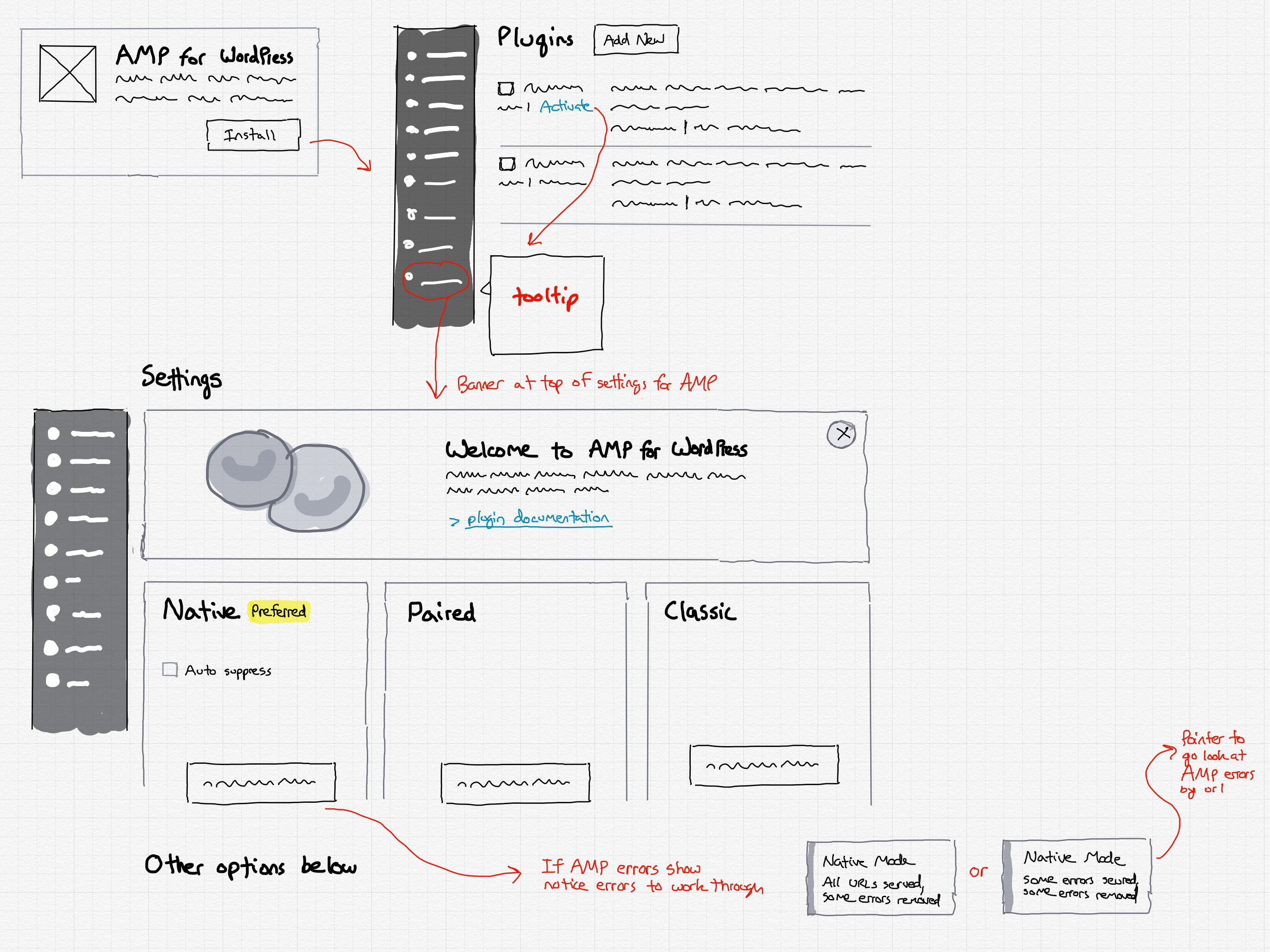
Had a great discussion with @postphotos today to think through the implications of presenting options to the user when they need to decide whether to go with classic, paired, or native mode.
jwold
on 29 Aug 2018
Another AC is that we should make sure we obtain the validation results for the most recently-published post and make them available to the user even before activating paired or classic modes. Actually, the validation status for each template type should be obtained and then this can be shown alongside each template in the hierarchy, as well as in some summary view with native/paired options.
 westonruter
on 5 Sep 2018
westonruter
on 5 Sep 2018
1384 asks the question of whether paired mode should be the default - linking to here.
postphotos
on 9 Oct 2018
We'll need to revisit the redesigned settings screen to make the template modes more visually appealing.
westonruter
on 4 Dec 2018
Helpful to the onboarding flow would be the paired-browsing interface to navigate the site in a side-by-side view to see how well (or not) the site works in AMP: #3365.
westonruter
on 4 Oct 2019
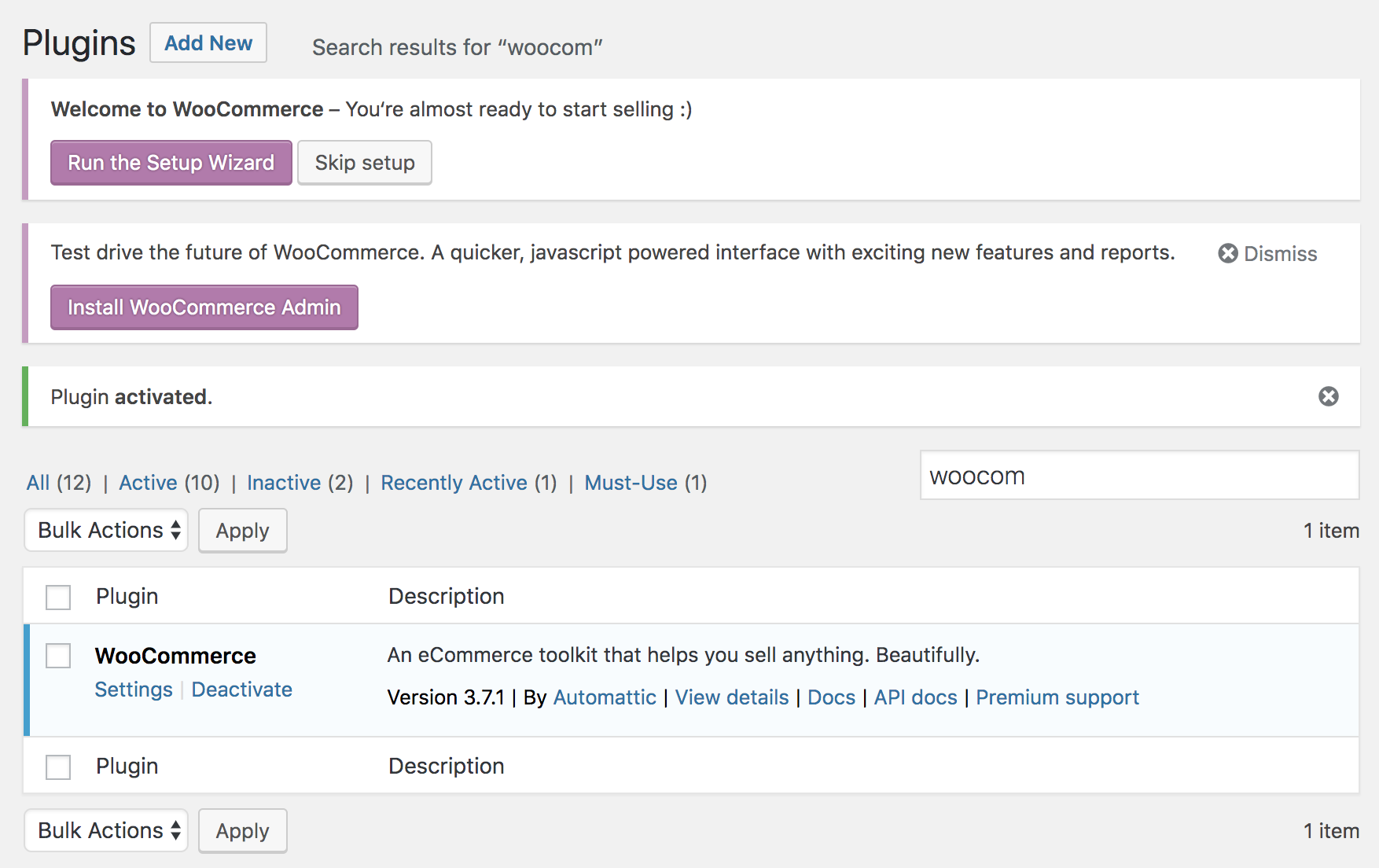
@samitron7 As an example for what another plugin does to prompt the user to enter an onboarding flow, here's what WooCommerce does upon activation:
Upon clicking “Run the Setup Wizard” the user sees these screens:
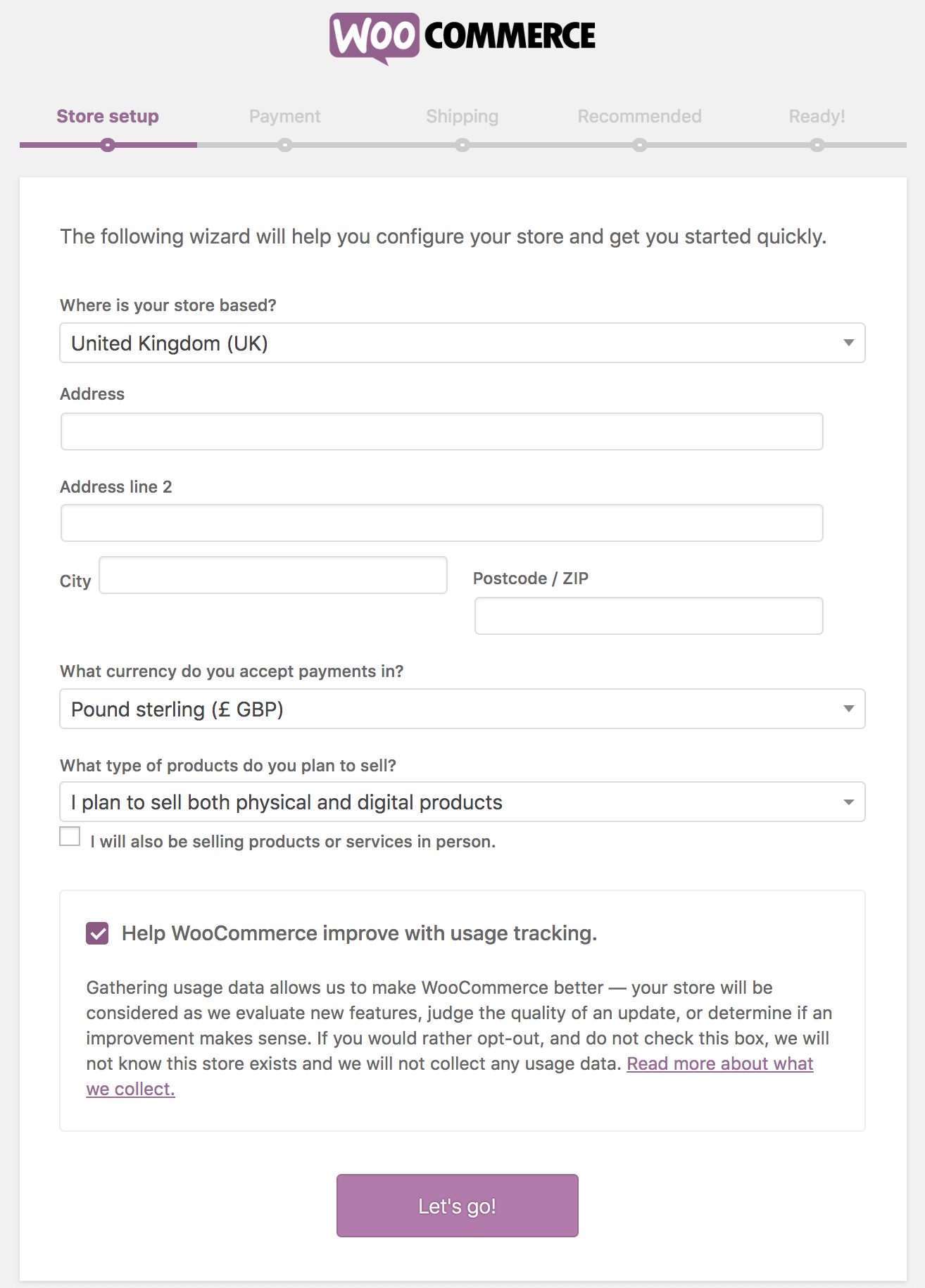
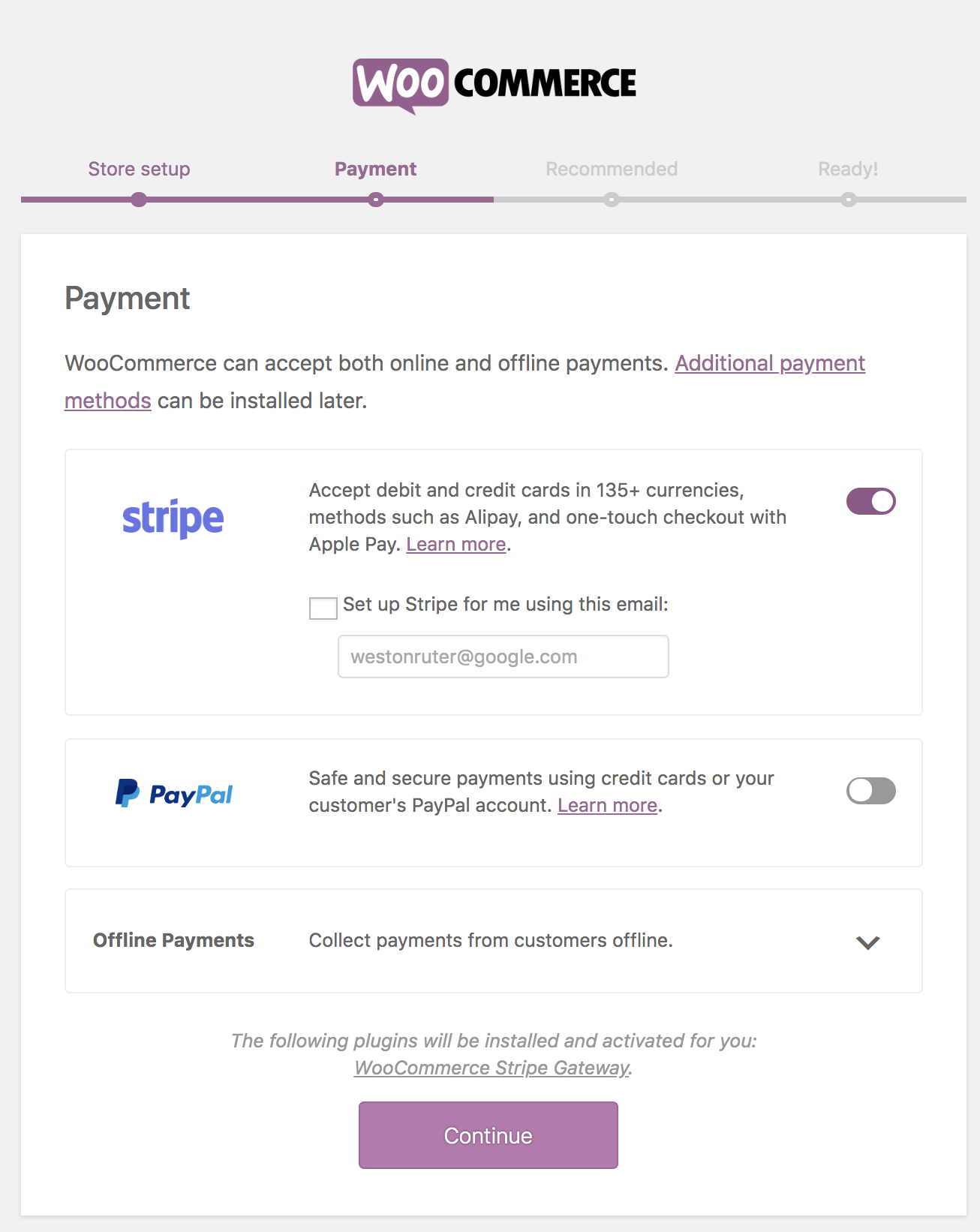
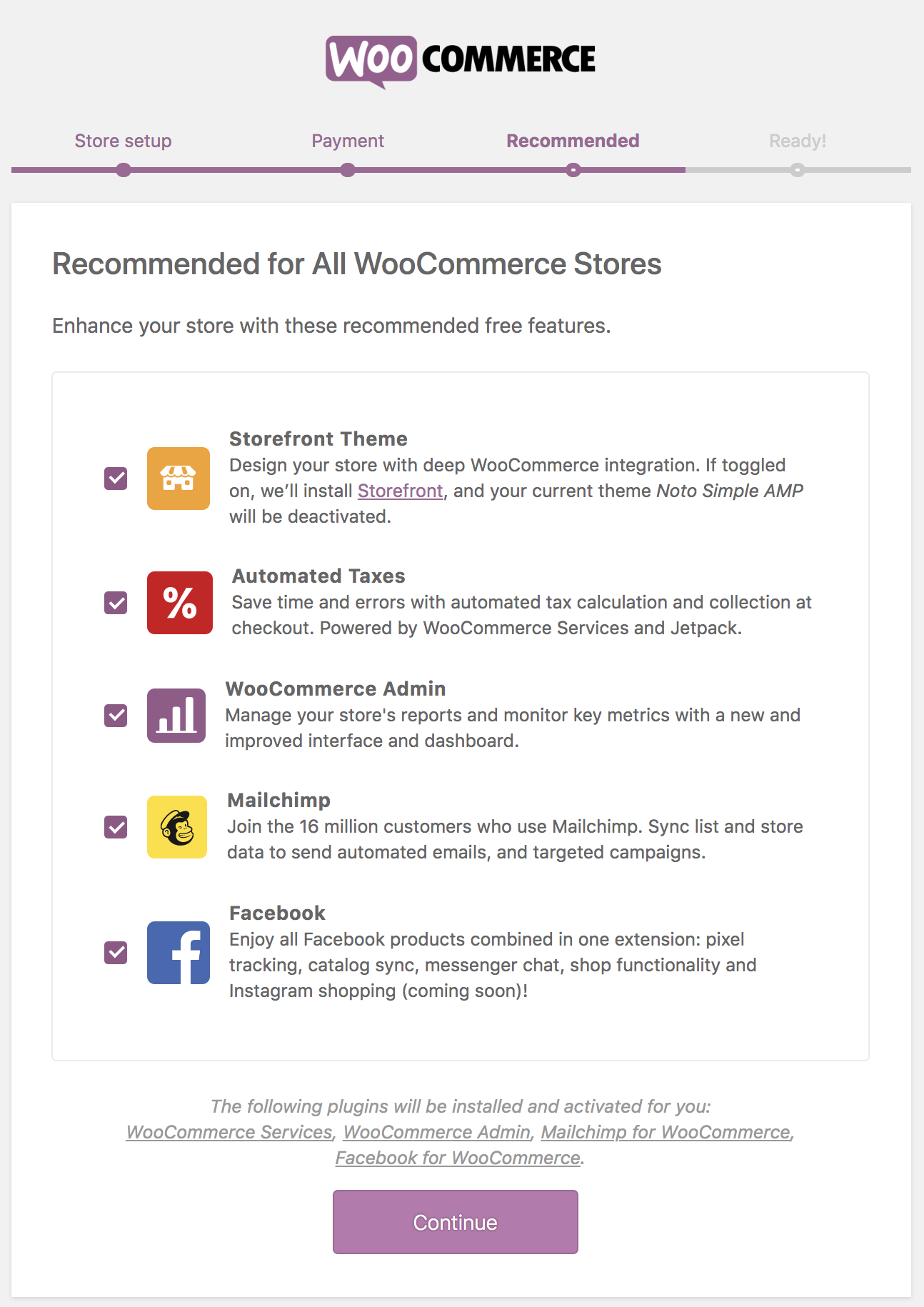
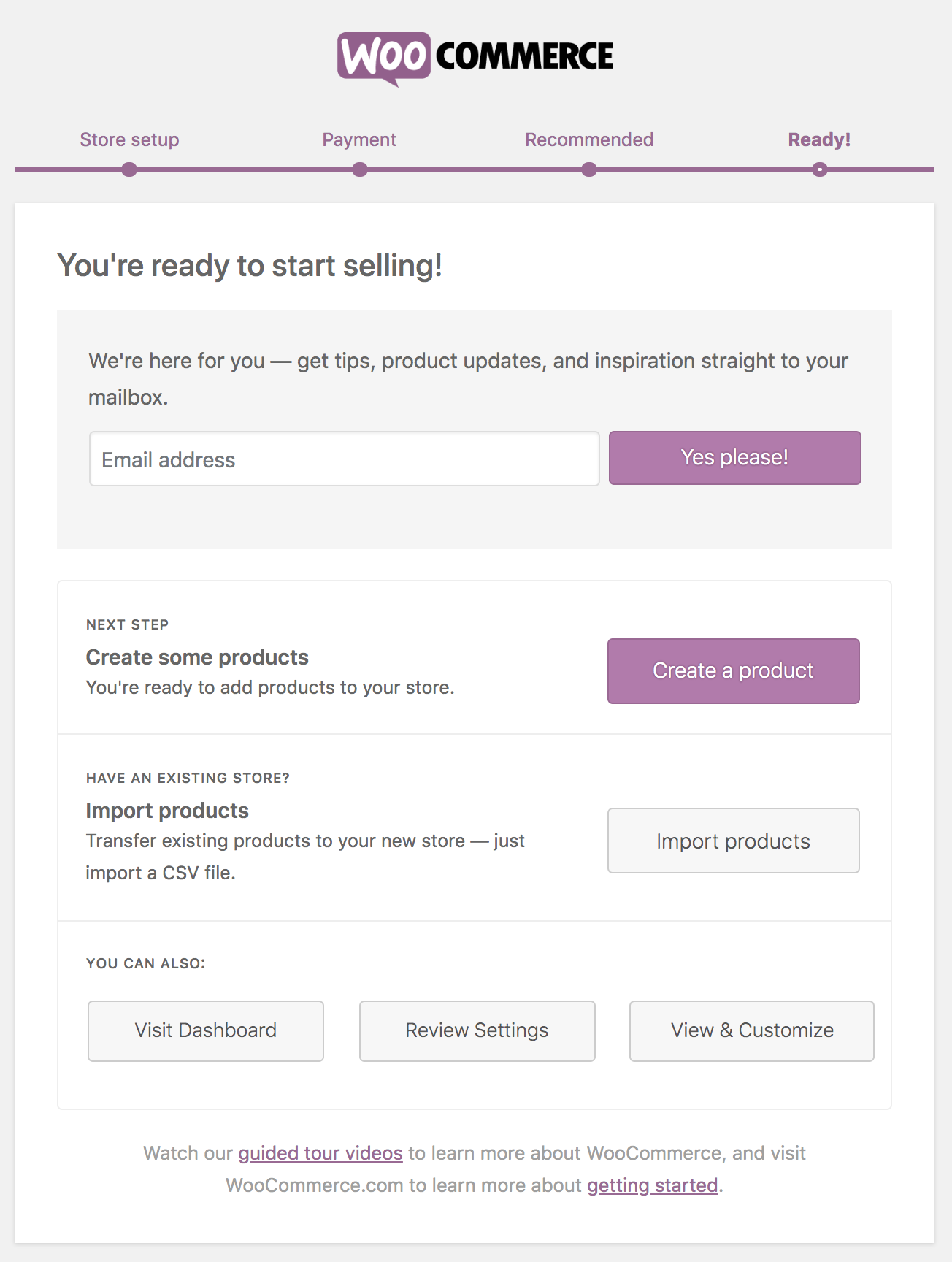
Note also the link to guided tour videos and information about getting started.
westonruter
on 14 Oct 2019
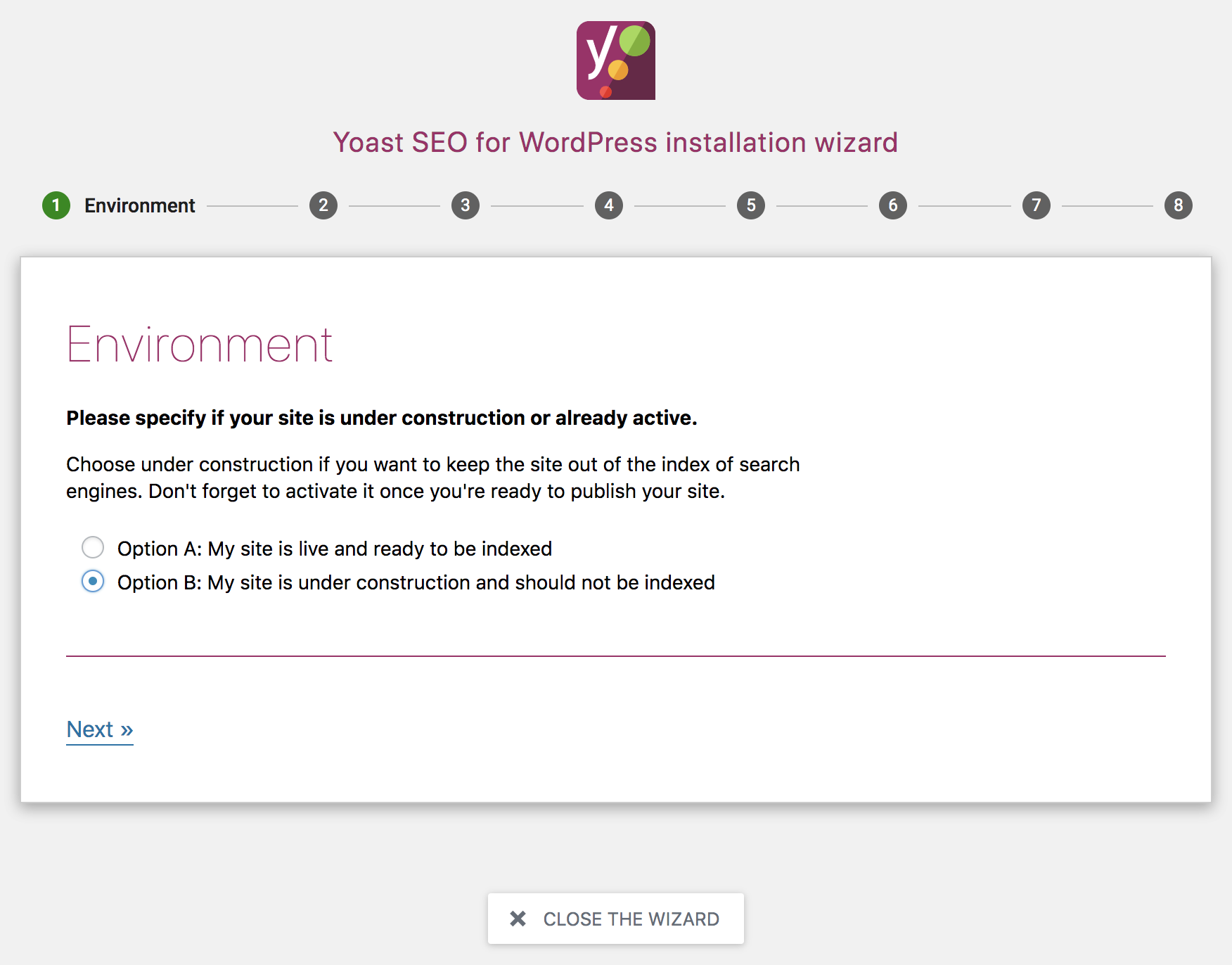
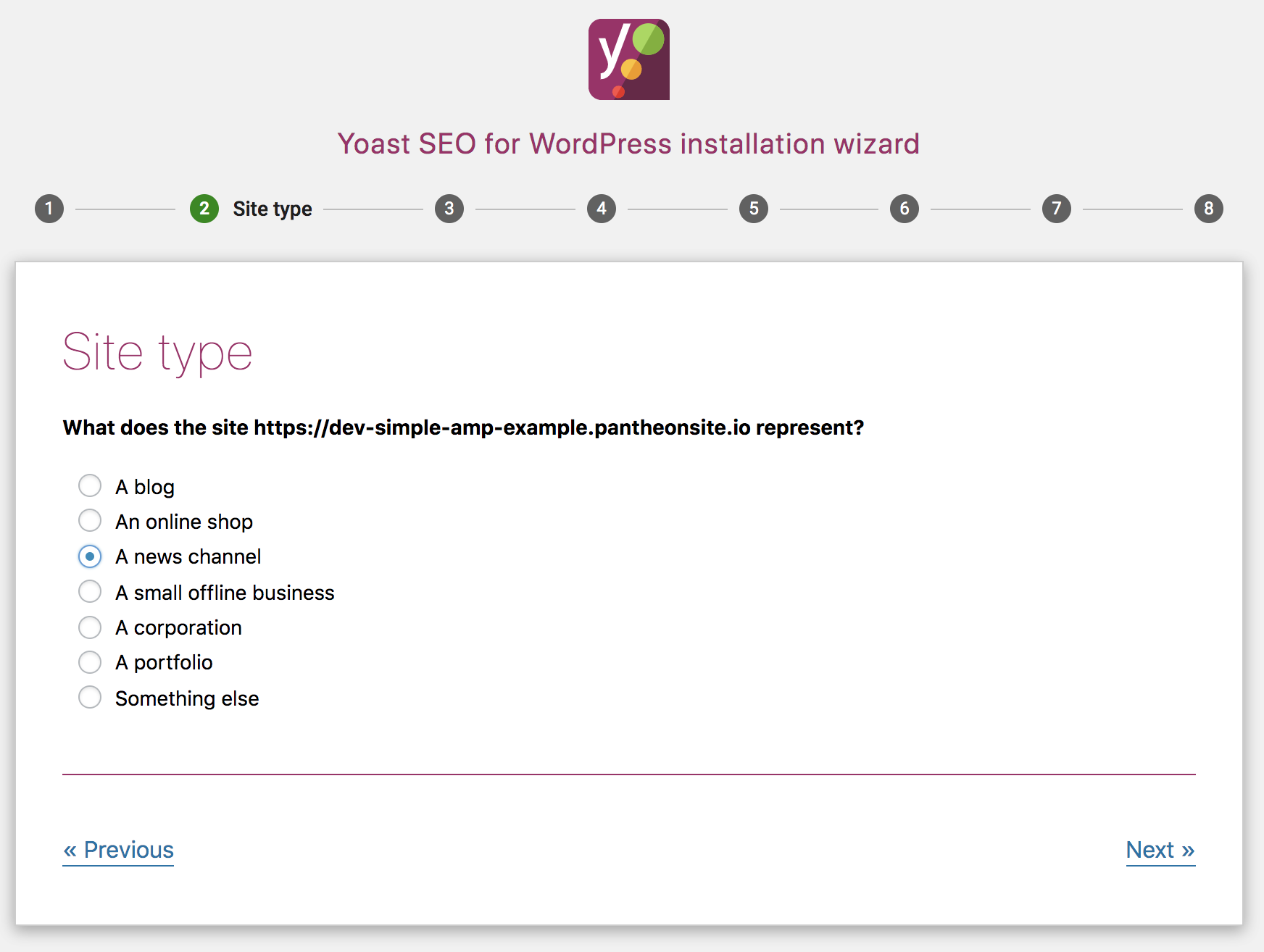
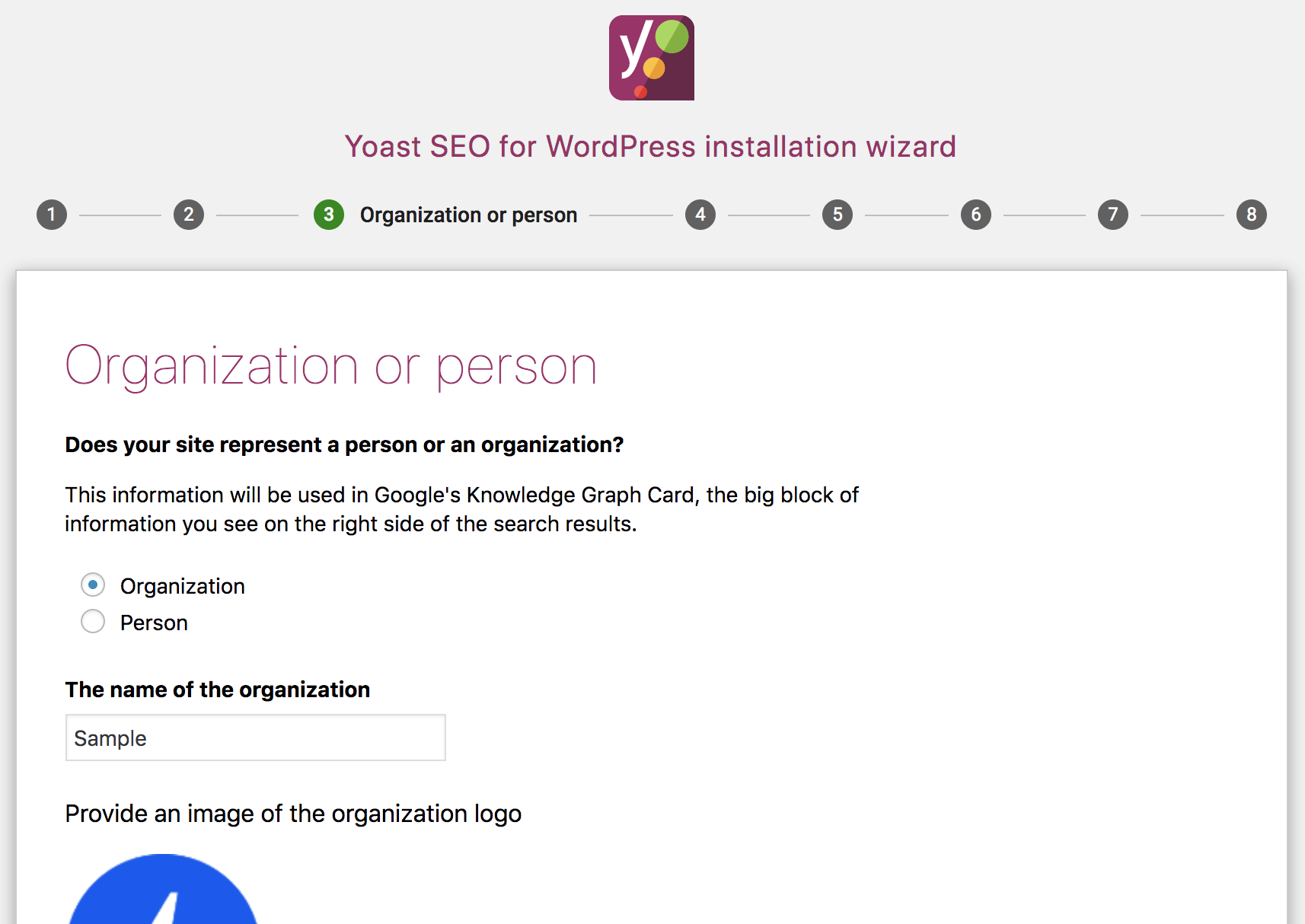
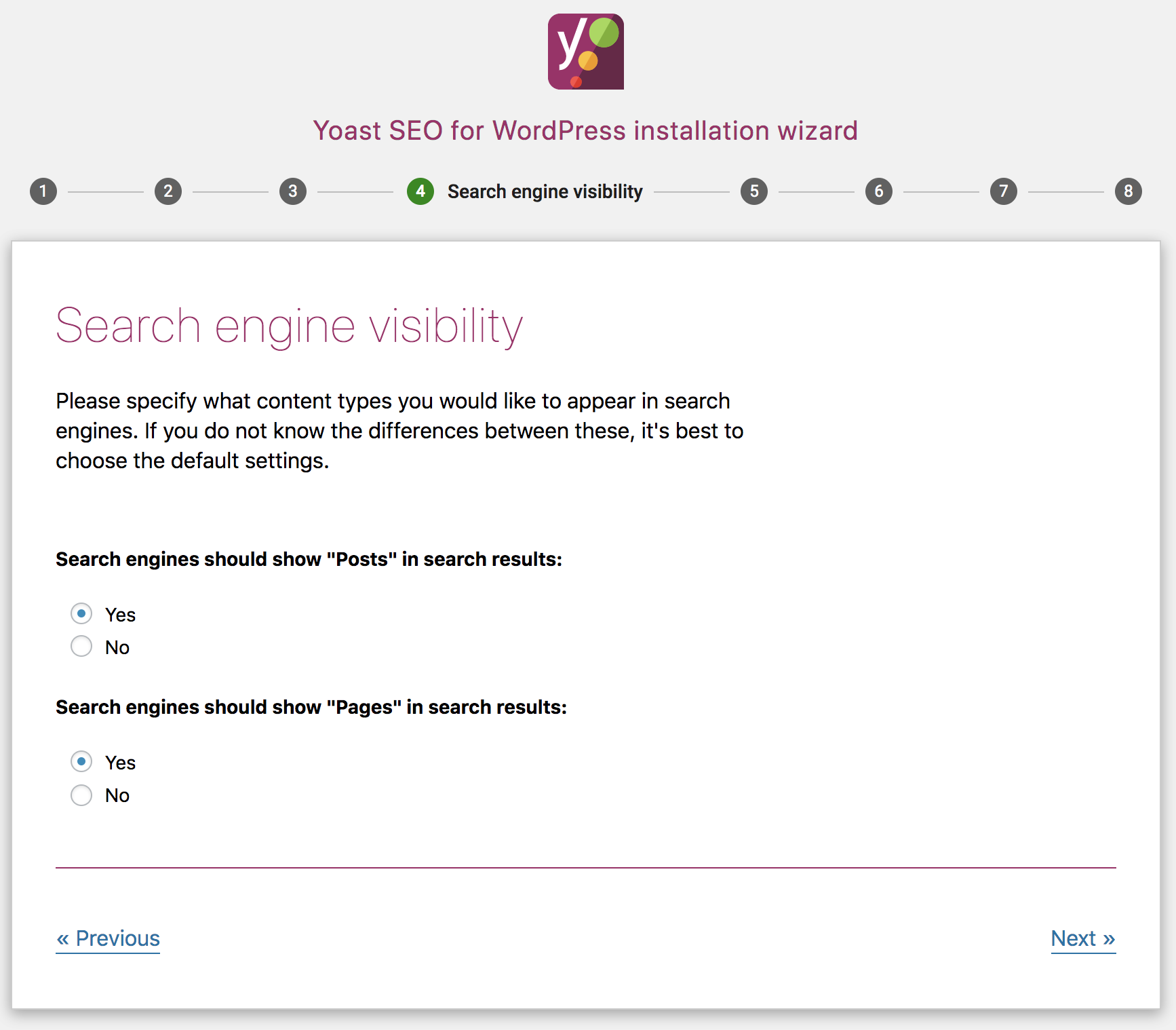
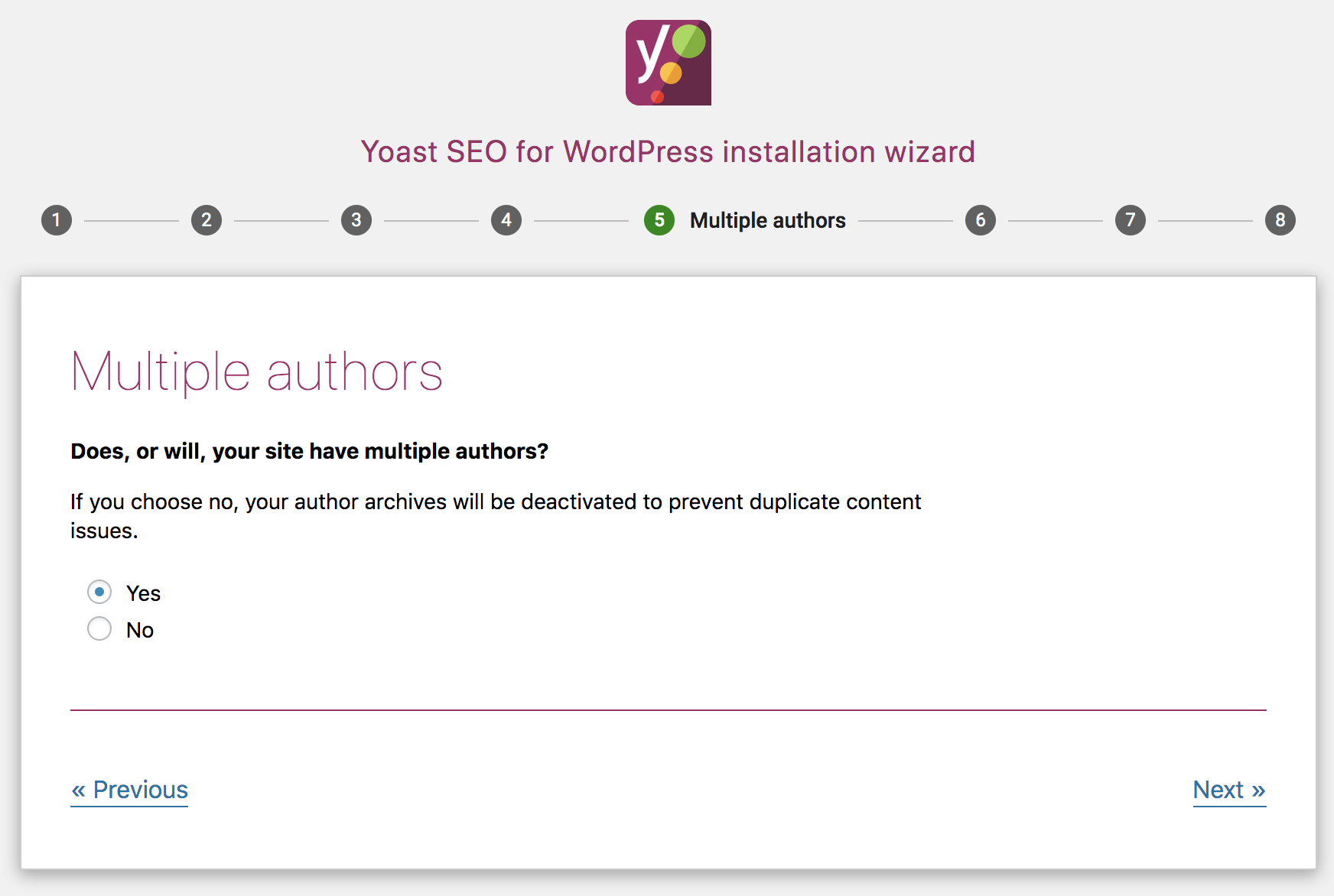
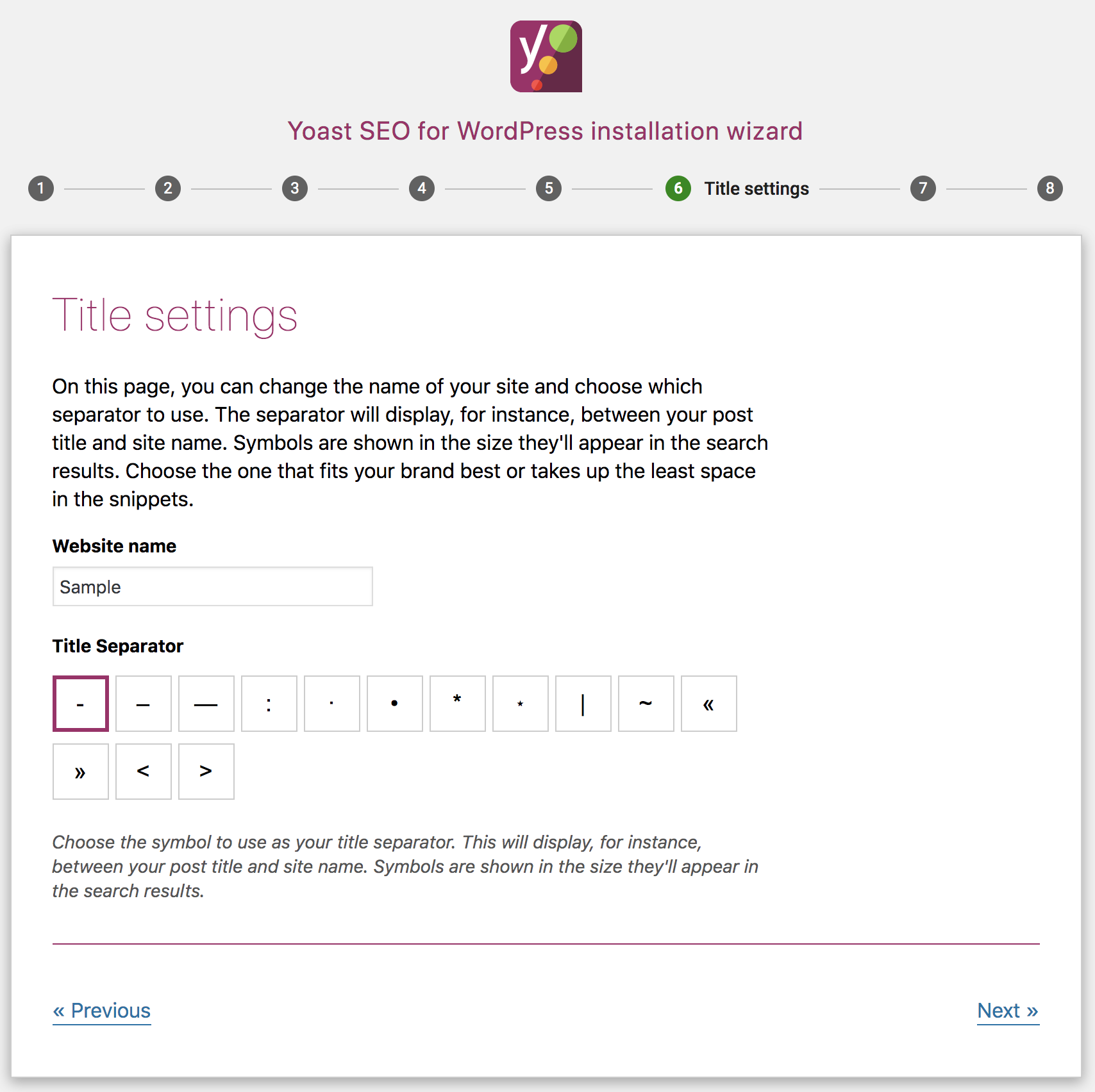
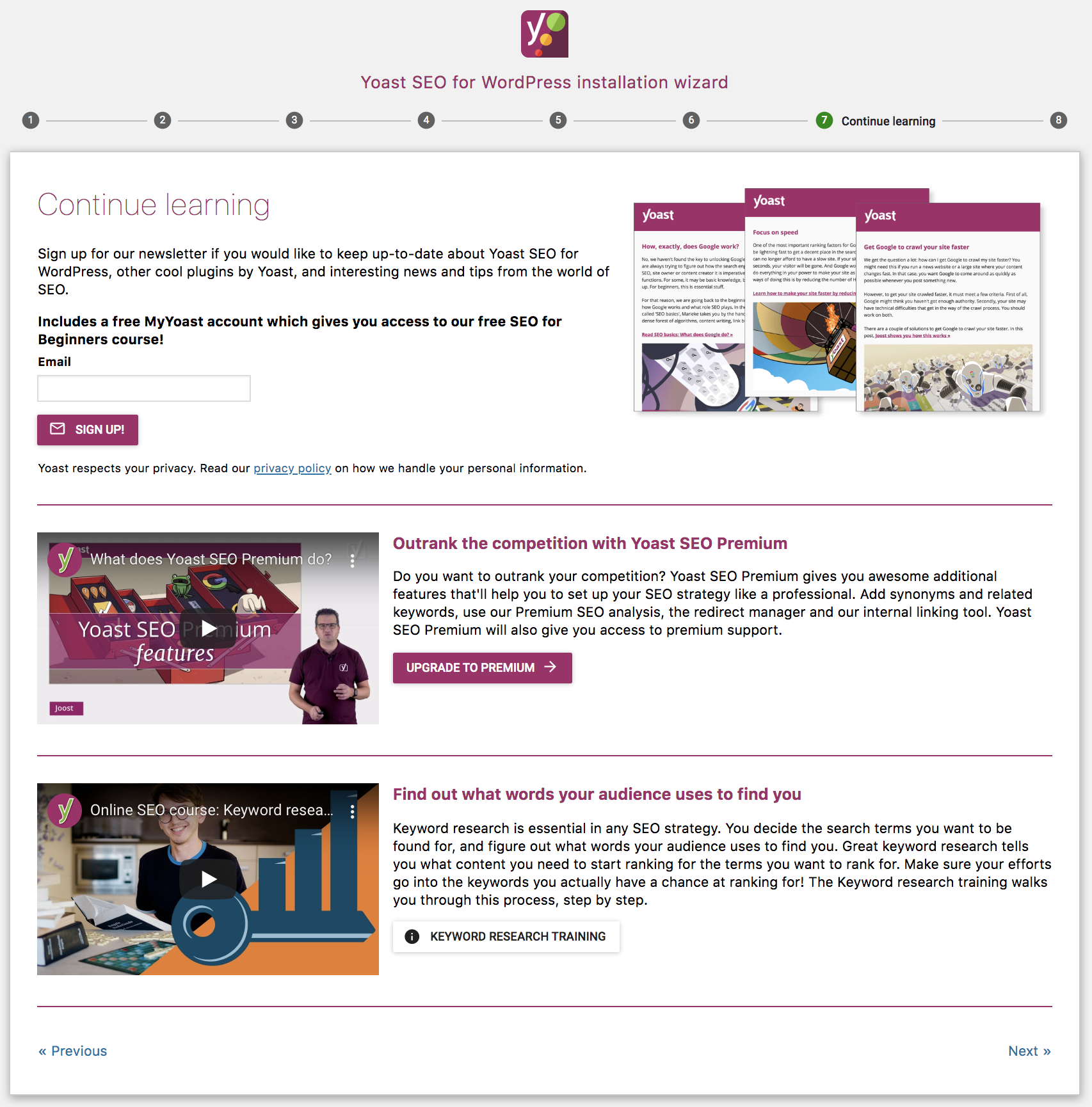
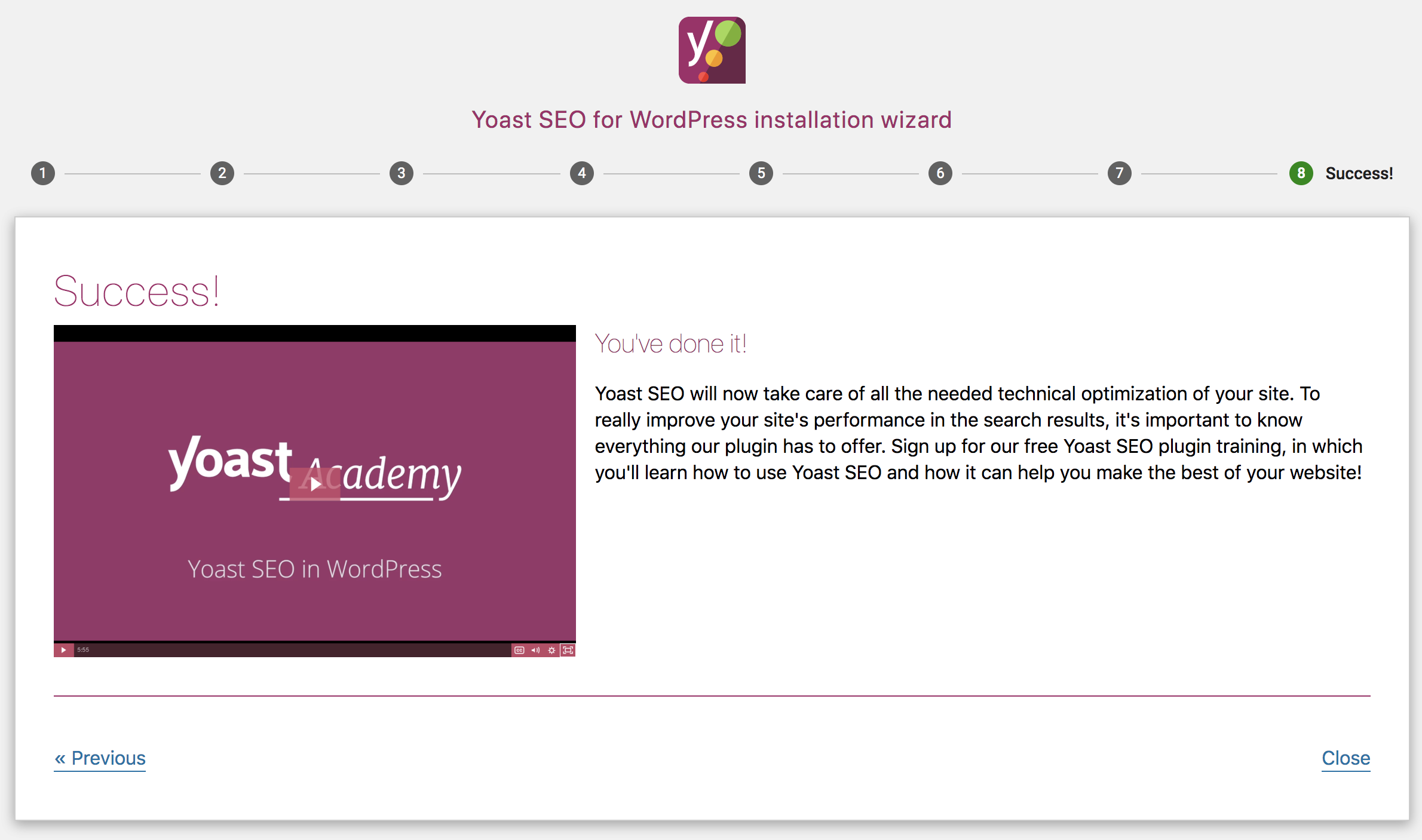
Similarly, for Yoast, there is a prompt to access the configuration wizard in the admin bar and on the admin screen:
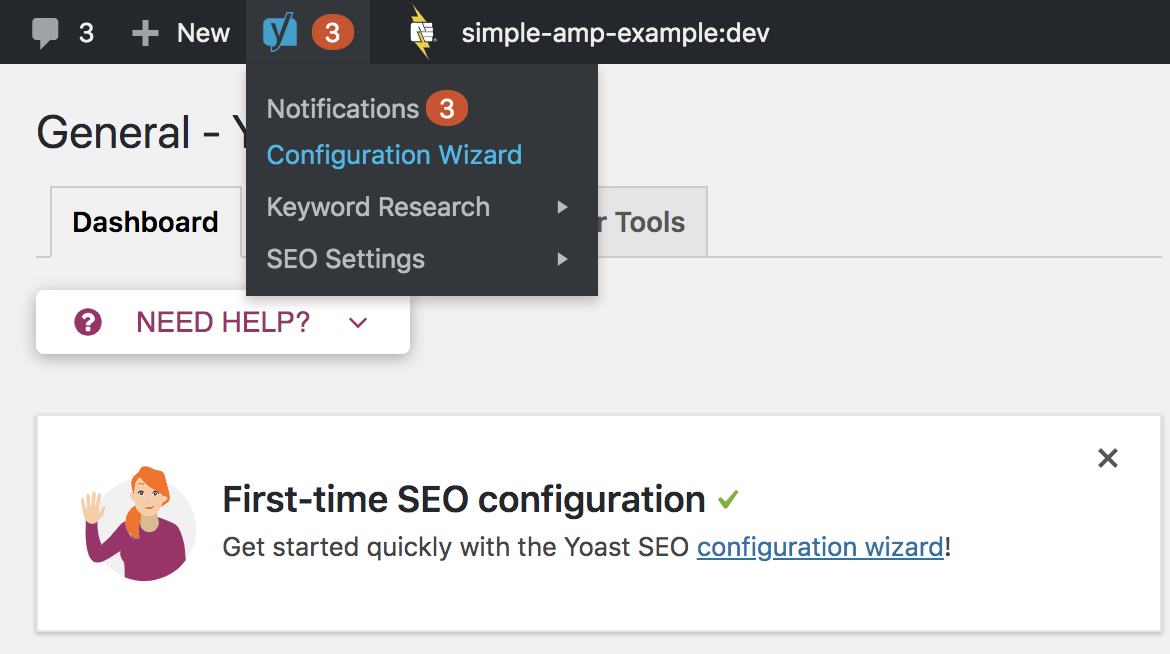
Opening the wizard takes you through these steps:
westonruter
on 14 Oct 2019
During the onboarding wizard, it would indeed be great to run the validation against multiple templates, and then provide a overview of the problems to expect and a smart suggestion of how to start (which mode, which templates, ...), and the best way to progress towards Transitional (which plugins to try to replace, ...).
Another goal that would be worthwhile to pursue with an onboarding wizard is to set the correct expectations for the user:
- that this is more of a development tool, not a 100% plug&play solution
- that we're eager to get feedback, and the ways in which this feedback can be provided
 schlessera
on 26 Mar 2020
schlessera
on 26 Mar 2020
 amedina
on 2 Apr 2020
amedina
on 2 Apr 2020
This issue has been resolved with other on boarding related issues.
jwold
on 16 Jun 2020
Related issues
 miina
·
3Comments
miina
·
3Comments
 nickcernis
·
4Comments
westonruter
·
3Comments
miina
·
5Comments
westonruter
·
4Comments
nickcernis
·
4Comments
westonruter
·
3Comments
miina
·
5Comments
westonruter
·
4Comments
Most helpful comment
Related: https://github.com/ampproject/amp-wp/issues/4452