Altair: Can't enable experimental features
Describe the bug
Start from v2.3.8+, it's not possible to enable experimental feature as GraphiQL Explorer.
To Reproduce
Steps to reproduce the behaviour:
- Go to 'settings'
- Click on 'Enable experimental...'
- Or add the key 'enableExperimental'
- Restart Altair.
Expected behavior
A clear and concise description of what you expected to happen.
Screenshots
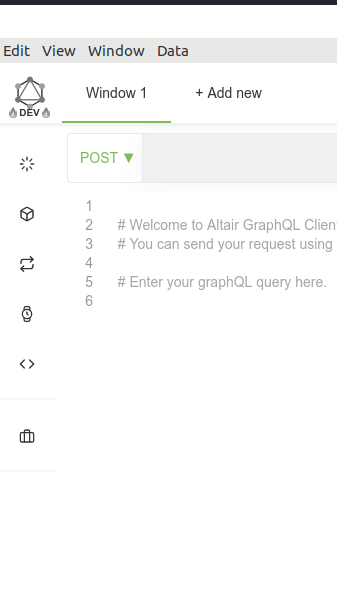
Desktop (please complete the following information):
- OS: Ubuntu
- Version: 18.04.3 LTS
Additional context
Altair installed via Snap
 aoudiamoncef
All 5 comments
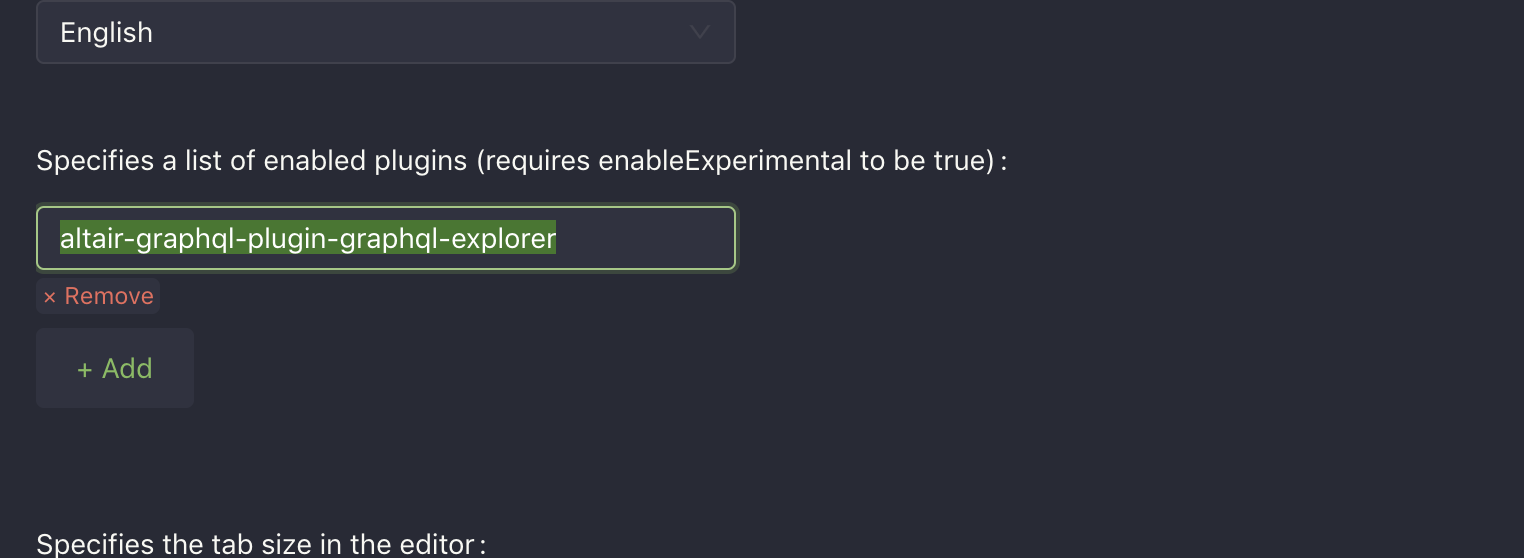
From your screenshot, the experimental features are enabled. If you're looking for the GraphiQL explorer, you need to add it to the plugins list in the settings as altair-graphql-plugin-graphql-explorer.
 imolorhe
on 21 Dec 2019
imolorhe
on 21 Dec 2019
imolorhe
on 21 Dec 2019
Also according to your screenshot, you have the v2.4.0 installed via snap. So I assume your snap issue #1120 is fixed?
imolorhe
on 21 Dec 2019
Hi @imolorhe,
I always have the error message at startup but after thant Altair runs normally. I still can't enable experimental from the GUI, i should use expert mode and add the key manually.
It could be very interesting to get the list of available plug-ins in a drop-down list or something like this.
aoudiamoncef
on 21 Dec 2019
The plugins are still in beta which is why they are behind the experimental features flag. I wouldn't be changing how the plugins are discovered until after the beta stage.
imolorhe
on 22 Dec 2019
Related issues
 MCSH
·
7Comments
MCSH
·
7Comments
 levrik
·
4Comments
levrik
·
4Comments
 isaachvazquez
·
8Comments
isaachvazquez
·
8Comments
 razvan-jiganie-bizcuit
·
4Comments
razvan-jiganie-bizcuit
·
4Comments
 mike-sosa-sofarocean
·
8Comments
mike-sosa-sofarocean
·
8Comments