Al: The debugger options cannot be used for this server - Business Central
I was developing a project on VS Code for a Sandbox environment and it was working fine, and I could publish the solution.
However, today I tried to republish the solution again, and I got the following error: "The debugger options cannot be used for this server.".
I already restarted VC Code, and clear the Cache but it didn't work. I would appreciate if you could help me in finding a solution for this issue.
Thank you !

 DavidRRA
All 7 comments
I'm having the same issue, yesterday evening (Around 9pm-10pm GMT), my sandbox environment didn't react to debugging, it couldn't hit my debug breakpoints. It was working few minutes before that, I was in the middle of some development.
Since then I tried restarting and reinstalling VSCode, Also dropped all my sandboxes and created them again, I tries UK and US Databases. I'm getting the same error:
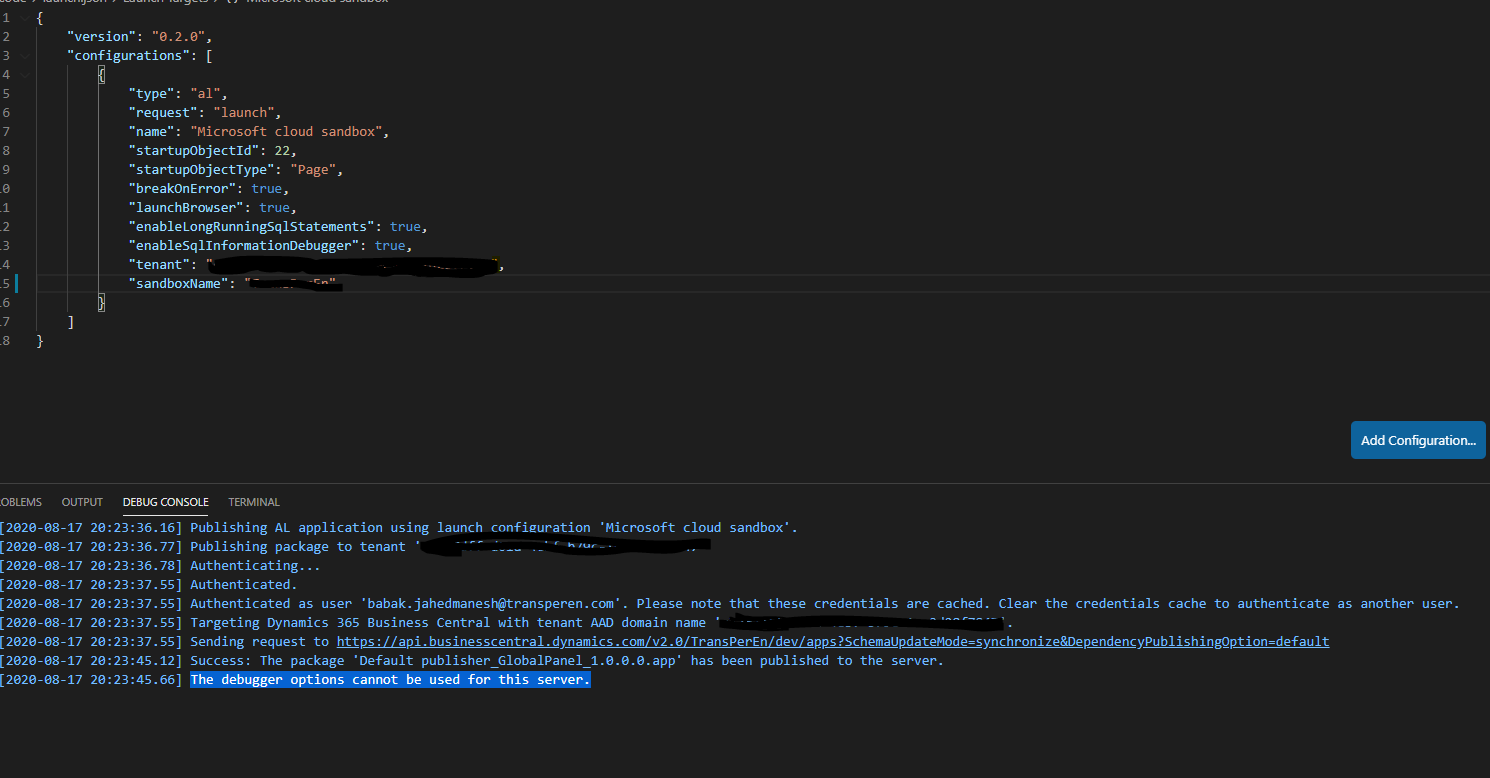
here is my app.json
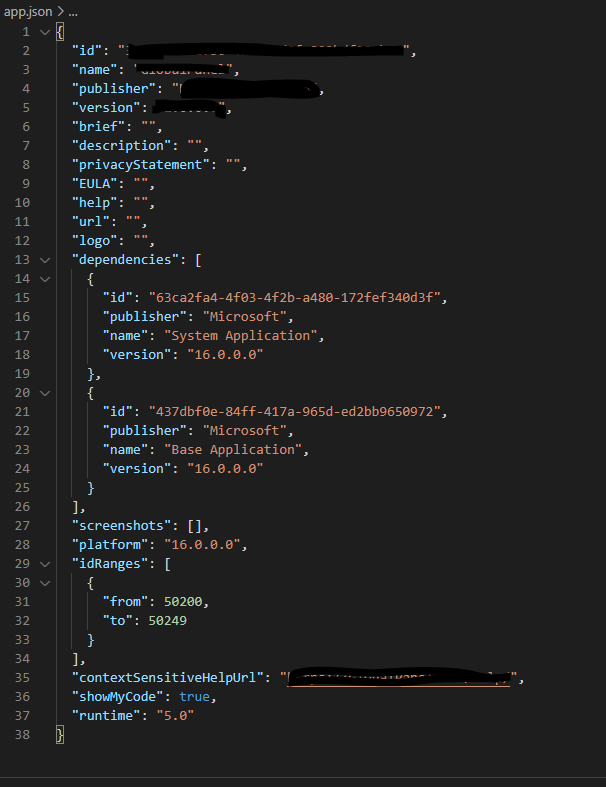
 babak2000ir
on 17 Aug 2020
babak2000ir
on 17 Aug 2020
Hi, I have same issue since 18h GMT.
AL v5.0.312966
Versión: ES Business Central 16.4 (Plataforma 16.0.14648.15420 + Aplicación 16.4.14693.15090)
Publish without debugging works fine.
 achecac
on 17 Aug 2020
achecac
on 17 Aug 2020
It is clearly related to the AL language version 5.0.312966.
To work around, downgrade to 5.0.311667.
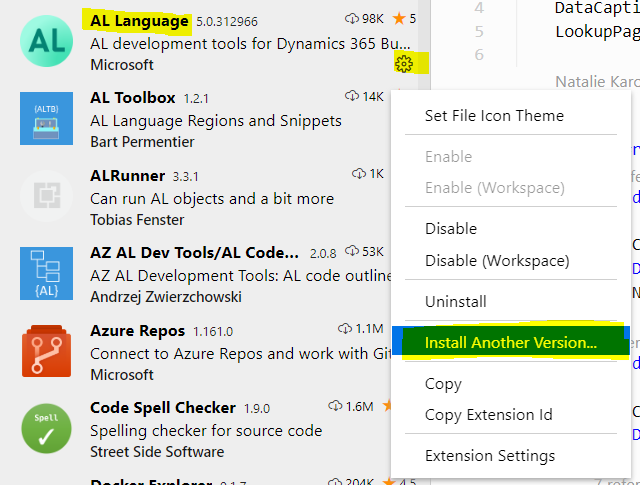
 NKarolak
on 18 Aug 2020
NKarolak
on 18 Aug 2020
We are investigating this issue. We'll update the thread once we know more.
 atoader
on 18 Aug 2020
atoader
on 18 Aug 2020
Same here - the only clue I had is that someone posted on a forum somewhere that the issue was due to the fact the AL tools version didn't match the version on the server.
Still took most of the day of tearing my hair out/trying on a different machine before I resolved!
 charlespockert
on 18 Aug 2020
charlespockert
on 18 Aug 2020
A new version of the extension was released that solved this issue. Thank you very much for your patience and for raising the issue here!
atoader
on 18 Aug 2020
Fantastic, it is now solved, thank you!
DavidRRA
on 18 Aug 2020
Related issues
 malue19
·
3Comments
malue19
·
3Comments
 AndersMad
·
3Comments
AndersMad
·
3Comments
 worldofthenavcraft
·
3Comments
worldofthenavcraft
·
3Comments
 RonKoppelaar
·
3Comments
RonKoppelaar
·
3Comments
 bvbeek
·
3Comments
bvbeek
·
3Comments
Most helpful comment
It is clearly related to the AL language version 5.0.312966.
To work around, downgrade to 5.0.311667.