Al: Can't visualize an image in control addin
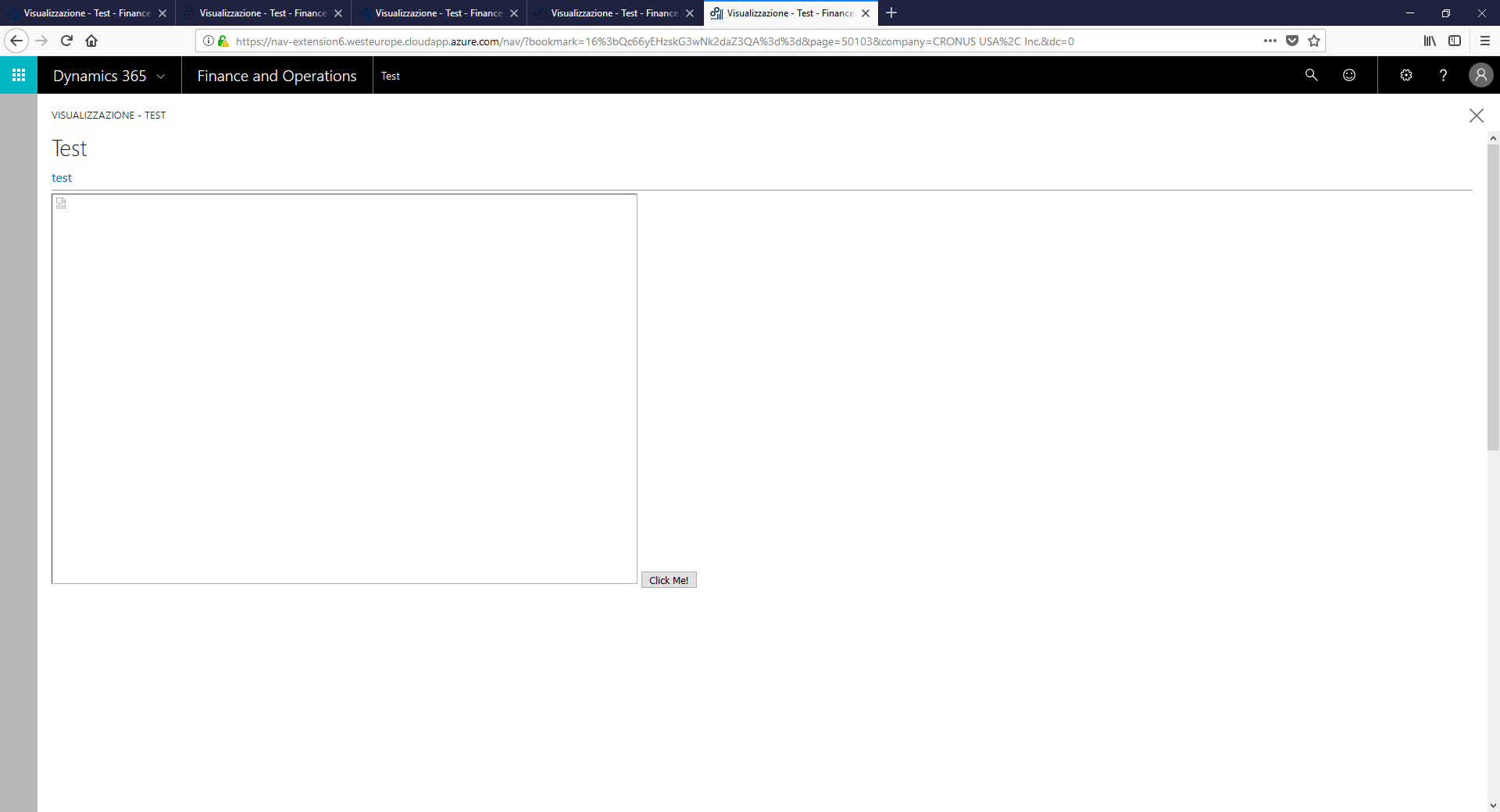
I have some issues about images in control addins. I tried many combinations but the system always draws an empty image or the alternative message.
Al Code
controladdin TestAddIn
{   Scripts = 'jquery-1.8.2.min.js', 'Core.js';
    StartupScript = 'Ready_Load.js'; //questo script è obbligatorio
    Images = 'Images/test.jpg';

    HorizontalStretch =true;
    RequestedWidth = 1280;
    RequestedHeight = 1700;
    event ControlReady();
    event ControlEvent(ReturnedData: JsonObject);
}

page 50103 IST_Image
{   CaptionML =ENU= 'Test';
    layout
    {
        area(Content)
        {
            group( test)
            {
              usercontrol(ControlName; TestAddIn)
            {
                ApplicationArea = All;
                trigger ControlReady()
                var

                begin
                    Message('NAV Addin Loaded');

              }
            }
          }
    }

}
About the scripts:
Ready_Load.js
var page;
var navControlContainer;
$(document).ready(function () {

      document.oncontextmenu = function () { // Use document as opposed to window for IE8 compatibility
          return false;
      };

        navControlContainer = $("#controlAddIn");


       page = $('<img id="mypic" src="Images/test.jpg" height="500" width="750" >'+
               ' <button type="button">Click Me!</button> '


    );
      navControlContainer.append(page);

    Microsoft.Dynamics.NAV.InvokeExtensibilityMethod('ControlReady', []);

 });
Core.js is empty (just for testing purpose) and query-1.8.2.min.js is a standard library
About folders, this is a pic of the project and its folders
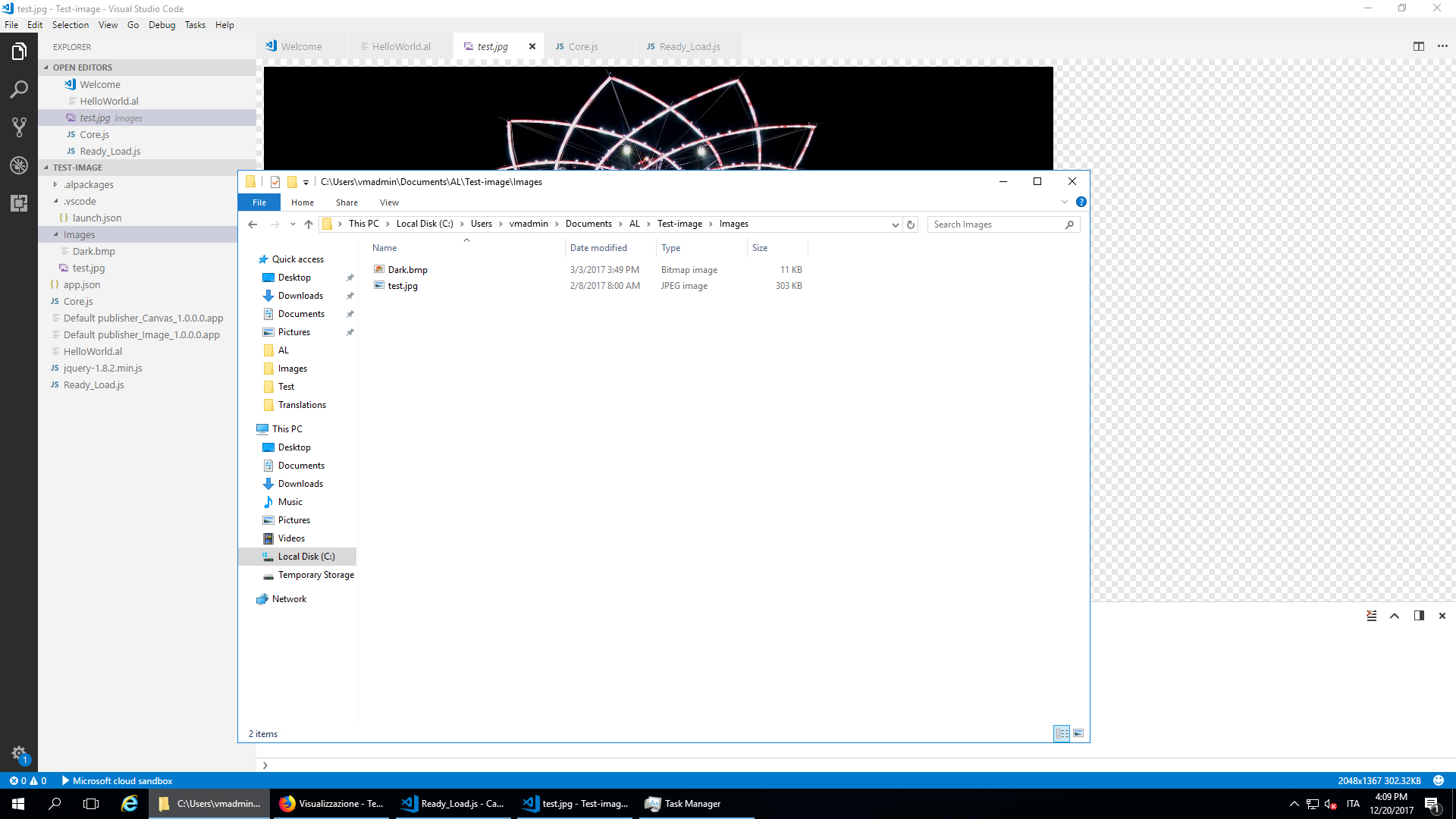
As you can see the "test" image is in the Images subfolder. I tried to move it in the main folders, change / and \ but with no effects. This is the result:
Any hint is appreciated. Thanks
 DavideVD
All 6 comments
If you inspect the element in the browser (F10) what does the link look like?
 johndcollins
on 20 Dec 2017
johndcollins
on 20 Dec 2017
thanks John. I tried, but the browser said me "can't find the image"
DavideVD
on 20 Dec 2017
The problem is the event
document. ready is fired after all HTML documents are loaded.
window. onload is fired after loading the complete content (e. g. pictures, css ....).
Your code will be executed after the html document has been loaded, but not all images will be loaded.
change your script to:
JS
window.onload(function () {
 Gallimathias
on 20 Dec 2017
Gallimathias
on 20 Dec 2017
In order to get the url of the image you need to use the following function in your javascript:
Microsoft.Dynamics.NAV.GetImageResource('Images/test.jpg');
 thpeder
on 21 Dec 2017
thpeder
on 21 Dec 2017
thanks thpeder. It was the problem...and the solution.
Just for global knowledge: the initial code in the startup script works (also the event document.ready, code block #2) if I change src='test.jpg' with
src='+Microsoft.Dynamics.NAV.GetImageResource('Images/test.jpg')+
DavideVD
on 21 Dec 2017
This issue seems to be resolved so I will close it
 Kungitoo
on 4 Jan 2018
Kungitoo
on 4 Jan 2018
Related issues
 malue19
·
3Comments
malue19
·
3Comments
 AddEleven
·
3Comments
AddEleven
·
3Comments
 FSharpCSharp
·
3Comments
FSharpCSharp
·
3Comments
 SteveKrisjanovsD365
·
3Comments
SteveKrisjanovsD365
·
3Comments
 bvbeek
·
3Comments
bvbeek
·
3Comments