Hi everyone,
I am using SimGetImage to grab image from Unreal Enviroment , but the image looks really dark after I set up all the parameter (like AutoExposureSpeed and so on.)
And also I tried PNG and uncompressed image, nothing changed

and also two image in below should be the same
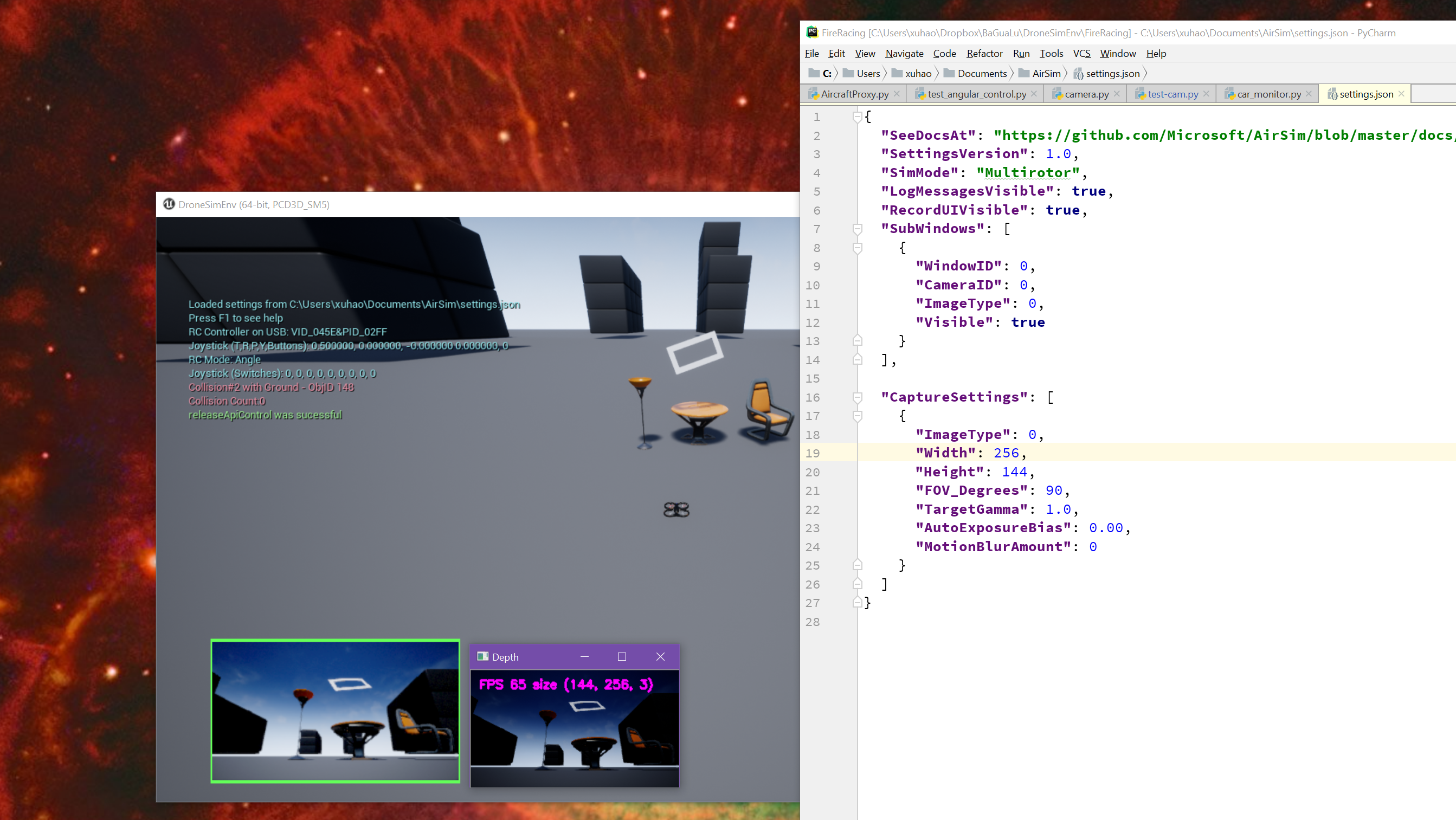
But the one display by python is darker then another
 xuhao1
All 5 comments
I encountered the same issue in several environments, is it something related to Unreal lighting condition?
The screen I saw in Unreal engine
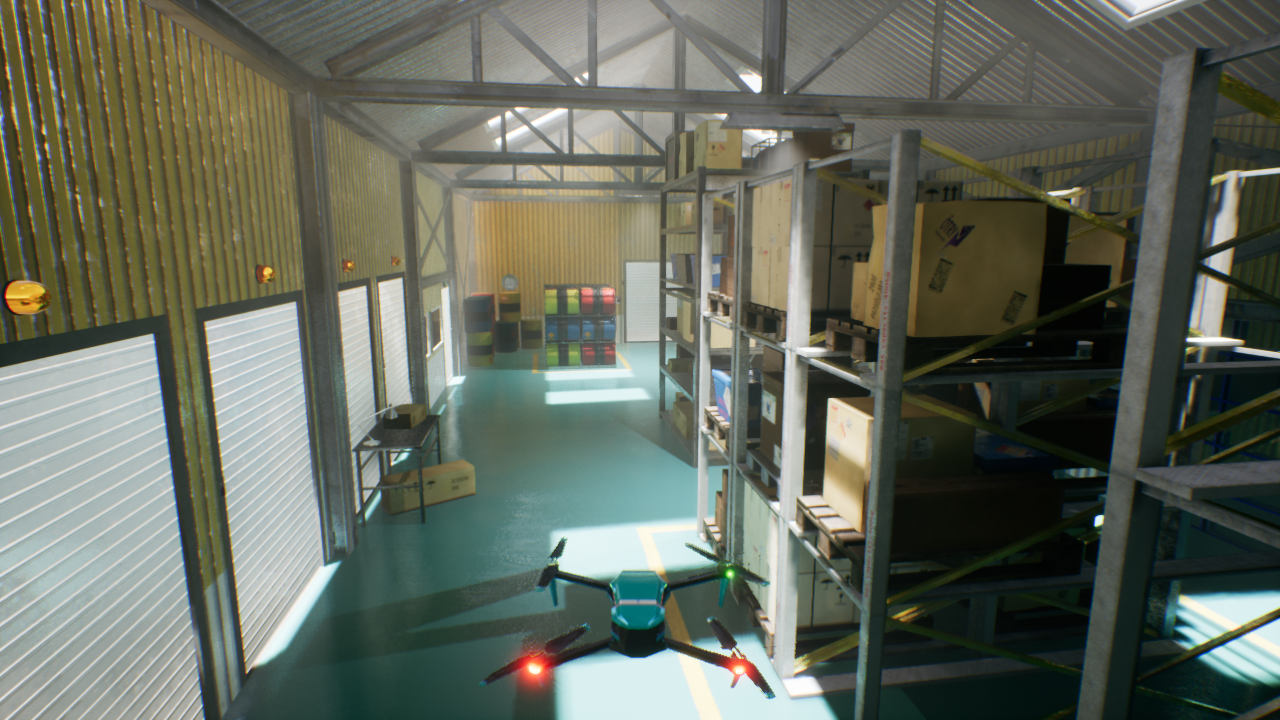
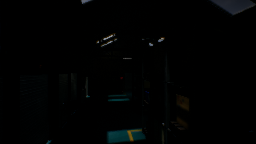
The screenshot I got using AirSim API
 kuanting
on 12 Jun 2018
kuanting
on 12 Jun 2018
I found that changing the bp_sky_sphere sun brightness to around 80 made the brightness of the recorded images correspond more closely to the viewport images. Changing the auto-exposure min and max brightness in post-process volume(s) may also be worth looking at from my previous experimentation
 DavidLSmyth
on 12 Jun 2018
DavidLSmyth
on 12 Jun 2018
You might also want to adjust TargetGamma:
"CameraDefaults": {
    "CaptureSettings": [
      {
        "ImageType": 0,
        "TargetGamma": 1.5
      }
    ]
}
Also see note on new settings.
Please let us know what worked for you.
 sytelus
on 23 Jun 2018
sytelus
on 23 Jun 2018
@sytelus Can sensible defaults please be provided such that the output images match the in game images? It is frustrating that additional work needs to be done to capture the exact images that are being shown to the user on screen.
 mjcorriere
on 29 Jun 2018
mjcorriere
on 29 Jun 2018
@kuanting do you mind if I ask you where did you get the drone geometry you have and if you mind sharing the physics script as well. Appreciated!
 AloshkaD
on 21 Dec 2018
AloshkaD
on 21 Dec 2018
Related issues
 vinbo
·
4Comments
vinbo
·
4Comments
 kharyal
·
3Comments
kharyal
·
3Comments
 Mayankm96
·
4Comments
Mayankm96
·
4Comments
 machenxiang
·
3Comments
machenxiang
·
3Comments
 p3jawors
·
3Comments
p3jawors
·
3Comments
Most helpful comment
@sytelus Can sensible defaults please be provided such that the output images match the in game images? It is frustrating that additional work needs to be done to capture the exact images that are being shown to the user on screen.