Steps to reproduce
- Successfully launch and add third-party filters.
- Open dashboard page of AGH in browser.
- Open a website full of ads eg.
https://www.dailymail.co.uk/home/index.html
Expected behavior
Ads should be blocked like demo gif from Adguard blog.
Actual behavior
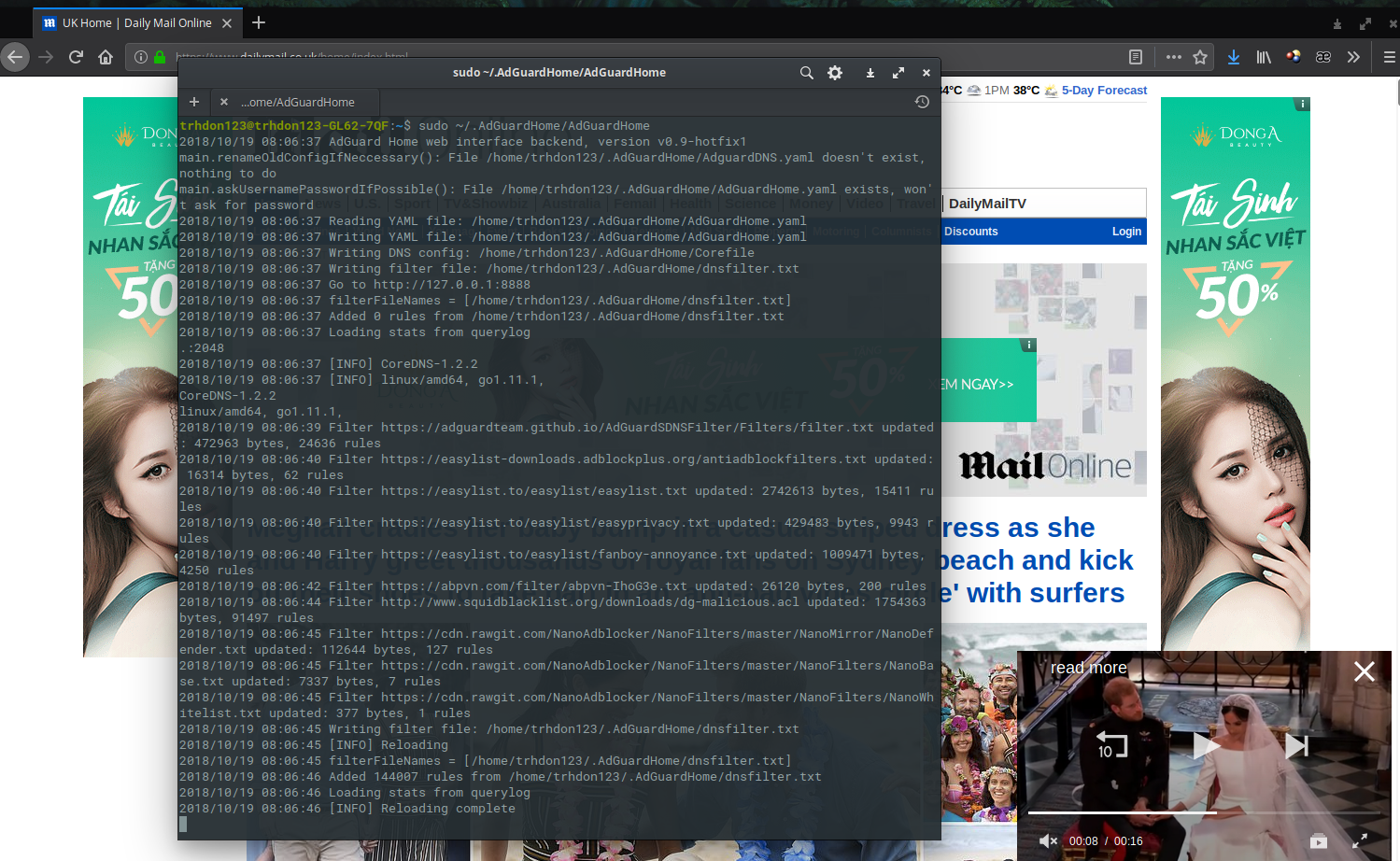
Nothing blocked. Tried with some other websites I get the same result. With all those filters I've added but using adblock extension in browser, ads are mostly blocked.
Screenshot:
Launch successfully.
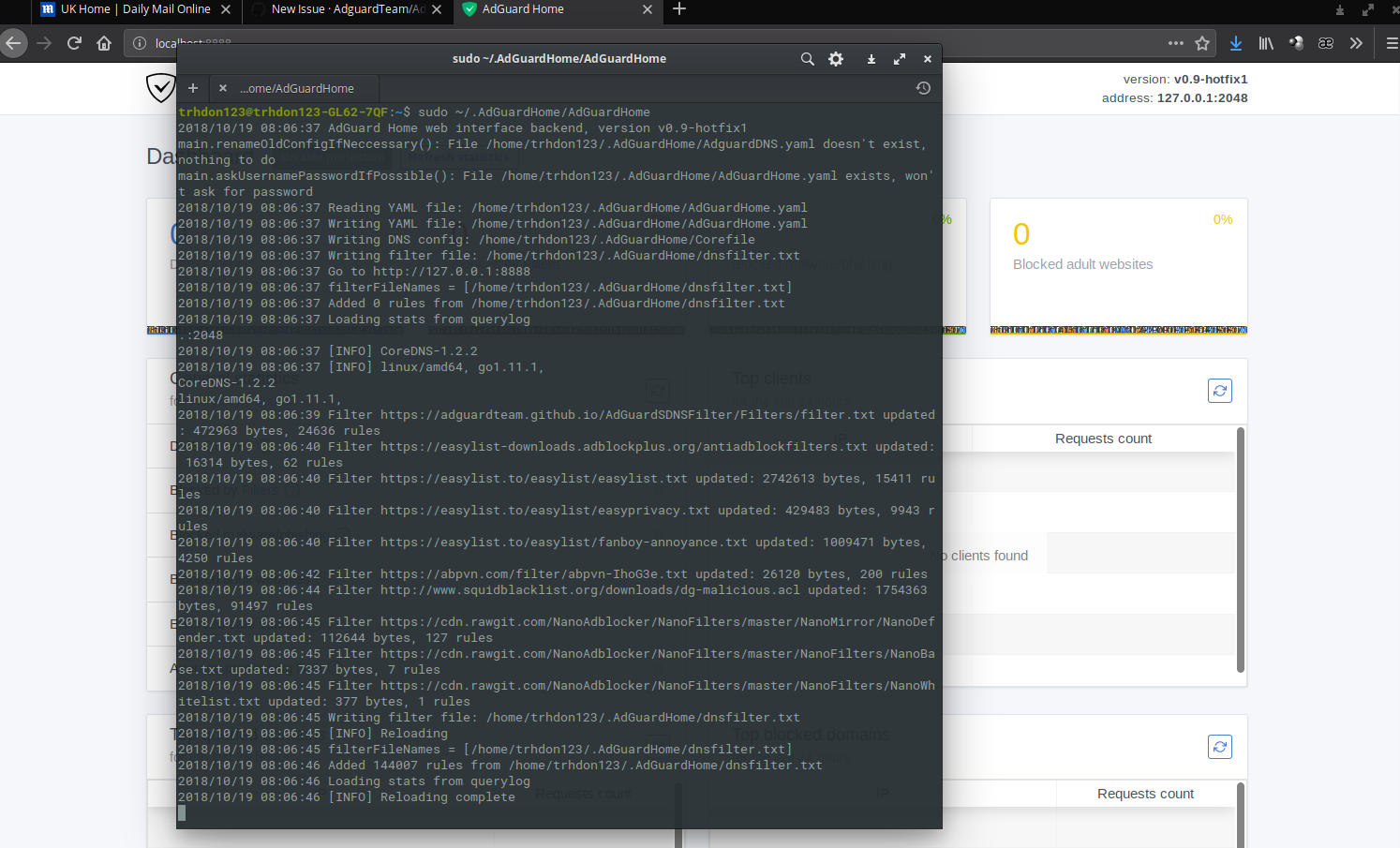
Nothing blocked. Also refresh dashboard to check and nothing in statistic.
Your environment
| Description | Value |
| -------------- | ------------ |
| Version of AdGuard Home server:| v0.9-hotfix1
| How did you setup DNS configuration:| IPv4 via system settings: Cloudflare 1.1.1.1 and Google DNS 8.8.8.8
| If it's a router or IoT, please write device model:| none
| Operating system and version:| ElementaryOS 5.0 (Ubuntu 18.04 based)
 hngdtrng123
All 19 comments
Have you tried flushing DNS to make sure you're not caching old queries from pre-AdGuard DNS?
I believe it's done via sudo systemd-resolve --flush-caches and can be verified with sudo systemd-resolve --statistics.
 ewrogers
on 19 Oct 2018
ewrogers
on 19 Oct 2018
Try flushing DNS cache at chrome://net-internals/#dns.
Idk if Vivaldi can use this link, or maybe vivaldi://net-internals/#dns.
 dfmcvn
on 19 Oct 2018
dfmcvn
on 19 Oct 2018
Unfortunately neither methods suggested by @ewrogers and @dfmcvn works :(
What I've done:
- Set DNS config back to default
- Flush system DNS cache:
sudo systemd-resolve --flush-caches - Flush browser DNS cache:
- Firefox:
- Clear cache using browser's built-in tool
- Set
network.dnsCacheExpirationsto0in Firefox'sabout:config - Exit browser
- Run third-party tool (bleachbit) to clear system and browser cache
- Set
network.dnsCacheExpirationsback to default60
- Chromium same as Firefox but clear cache in
chrome://net-internals/#dns
- Firefox:
hngdtrng123
on 19 Oct 2018
@trhdon123 hi! could you please just in case disable all the additional filters and keep the AdGuard SDN filter alone? I am afraid that AG might be misinterpreting some of the exception rules (those starting with @@) in easyprivacy/easylist.
 ameshkov
on 19 Oct 2018
ameshkov
on 19 Oct 2018
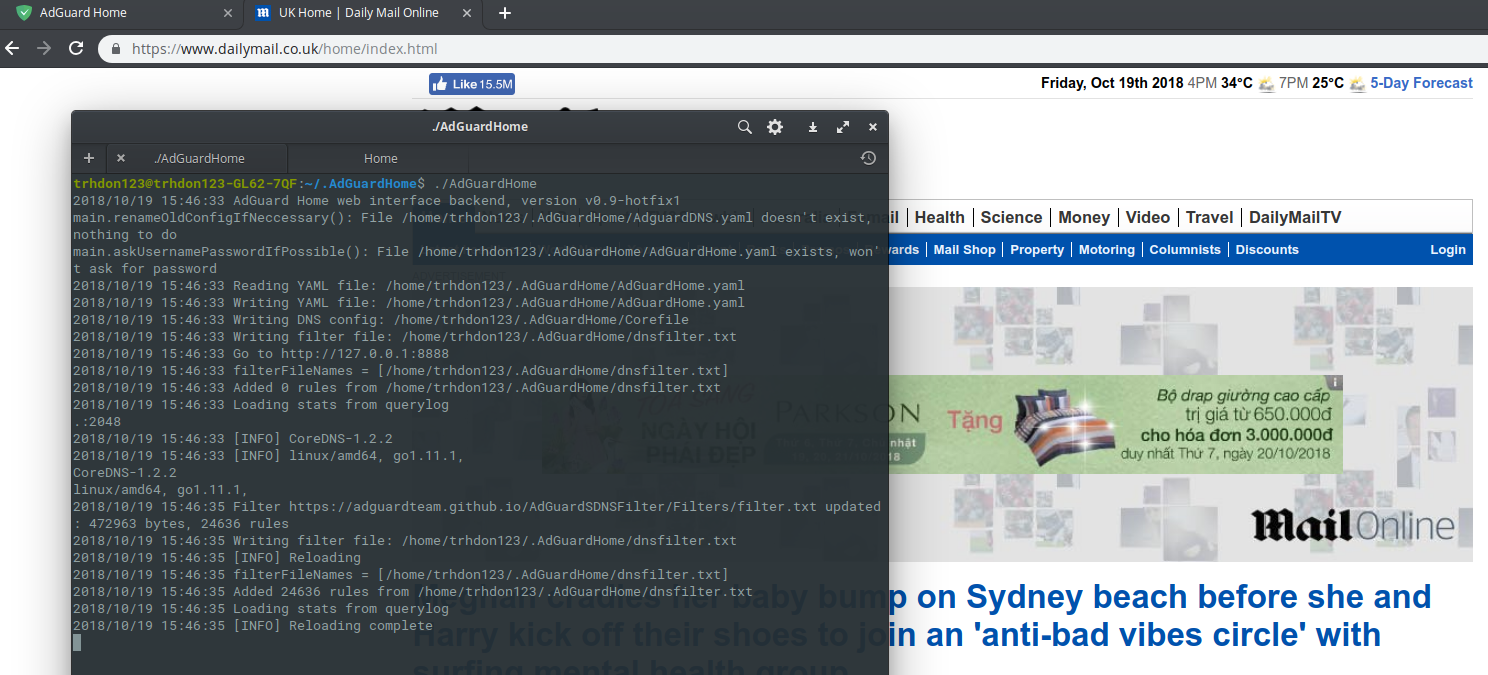
doesn't worked.
hngdtrng123
on 19 Oct 2018
I just realized that we're troubleshooting it wrong way:)
First of all, please open a terminal/cmd and run this command:
nslookup ad.doubleclick.net AG_HOME_IP_ADDRESS
You should see something like this:
$ nslookup ad.doubleclick.net 192.168.7.2
Server:     192.168.7.2
Address:    192.168.7.2#53

** server can't find ad.doubleclick.net: NXDOMAIN
I got this
nslookup: couldn't get address for 'AG_HOME_IP_ADDRESS': failure
hngdtrng123
on 19 Oct 2018
You need to replace AG_HOME_IP_ADDRESS with the real IP address you used for configuring the DNS settings
ameshkov
on 19 Oct 2018
Server: 192.168.xx.yy
Address:    192.168.xx.yy#53

Non-authoritative answer:
ad.doubleclick.net  canonical name = dart.l.doubleclick.net.
Name:   dart.l.doubleclick.net
Address: 172.217.31.230
I noticed the number 53. I set mine as 2048. Should that be considerable?
hngdtrng123
on 19 Oct 2018
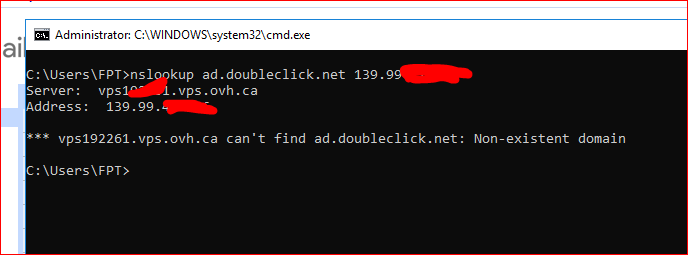
then sth went wrong with your dns server, the result should looks like this
dfmcvn
on 19 Oct 2018
I noticed the number 53. I set mine as 2048. Should that be considerable?
Oh, 53 is the default DNS port, you should leave it as is.
dfmcvn
on 19 Oct 2018
I noticed the number 53. I set mine as 2048. Should that be considerable?
Oh, 53 is default DNS port, you should leave it as is.
Hmm I read the install instructions that I could change the port after first launch to be able to launch AGH without root permission. Don't remember if things worked in first launch. Lemme change it back.
hngdtrng123
on 19 Oct 2018
Interesting I couldn't launch AGH with port 53 anymore. I've done it successfully since release 0.9.
Console says port 53 is being used [properly by system dns process]. Even the use of sudo doesn't help.
hngdtrng123
on 19 Oct 2018
Does the command netstat -ntlup | grep 53 show up anythin?
dfmcvn
on 19 Oct 2018
tcp        0      0 127.0.0.53:53           0.0.0.0:*               LISTEN      878/systemd-resolve
udp    46848      0 127.0.0.53:53           0.0.0.0:*                           878/systemd-resolve
udp    46080      0 0.0.0.0:5353            0.0.0.0:*                           882/avahi-daemon: r
udp6   17920      0 :::5353                 :::*                                882/avahi-daemon: r
Assuming you are root user, if not, add sudo before every commands
pkill systemd-resolved
systemctl stop systemd-resolved
systemctl disable systemd-resolved
then
pkill AdGuardHome
pkill coredns
./AdGuardHome
Finally it works. Thanks a lot @dfmcvn
hngdtrng123
on 19 Oct 2018
I think you can close this issue now @ameshkov :3
Chúc bác một ngày vui vẻ @trhdon123 :D
dfmcvn
on 19 Oct 2018
@dfmcvn thank you so much!
ameshkov
on 19 Oct 2018
Related issues
 shapiro125
·
26Comments
shapiro125
·
26Comments
 DandelionSprout
·
51Comments
DandelionSprout
·
51Comments
 Mosney
·
35Comments
Mosney
·
35Comments
 bestpika
·
48Comments
bestpika
·
48Comments
 fonix232
·
29Comments
fonix232
·
29Comments
Most helpful comment
Finally it works. Thanks a lot @dfmcvn