Adguardfilters: Google Play: com.soundcloud.android
Issue URL (Incorrect Blocking)
https://play.google.com/store/apps/details?id=com.soundcloud.android
Comment
Username: @debmaj2
Screenshots
Screenshot 1

Screenshot 2

System configuration
Information | value
--- | ---
Platform: | Android 10
AdGuard product: | AdGuard for Android v3.4 (120)
AdGuard mode: | VPN
Filtering quality: | High-quality
HTTPS filtering: | enabled
DNS requests blocking: | enabled
Filters: | Ad Blocking:
AdGuard Mobile Ads,
AdGuard Base
Privacy:
AdGuard Tracking Protection
Social Widgets:
AdGuard Social Media
Annoyances:
AdGuard Annoyances
Custom filter subscriptions: |
 adguard-bot
All 16 comments
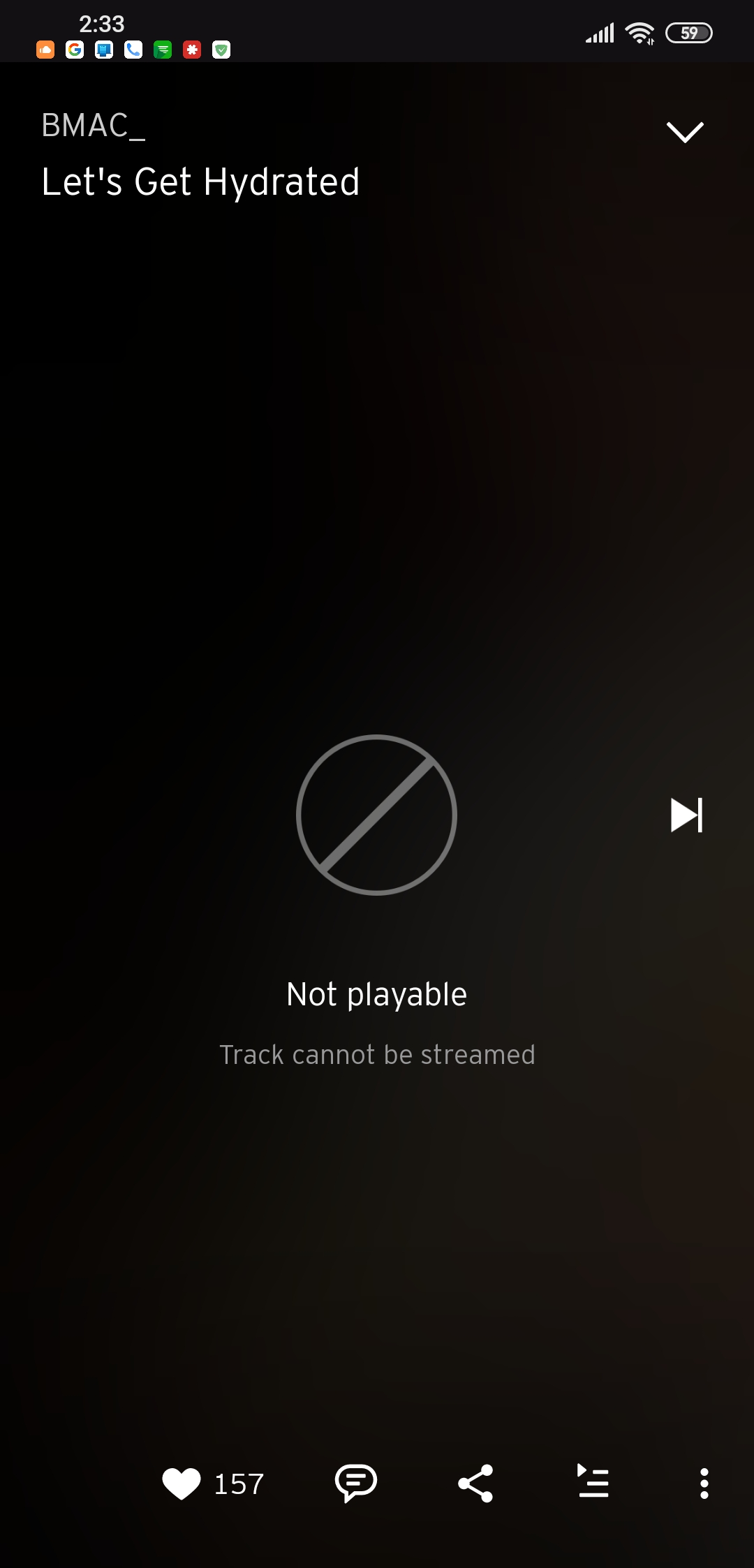
 debmaj2
on 22 Jul 2020
debmaj2
on 22 Jul 2020
@debmaj2 Hi. Could you please check with:
DNS requests blocking- disabled;- filters - disabled(protection - enabled).
 Alex-302
on 23 Jul 2020
Alex-302
on 23 Jul 2020
Works fine on disabling DNS Filtering.
debmaj2
on 23 Jul 2020
Ok. Not please check:
- DNS filtering enabled, DNS filter enabled, DNS - any but not AdGuard.
Alex-302
on 27 Jul 2020
DNS Filtering + DNS Filter Enabled - Problem Happens.
DNS Filtering Enabled + DNS Filter Disabled - No Problem.
debmaj2
on 4 Aug 2020
Great.
Please setup DNS filtering enabled, DNS filter enabled, DNS - any but not AdGuard, open and clear filtering log, and reproduce an issue after that. Then open filtering log and make screenshots of blocked requests or copy blocked domains.
Also you can try to unblock them one by one to find bad rule.
Alex-302
on 6 Aug 2020
@debmaj2 Hi. Any news?
Alex-302
on 11 Aug 2020
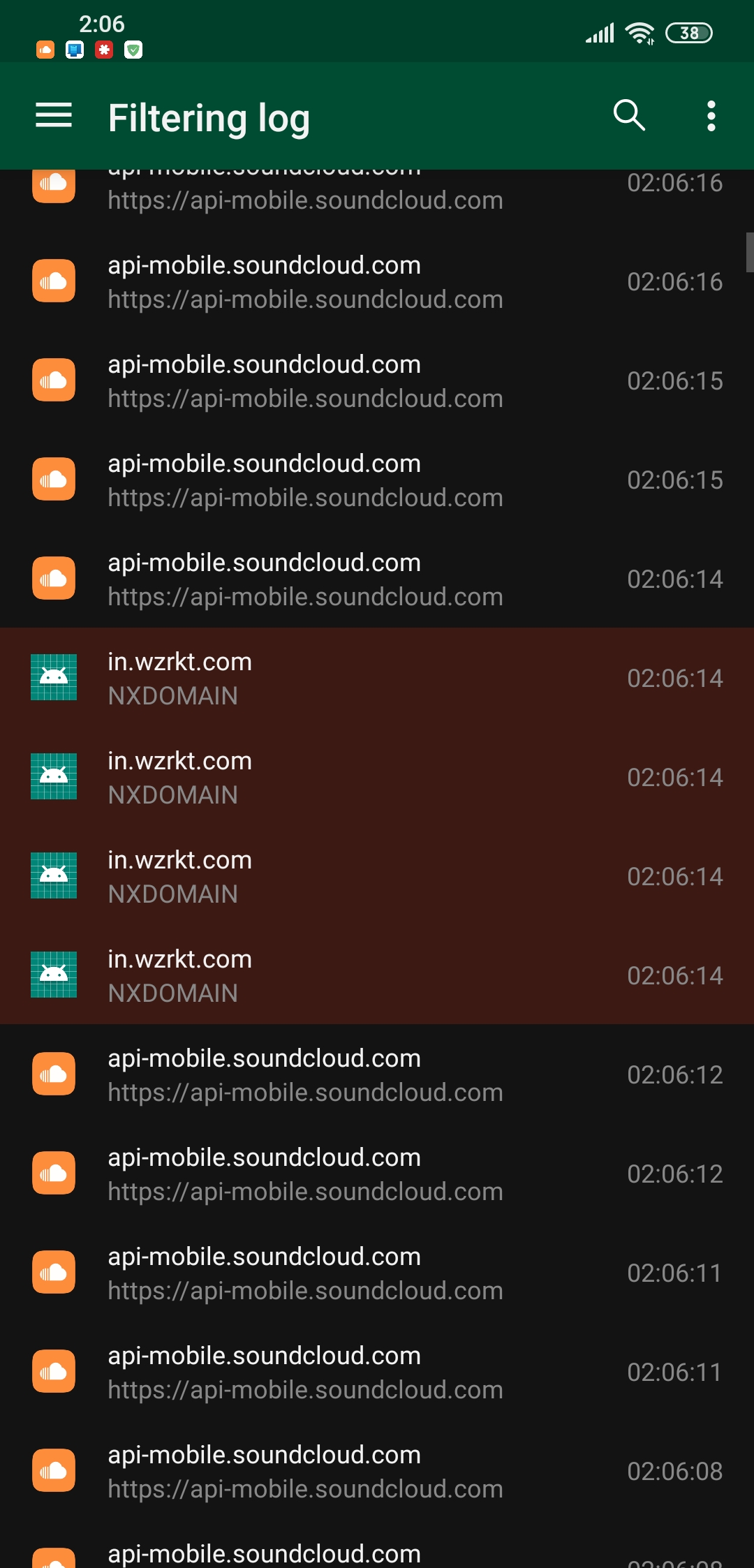 debmaj2
on 11 Aug 2020
debmaj2
on 11 Aug 2020
Screenshot:
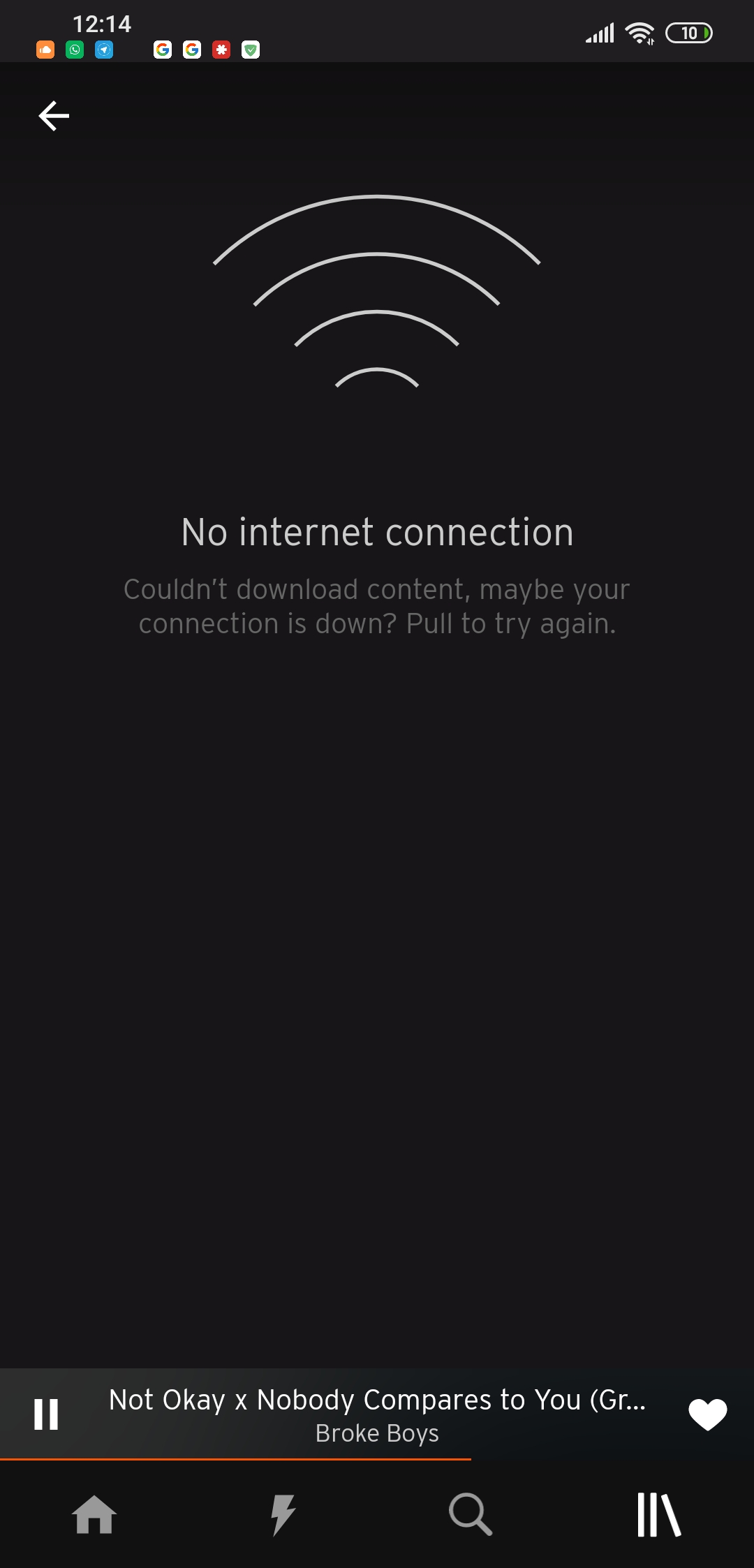
Profile Screen with AdGuard "On"
Screenshot:
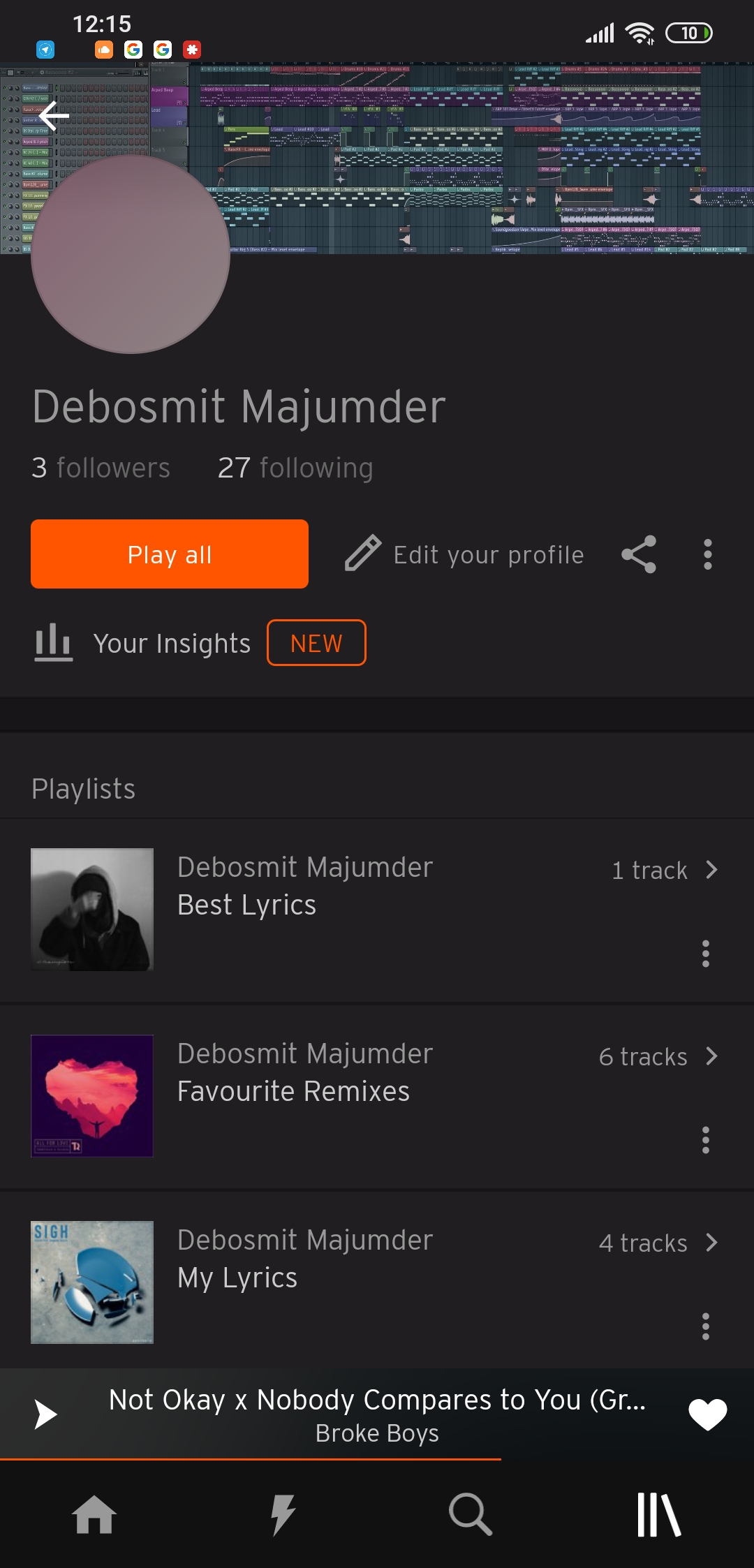
Profile Screen with AdGuard "Off"
debmaj2
on 12 Aug 2020
@debmaj2
Got it. Could you please try to unblock blocked domains and check again?(tap=>unblock)
Alex-302
on 18 Aug 2020
@Alex-302 the domain which is blocked is a malicious tracker often leading to unpermissive data hoarding like the Cambridge Analytica and rightly blocked. Just put the domain in a search and you will see numerous articles are raising concerns against the analytics company and their data collection practices.
debmaj2
on 18 Aug 2020
So the app is not broken by blocked domains?
Please check AdGuard DNS without blocking
176.103.130.136
176.103.130.137
Alex-302
on 18 Aug 2020
Reverting back to System DNS does not cause any issue. Issue is with Adguard DNS.
debmaj2
on 23 Aug 2020
I mean not revert. Please check with this server
176.103.130.136
176.103.130.137
Alex-302
on 27 Aug 2020
Should I add them as DNS in add Custom DNS option in Adguard App or in Phone Settings DNS field?
debmaj2
on 28 Aug 2020
In AdGuard app.
Alex-302
on 1 Sep 2020
Related issues
adguard-bot
·
3Comments
adguard-bot
·
3Comments
adguard-bot
·
3Comments
adguard-bot
·
3Comments
adguard-bot
·
3Comments
Most helpful comment
DNS Filtering + DNS Filter Enabled - Problem Happens.
DNS Filtering Enabled + DNS Filter Disabled - No Problem.