Adaway: Missing Storage permission for local Hosts source files
Describe the bug
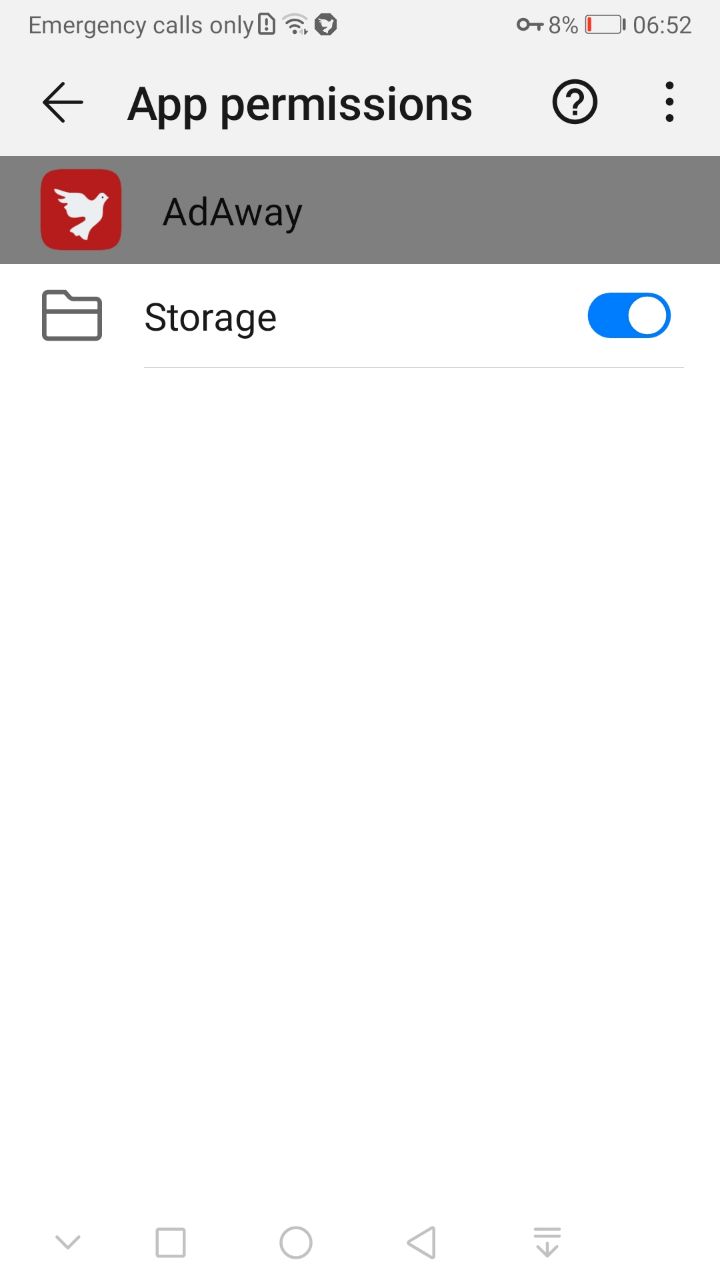
In v5.0.3 Storage Permission was supported:
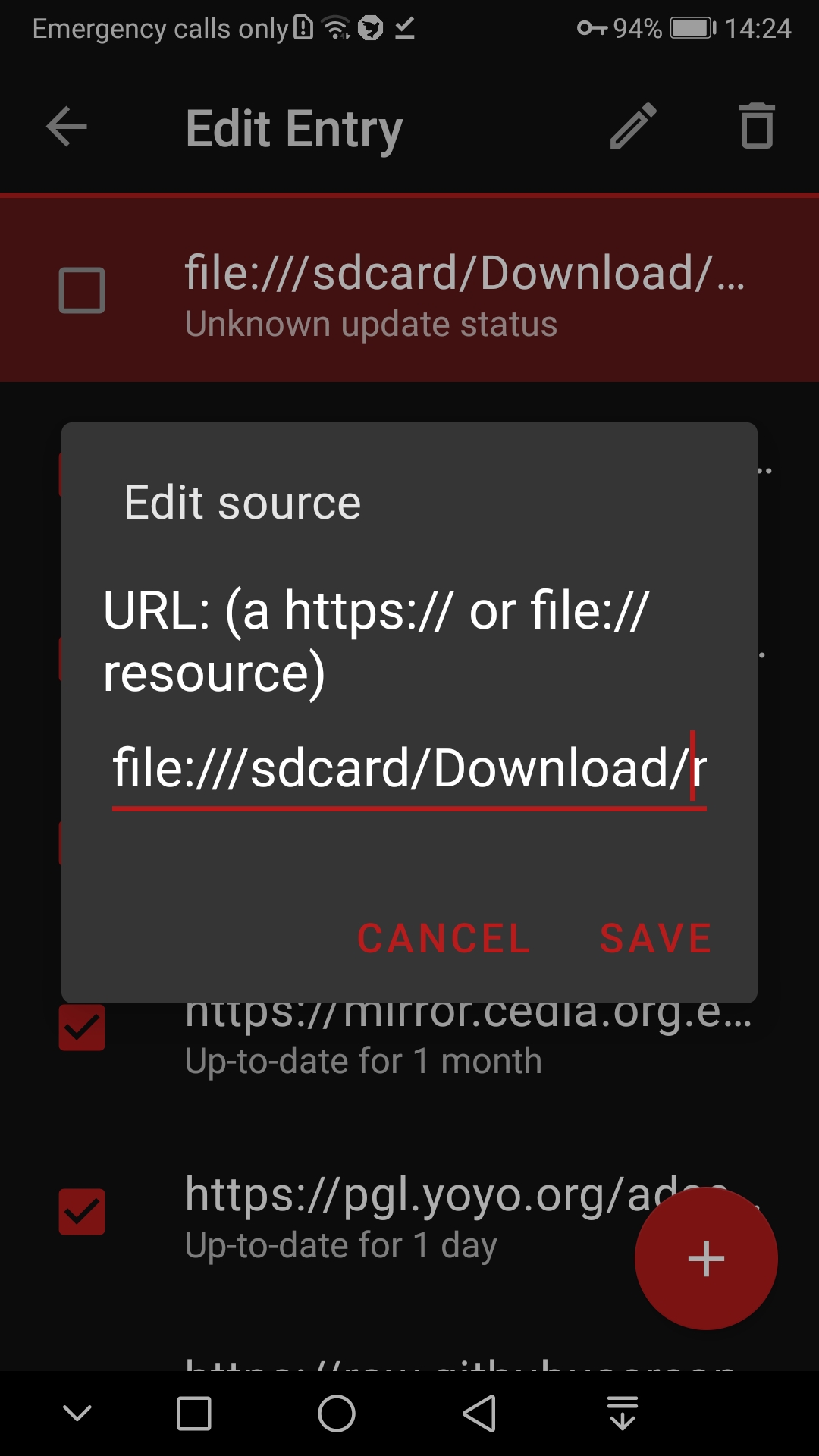
With that, user was able to add his local hosts source file from Internal memory, e.g. /Download/mysource.txt to the Hosts sources list as file:///sdcard/Download/mysource.txt:
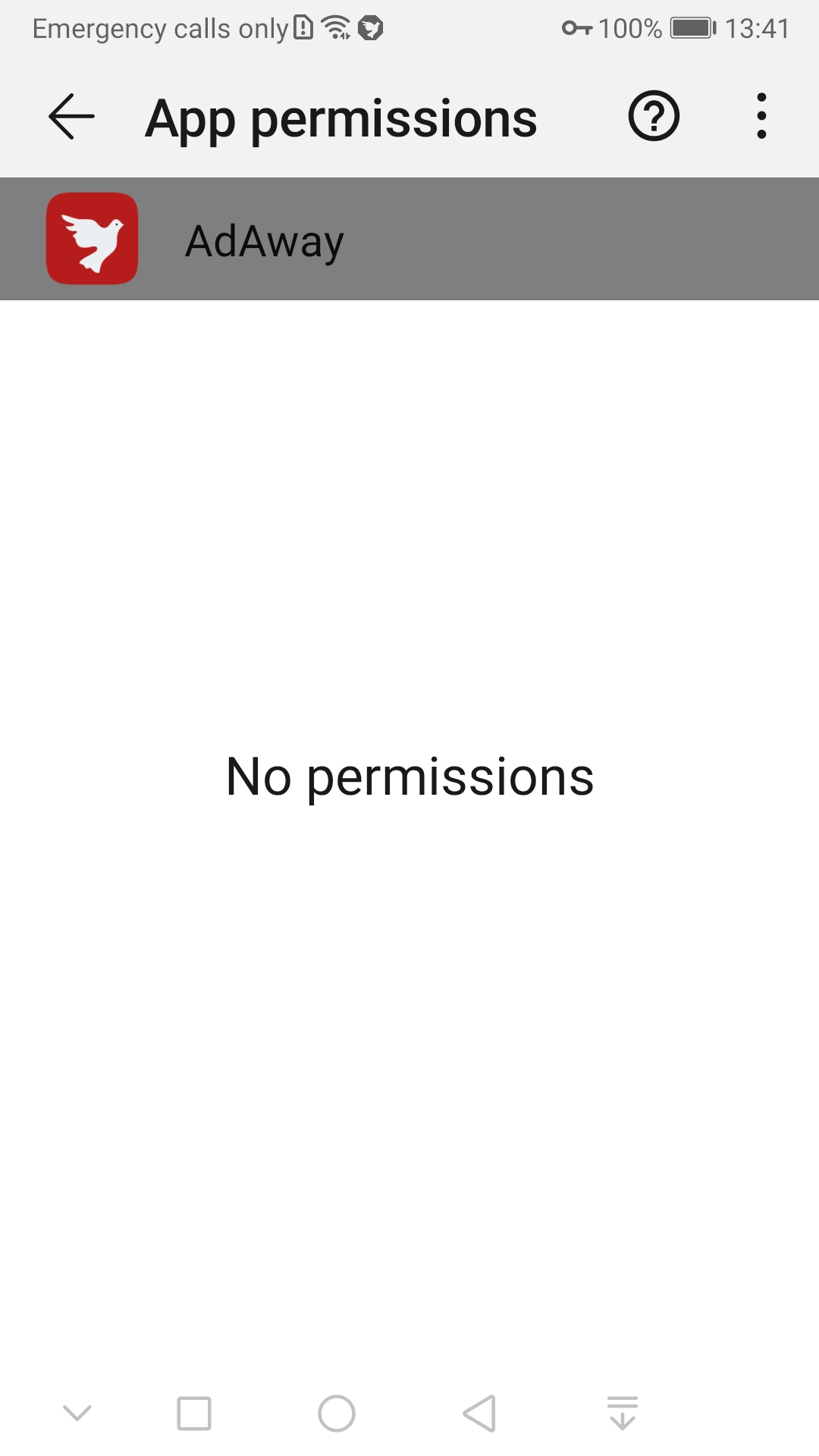
However, in v5.0.5, Storage permission is removed:
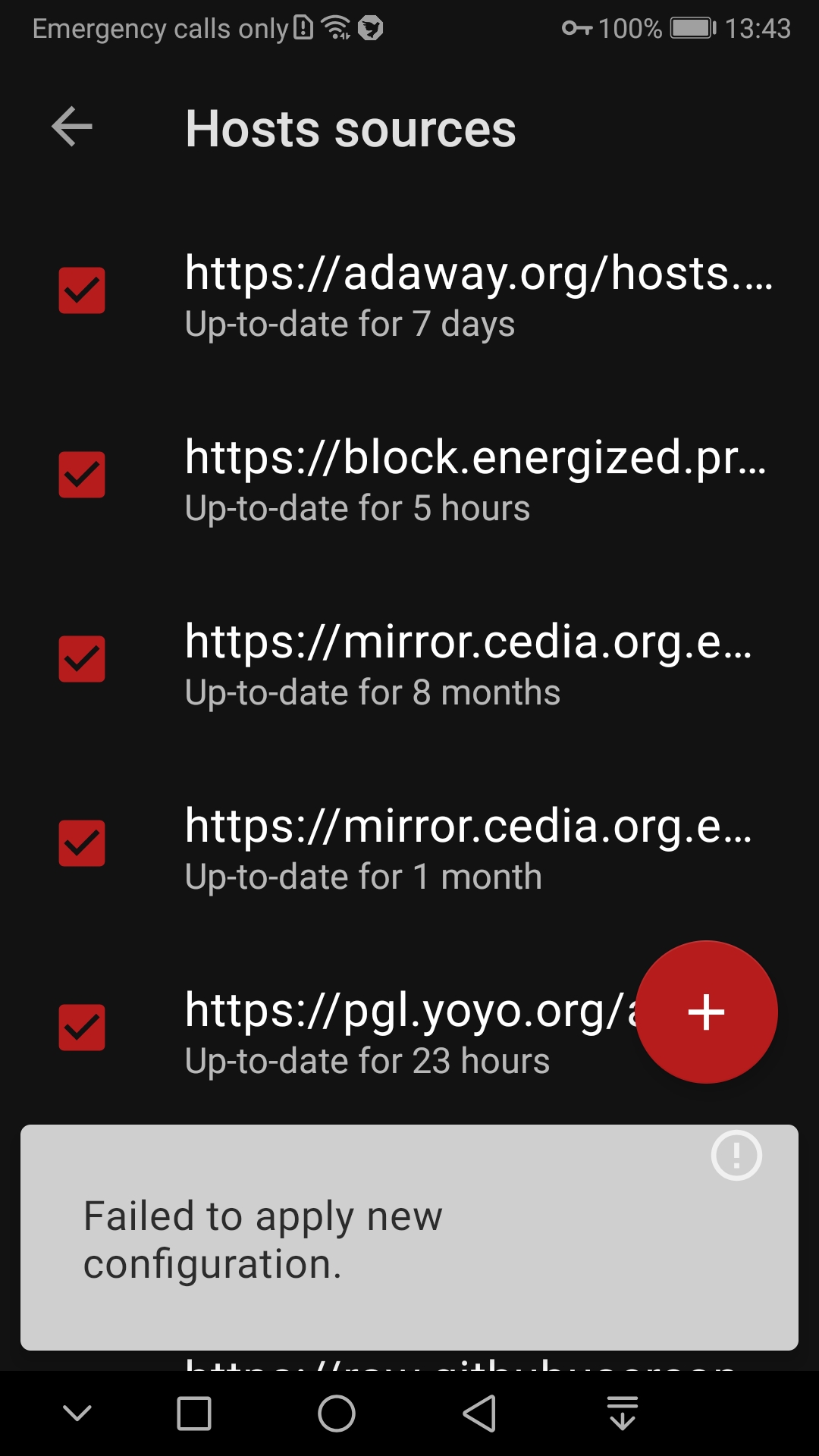
and if you add your local file to the List, it fails to Apply the new configuration:
Expected behavior
User should be able to add his local hosts source file to the List.
Popup says that file:// URL type is supported
Device
- AdAway version: v5.0.5
- Xiaomi Mi 9T, Huawei Mate 9
- Android version: 9, 10
- Magisk Canary, VPN
 zgfg
zgfg
All 10 comments
Hi @zgfg !
I just read the XDA thread... I will need to have a deeper look about the whole storage documentation to find a way to fix it.
May be it's time to improve the UI to select host file and create a dedicated folder for the app on external storage.
I will try to avoid to ask for the whole storage read permission if I can.
Thanks for the issue anyway! 😉
 PerfectSlayer
on 16 Jul 2020
PerfectSlayer
on 16 Jul 2020
Hi @zgfg !
I just read the XDA thread... I will need to have a deeper look about the whole storage documentation to find a way to fix it.
May be it's time to improve the UI to select host file and create a dedicated folder for the app on external storage.
I will try to avoid to ask for the whole storage read permission if I can.Thanks for the issue anyway!
You can check how DNS66 does - it takes Storage permission but uses contemt:// type.
Then user can navigate with file explorer to the file.
But in XDA I have commented an issue with that approach:
I have stock Files and MiXPlorer.
DNS66 gives me an option to select file explorer, if I take MiXPlorer, DNS66 would not be able to open its URL (URL is different than if I navigate to the sane file with stock Files and it seems that DNS66 uses stock Files as a content provider)
zgfg
on 17 Jul 2020
Hum.. Will try an implementation based on SAF as it's the recommended way to do it.
_Note for myself:_ Here is how to persist the permission. Need to find when call it (I guess in the onActivityResult).
PerfectSlayer
on 17 Jul 2020
I started to rewrote the UI to add and edit source. No more long press action the source list. A simple click will open the UI.
It looks like this for now:
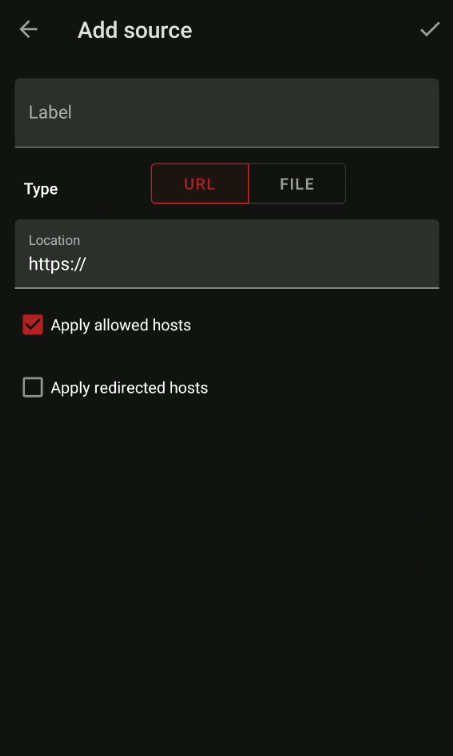
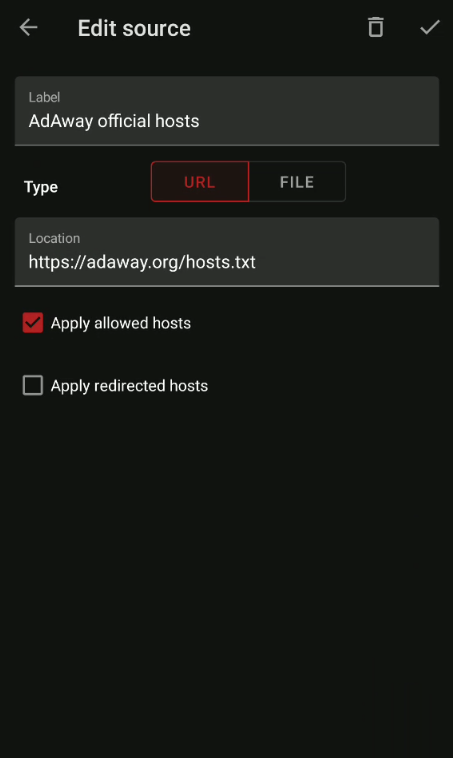
The source list will also receive an update to display label and entry size.
PerfectSlayer
on 19 Jul 2020
Nice, thanks, pls post also screenstot for File when ready
zgfg
on 19 Jul 2020
Nothing fancy here:
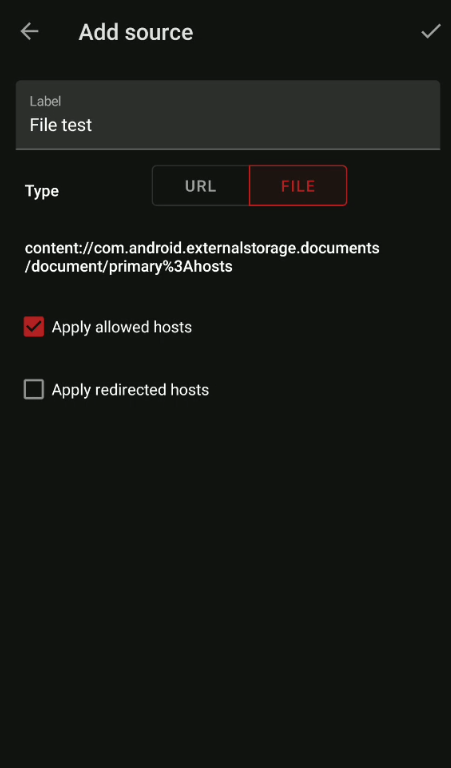
Typing the "File" button or the content URL open the document picker to select a custom host file from any Document provider (maybe it could work with GDrive 😏 )
PerfectSlayer
on 20 Jul 2020
Please test how the content provider works if you have more than one File manager (e.g., stock Files and MiXYPlorer)
Then try to navigate to the file by one or another File manager and check if upon reboot, AdAway still correctly reads the local hosts file
zgfg
on 22 Jul 2020
Don't worry @zgfg You can test it as soon as it gets ready 😉
I setup automatic builds on github commit so you can grab an apk and test it when you want.
(sadly not right now as I'm waiting for the weekly GitHub update to get the latest Android build tool version to fix the build...)
PerfectSlayer
on 23 Jul 2020
A WIP screenshot of the new source screen
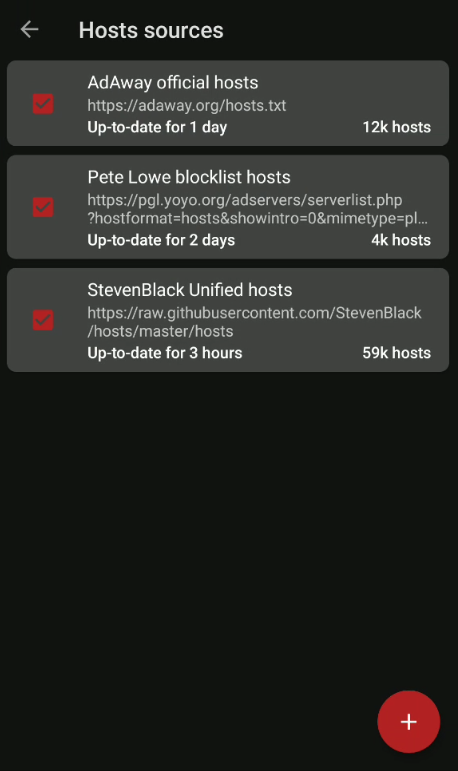
Sources now have a title (easier to understand who's who) and URL is display on two lines to read them easily.
I am not really satisfied with the whole result but it's a WIP after all...
EDIT: I now display the number of hosts the sources have.
PerfectSlayer
on 1 Aug 2020
The features is now complete and merge to master branch.
It will be shipped in the next beta.
And good news, it also works fine with other content providers like Google drive. So you can store, backup and share some hosts file in gdrive and use them in AdAway 👍
PerfectSlayer
on 13 Aug 2020
Related issues
 kabo
·
3Comments
kabo
·
3Comments
 thany
·
12Comments
thany
·
12Comments
 ipdev99
·
3Comments
ipdev99
·
3Comments
 xxlsm
·
12Comments
xxlsm
·
12Comments
 pvlb
·
6Comments
pvlb
·
6Comments
Most helpful comment
I started to rewrote the UI to add and edit source. No more long press action the source list. A simple click will open the UI.
It looks like this for now:
The source list will also receive an update to display label and entry size.