Abp: Angular template - modal backdrop is being cut if modal height is higher than 100%
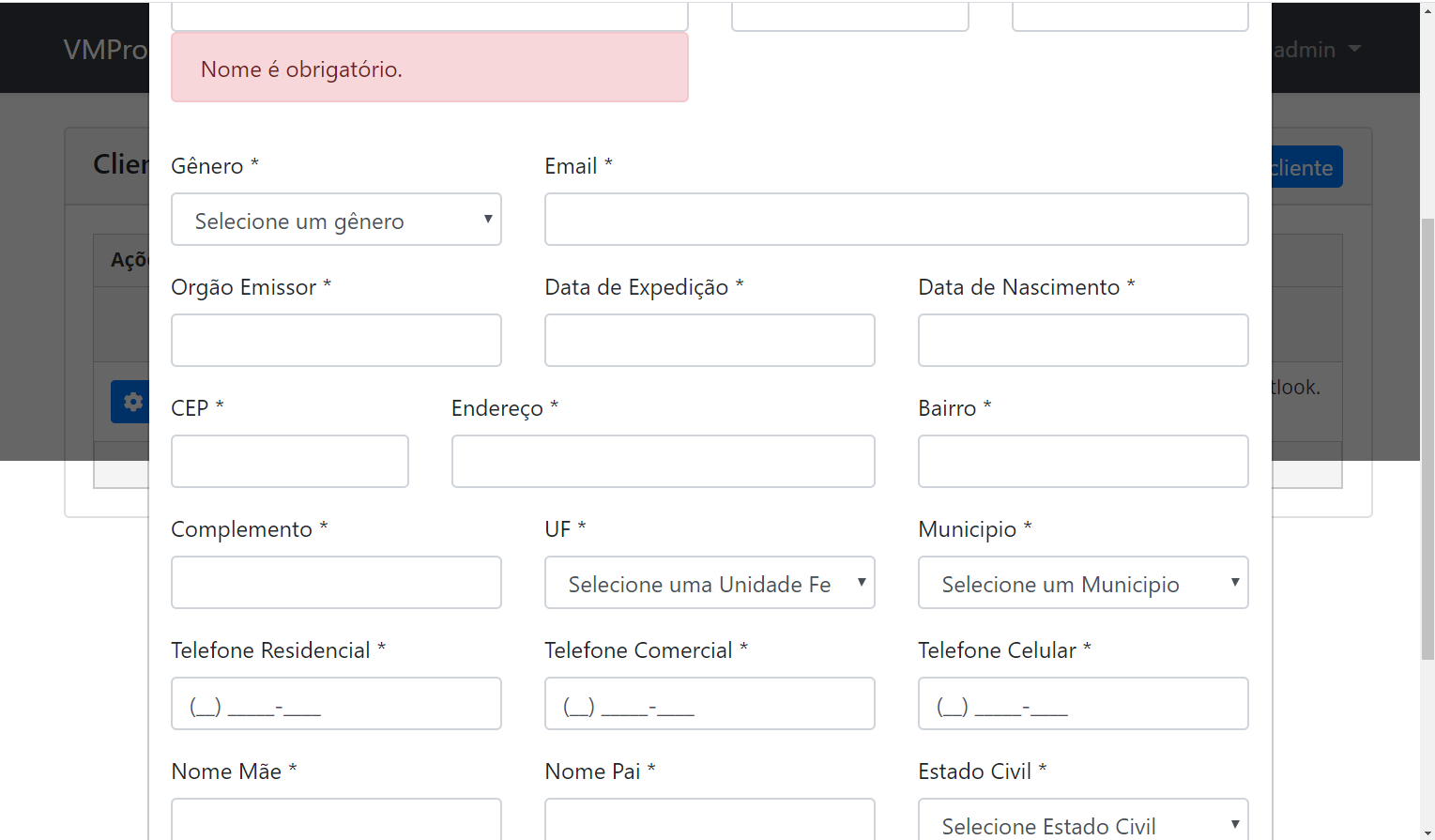
When form is too large modal backdrop is being cut, it's max height is 100%
Tried to make a PR to fix this issue changing scss like so
.modal-backdrop {
    position: fixed;
    top: 0;
    right: 0;
    bottom: 0;
    left: 0;
    z-index: 1040;
    background-color: #000;
    opacity: 0.6;
}
But then scrolling on backdrop does not work. I'll leave it to you
 thiag0coelho
All 4 comments
Hi @thiag0coelho
I haven't seen any problem.
Which version of @abp/ng.theme.shared is installed in your application?
The current version is 1.1.1 and .modal-backdrop styles like this:
.modal-backdrop {
  position: fixed;
  top: 0;
  left: 0;
  width: calc(100% - 7px);
  height: 100%;
  background-color: rgba(0, 0, 0, 0.6);
  z-index: 1040;
}
 mehmet-erim
on 31 Dec 2019
mehmet-erim
on 31 Dec 2019
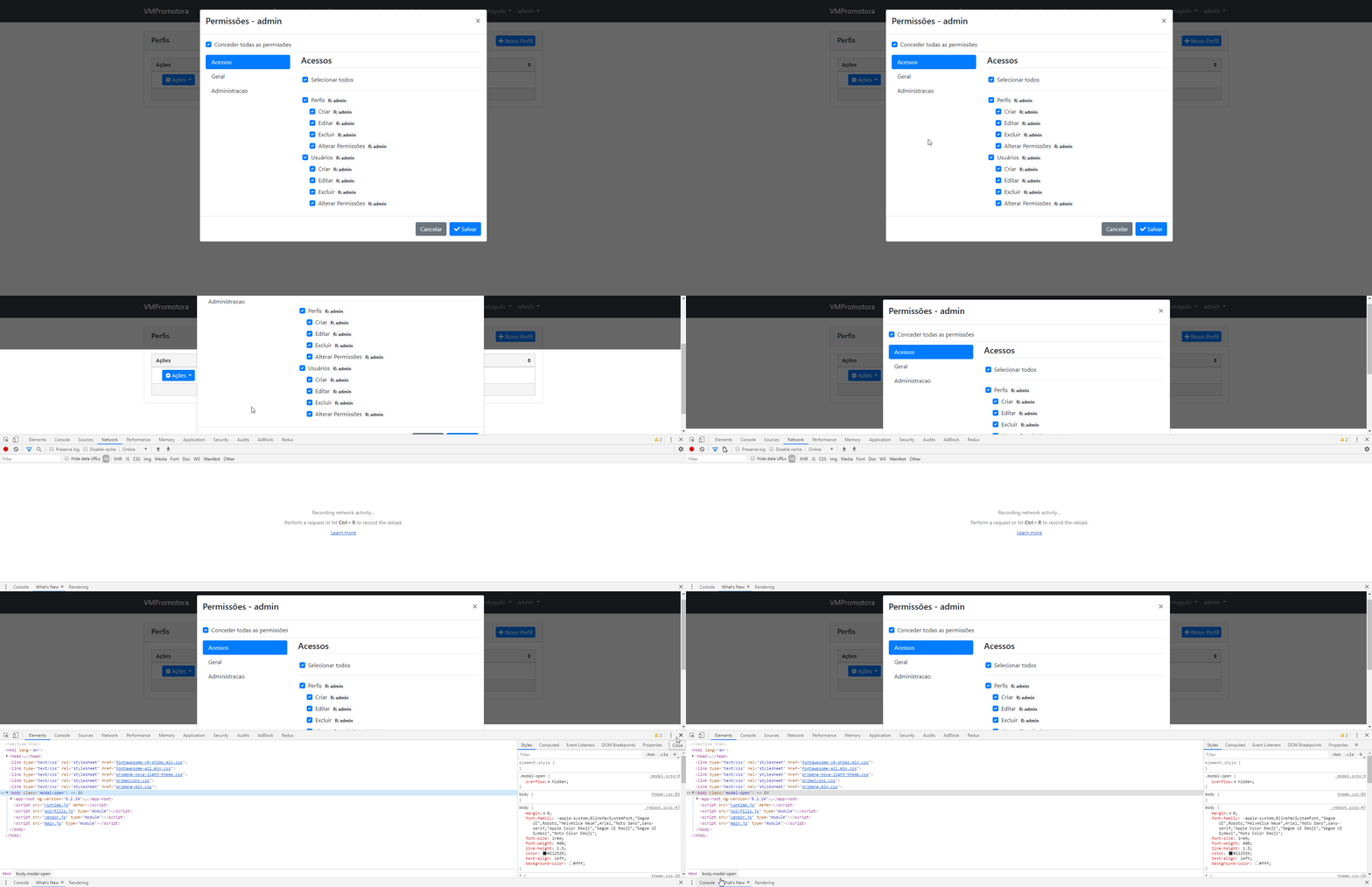
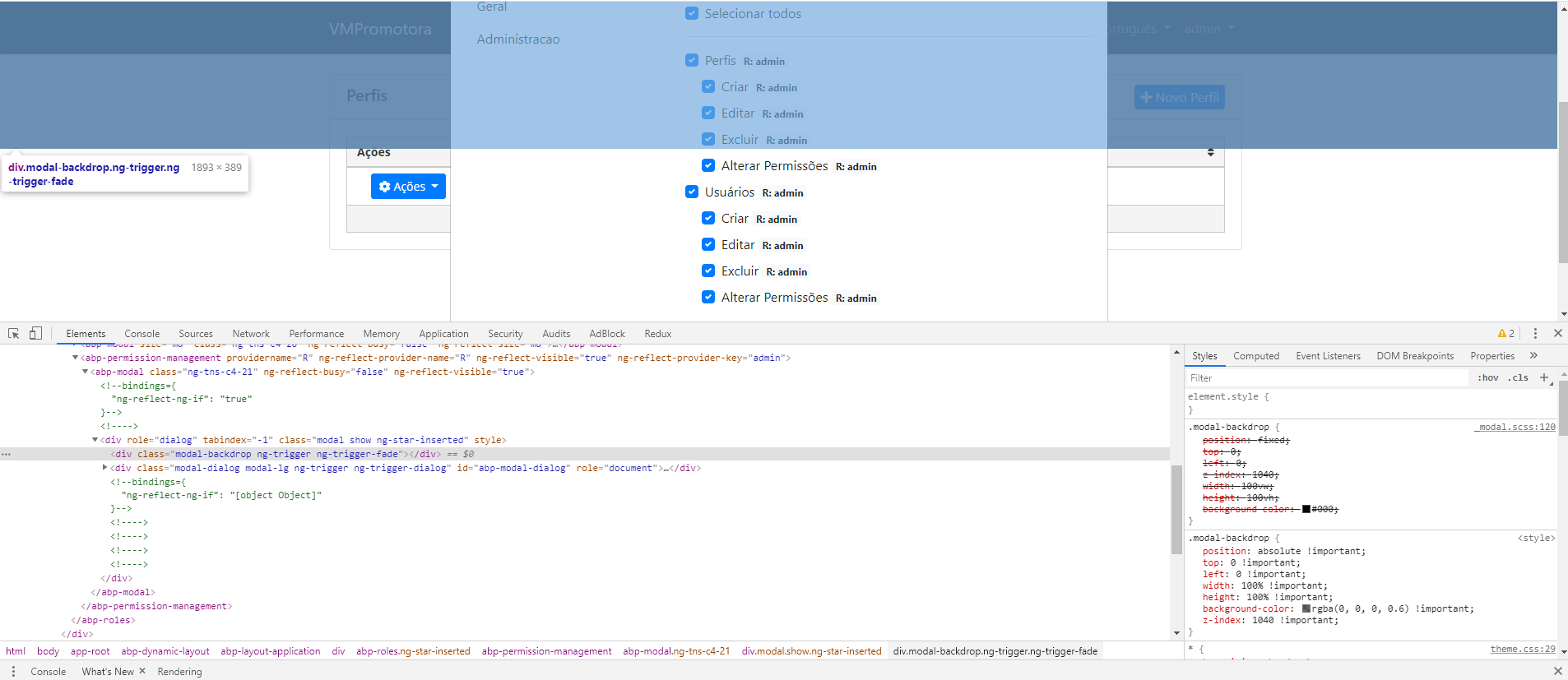
Currently using 1.1.1. Uploaded a gif to help reproduce the issue. You have to decrease the screen size enough until the scroll appears..
Hope that helps
thiag0coelho
on 2 Jan 2020
We tried reproducing the problem, it is working fine in the latest version. You can remove node_modules folder and yarn.lock file and re-install packages to get the latest version.
Also did some changes, it will be available in next version: 4b5c6a28b75d2ceb88888ee49f33c5b22ac47700
 thediaval
on 2 Jan 2020
thediaval
on 2 Jan 2020
That worked. Thanks!
thiag0coelho
on 2 Jan 2020
Related issues
 hikalkan
·
3Comments
hikalkan
·
3Comments
hikalkan
·
3Comments
hikalkan
·
3Comments
hikalkan
·
3Comments
hikalkan
·
3Comments
 leonkosak
·
3Comments
leonkosak
·
3Comments
 zsanhong
·
3Comments
zsanhong
·
3Comments
Most helpful comment
We tried reproducing the problem, it is working fine in the latest version. You can remove
node_modulesfolder andyarn.lockfile and re-install packages to get the latest version.Also did some changes, it will be available in next version: 4b5c6a28b75d2ceb88888ee49f33c5b22ac47700